How to enable highlight sections in Mini Sudoku in LinkedIn
Here is how to enable highlight sections in mini sudoku in linkedin
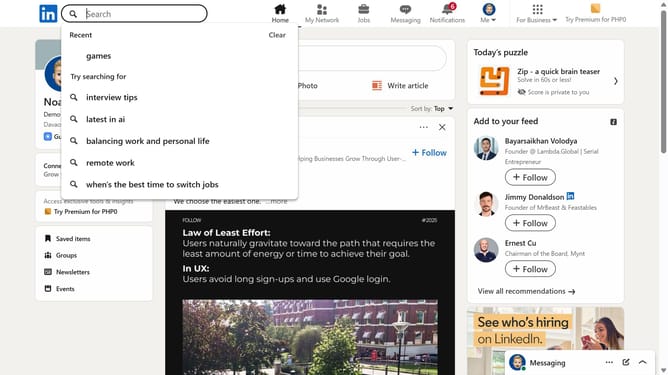
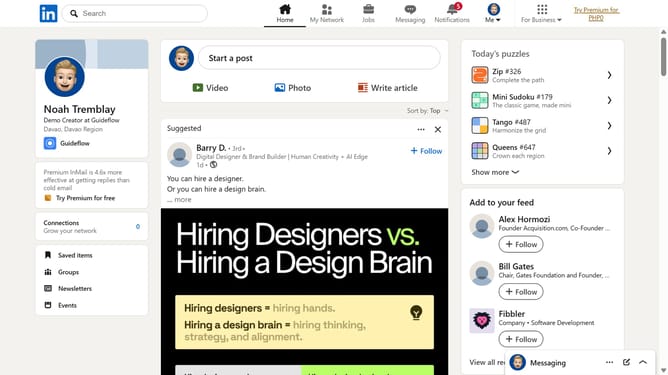
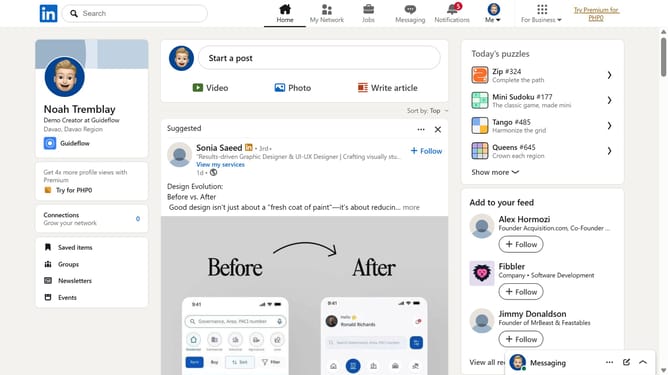
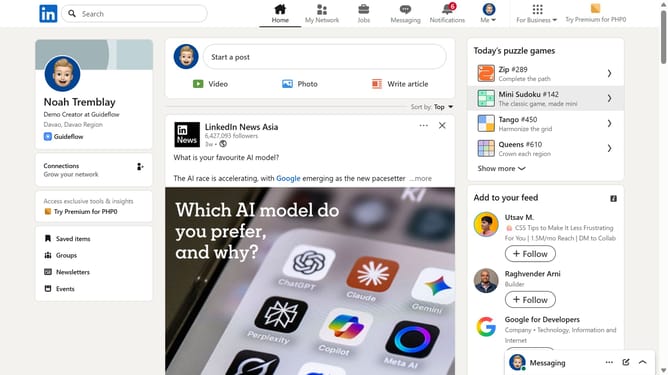
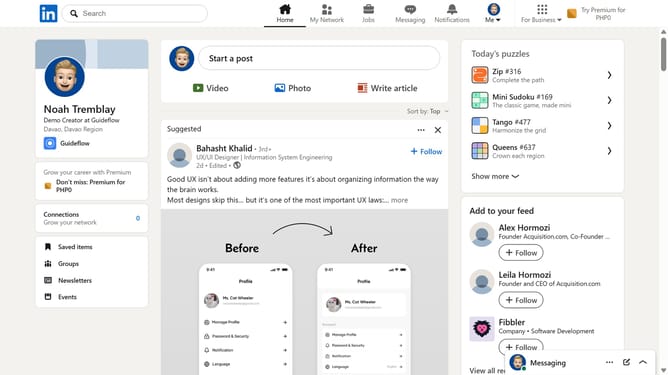
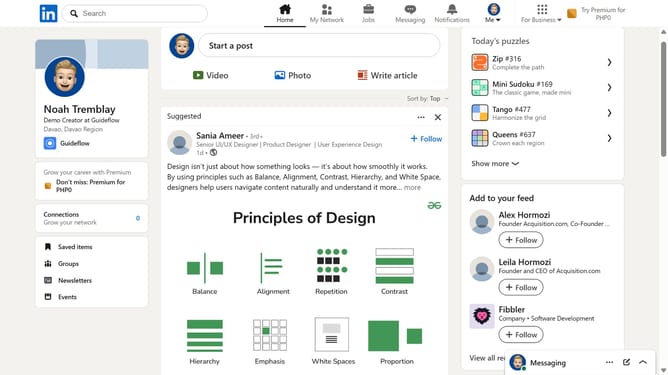
- First click on the "Mini Sudoku" game card in the right sidebar under "Today's puzzle games" section
- Then click on the "Settings" dropdown button in the top right corner of the game interface
- Finally turn on the "Highlight sections" toggle option in the settings menu
Why should you enable highlight sections in Mini Sudoku in LinkedIn
LinkedIn is a powerful professional networking platform designed to enhance career growth and connections worldwide.
The Mini Sudoku feature on LinkedIn offers a unique way to customize and highlight sections of your profile, allowing you to emphasize key skills and experiences effortlessly. This capability ensures that potential employers or collaborators quickly grasp your strengths and standout achievements.
Enabling highlight sections in Mini Sudoku enriches your profile by strategically accentuating important details, making your professional journey more visually appealing and accessible. This feature empowers you to showcase your accomplishments in a compelling manner.
Last update