How to turn off highlight sections in Mini Sudoku in LinkedIn
Here is how to turn off highlight sections in mini sudoku in linkedin
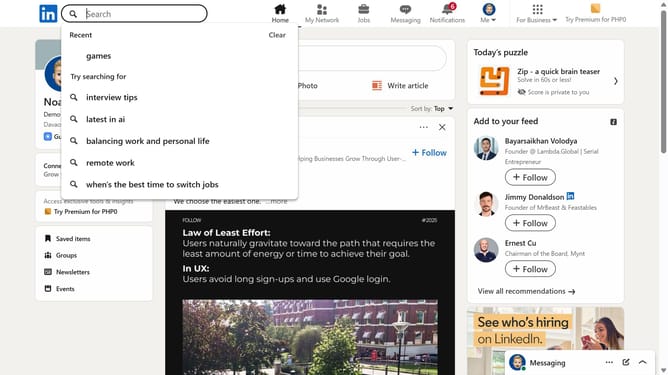
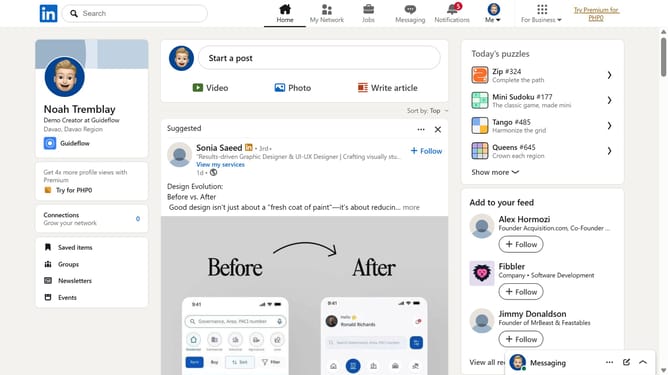
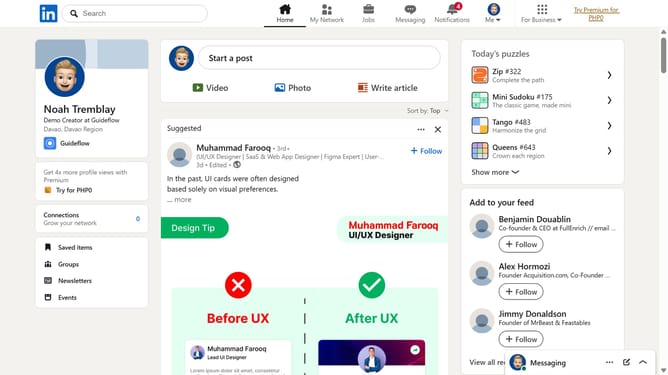
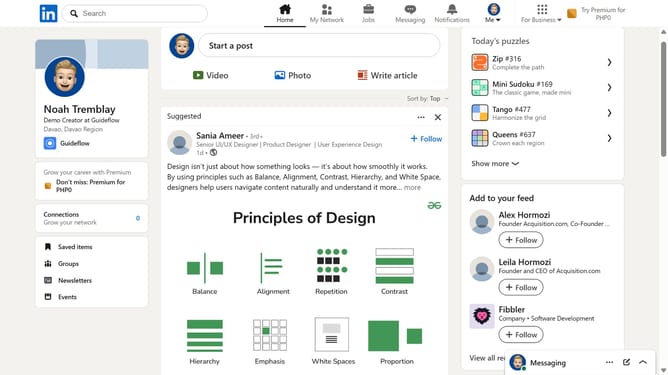
- First click on the "Mini Sudoku" game card in the right sidebar under the "Today's puzzle games" section
- Then click on the "Settings" dropdown button in the top right corner of the game interface
- Finally turn off the "Highlight sections" toggle option in the settings menu
Why should you turn off highlight sections in Mini Sudoku in LinkedIn
LinkedIn is the premier platform designed to connect professionals and foster networking opportunities around the globe.
In the Mini Sudoku feature on LinkedIn, the option to turn off highlight sections can enhance user concentration by minimizing distractions. This feature encourages users to engage more deeply with the game, allowing for better focus and strategic thinking.
Utilizing this option can lead to an improved gaming experience, as it optimizes the environment for those who prefer a clean interface. Overall, this customization offers a personalized touch, enhancing both enjoyment and productivity within LinkedIn's unique features.
Last update