How to view all available games on LinkedIn
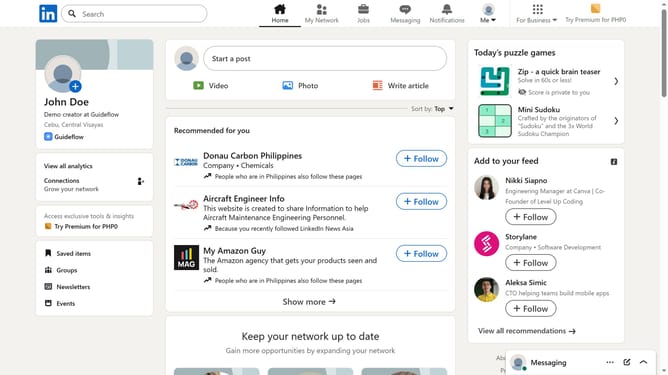
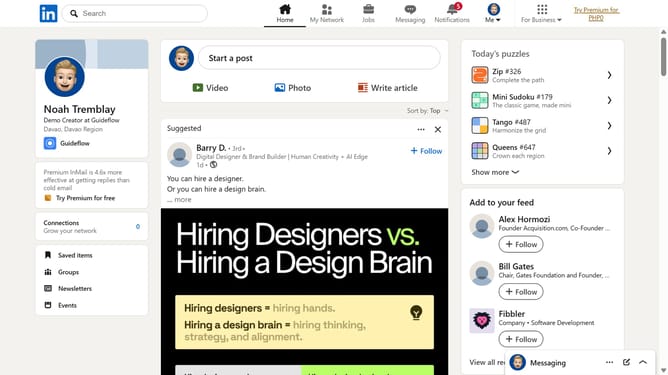
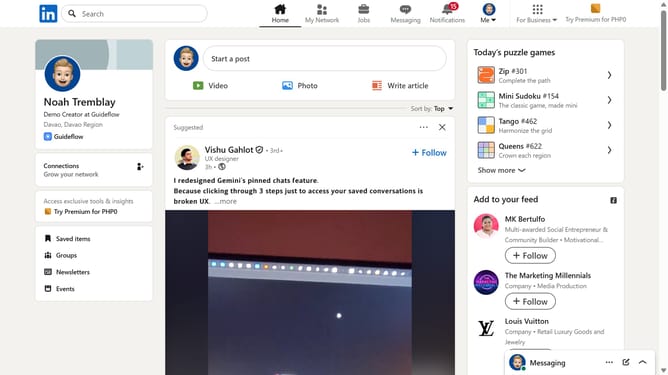
Here is how to view all available games on linkedin
- First click on the "Search" bar at the top of the LinkedIn homepage
- Then type "games" into the search field
- Next click on "See all results" from the search suggestions or results page
- Then click on the "LinkedIn daily puzzle games" card from the results list
- Finally view all available LinkedIn games and click the game you want to play
Why should you view all available games on LinkedIn
LinkedIn is a powerful professional networking platform that connects people to career opportunities, insights, and discussions.
Viewing all available games on LinkedIn enhances user experience by offering a unique blend of professional development and entertainment. This feature caters to those who seek to engage with gamified content while pursuing professional growth.
It encourages users to explore dynamic content that fosters learning through enjoyable and interactive mechanisms, ultimately enriching their overall LinkedIn experience.
Last update