How to delete your resume in LinkedIn
Here is how to delete your resume in linkedin
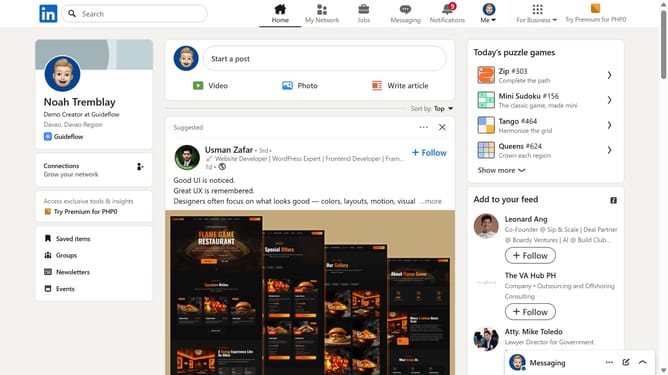
- First click on the "Me" dropdown menu in the top navigation bar
- Then click on "Settings & Privacy" in the dropdown menu
- Next click on "Data privacy" in the left sidebar menu
- Then click on "Job application settings" under the Job seeking preferences section
- Next click on the three dots menu button next to the resume file
- Finally click on the "Delete" option in the dropdown menu
Why should you delete your resume in LinkedIn
LinkedIn serves as a powerful platform to connect professionals worldwide, fostering networking and career growth.
Deleting your resume on LinkedIn is a straightforward feature that empowers users to maintain control over their professional presence.
This feature is particularly beneficial if you want to update outdated information or ensure that your most recent achievements and skills are highlighted.
By removing an old resume, you can efficiently manage your profile content, ensuring it reflects your current career aspirations and accomplishments.
Last update