How to play Queens on LinkedIn
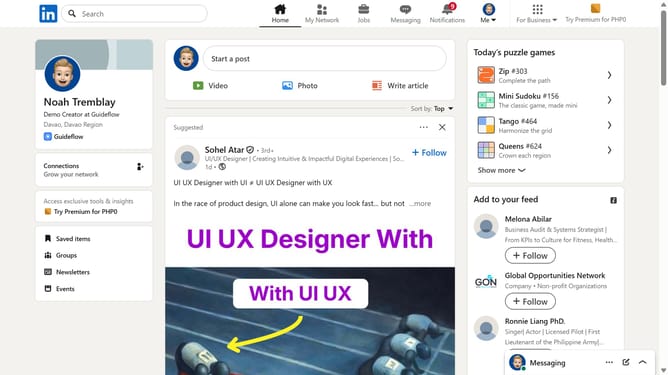
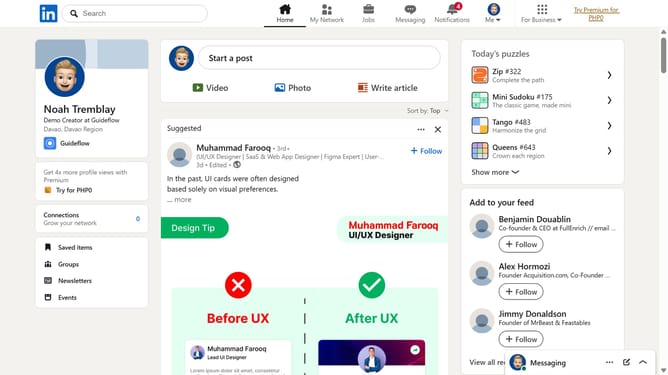
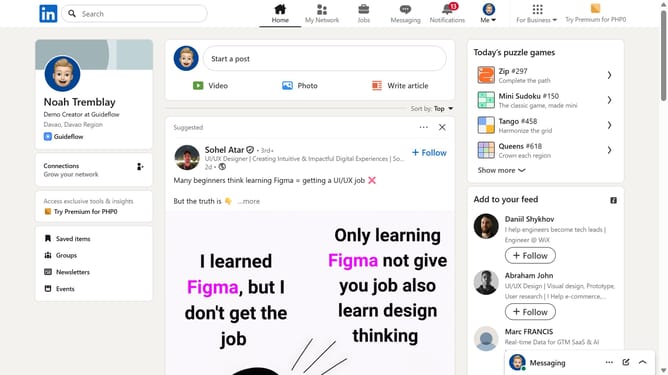
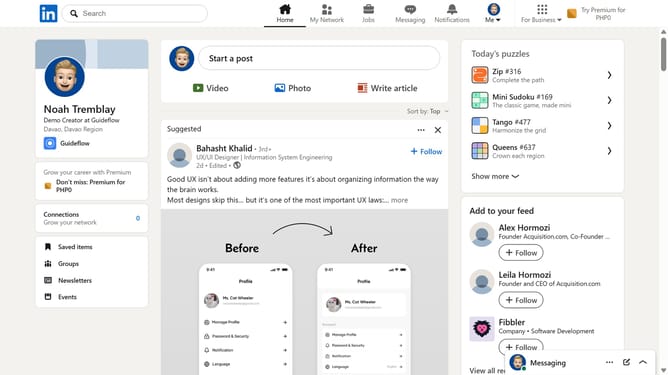
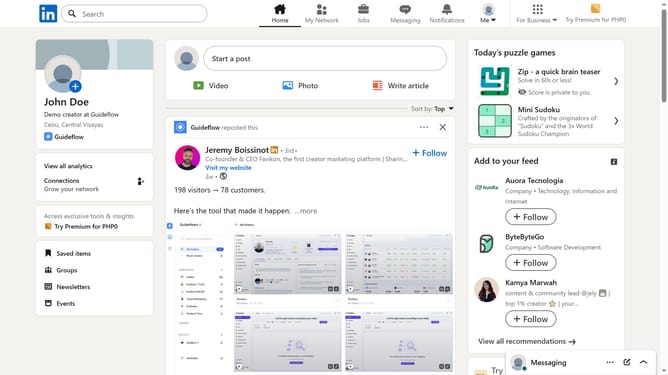
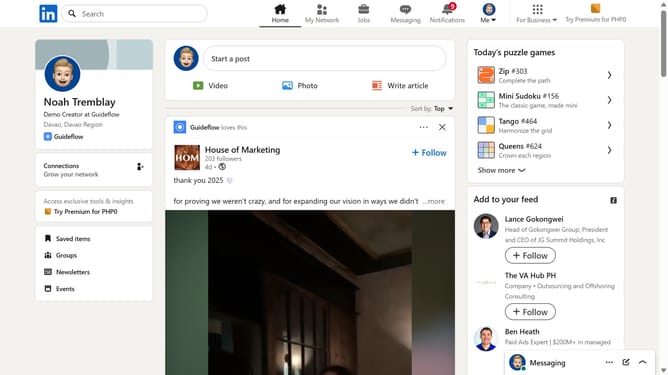
Here is how to play queens on linkedin
- First click on the search bar at the top of the page
- Then type "games" in the search field
- Next click on the "See all results" link in the search dropdown menu
- Then click on the "LinkedIn daily puzzle games" card to view available games
- Finally select the "Queens" game from the games list
Why should you play Queens on LinkedIn
LinkedIn is a dynamic platform for professionals to connect, grow, and showcase their skills.
The "How to Play Queens on LinkedIn" feature adds an exciting dimension to your professional journey. It's designed to stimulate strategic thinking, much like the game of chess, and encourages you to approach your career moves with precision and foresight.
Using this feature can sharpen your decision-making abilities and enhance your logical reasoning. The benefits go beyond professional growth, offering a chance to engage with a community of like-minded individuals, making professional networking both fun and intellectually rewarding.
Last update