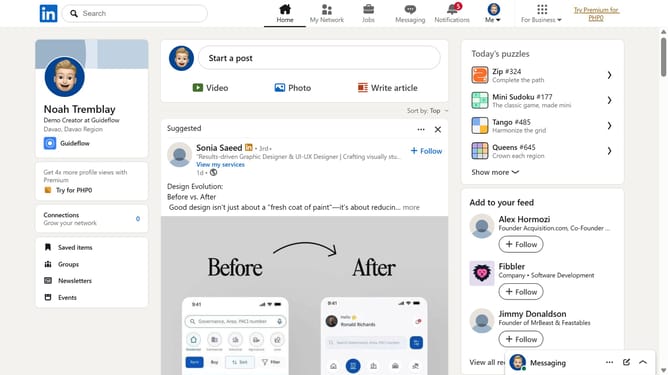
How to show past experience on public LinkedIn profile
Here is how to show past experience on public linkedin profile
- First click on the "Me" dropdown menu in the top navigation bar
- Then click on "Settings & Privacy" option in the dropdown menu
- Next click on "Visibility" option in the left sidebar menu
- Then click on "Edit your public profile" option in the main content area
- Finally toggle on the "Past experience" visibility switch on the right side panel
Why should you show past experience on public LinkedIn profile
LinkedIn is a powerful platform designed to connect professionals worldwide and showcase career achievements.
Featuring past work experiences on your LinkedIn profile allows you to build credibility with peers and potential employers.
This feature highlights your journey, offering a comprehensive view of your growth and expertise.
Showcasing experience not only attracts opportunities but also fosters valuable professional connections, enhancing your personal brand.
Last update