Linkedin
LinkedIn is a professional networking platform that helps individuals and businesses connect, share opportunities, and grow careers. It offers tools for recruiting, marketing, sales, and learning, with over 1 billion members worldwide, including executives from every Fortune 500 company.
Website
Industry
Leadgen
Share this article:

How to turn off in-app job alerts notifications on LinkedIn

Here is how to turn off in-app job alerts notifications on linkedin

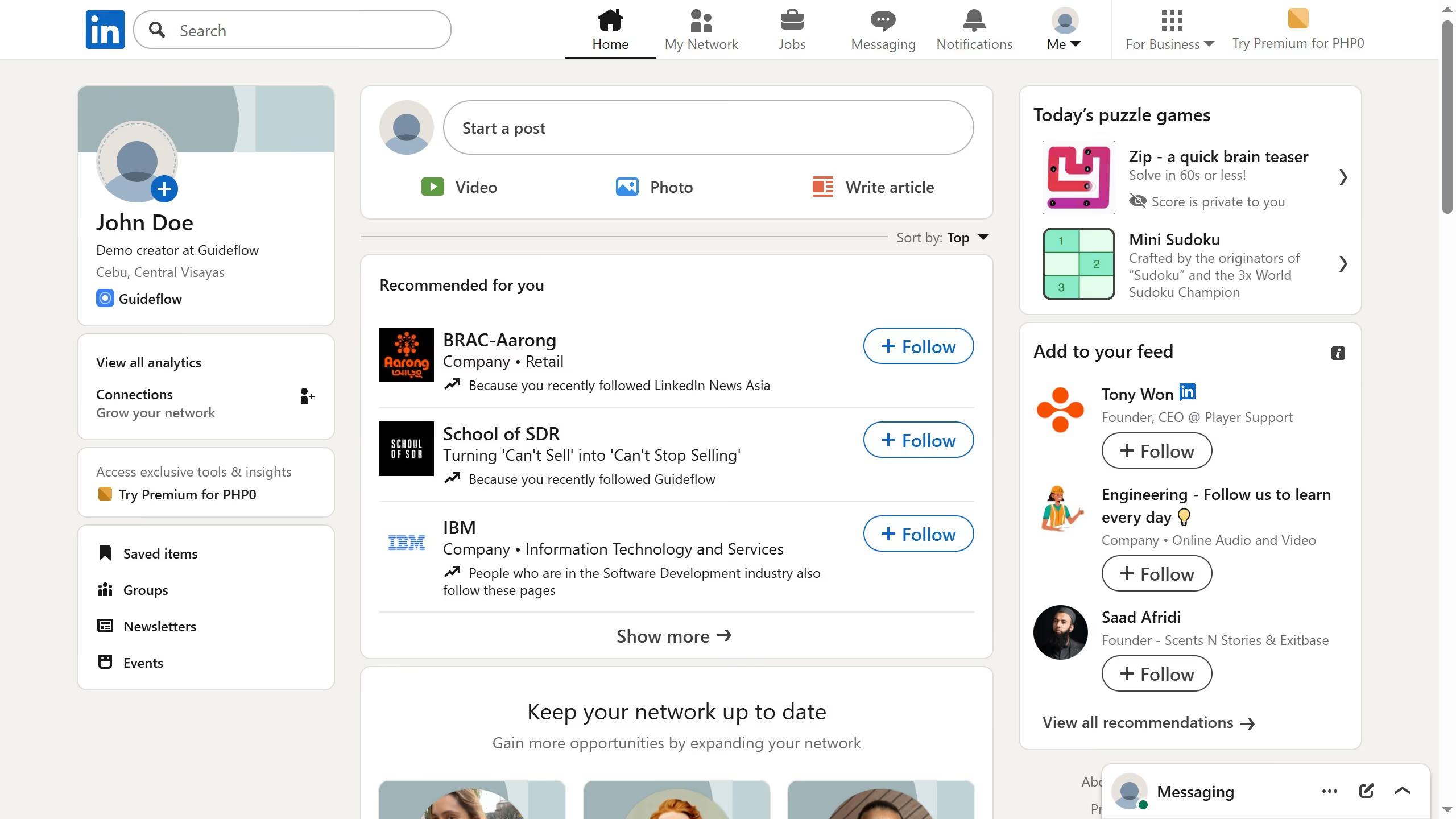
  1. First click on the "Me" dropdown menu in the top navigation bar
  2. Then click on "Settings & Privacy" option in the dropdown menu
  3. Next click on "Notifications" section in the left sidebar
  4. Then click on "Searching for a job" option in the notifications settings
  5. Next click on "Job alerts" option to expand notification preferences
  6. Finally toggle the "In-app notifications" switch to disable job alert notifications

Create your own interactive guide with Guideflow

Why should you turn off in-app job alerts notifications on LinkedIn

LinkedIn is the premier professional networking platform connecting millions globally for career growth and opportunities.

Turning off in-app job alert notifications is a straightforward feature that empowers users to customize their LinkedIn experience.

This feature ensures users can maintain focus by minimizing distractions, offering a personalized balance between engagement and tranquility.

Leveraging this functionality allows a seamless, distraction-free experience, keeping career pursuits efficient while unintrusive.


Last update
March 13, 2026
Cursor MariaA cursor points to a button labeled "James."

Create your first demo in less than 30 seconds.