How to download your resume from LinkedIn
Here is how to download your resume from linkedin
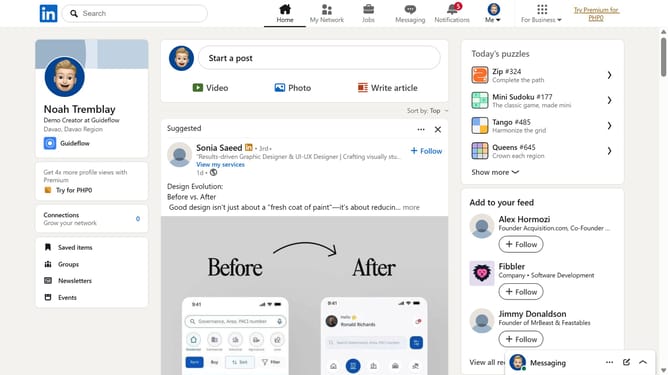
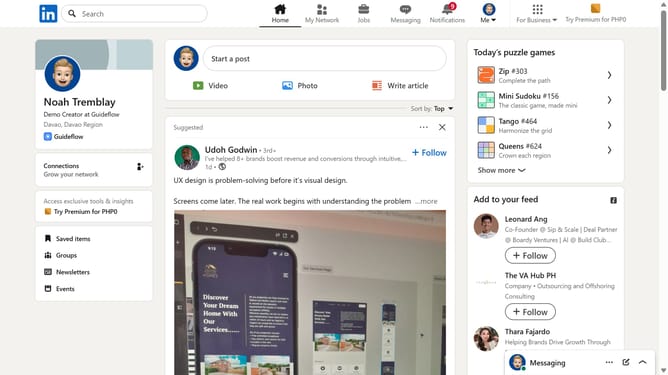
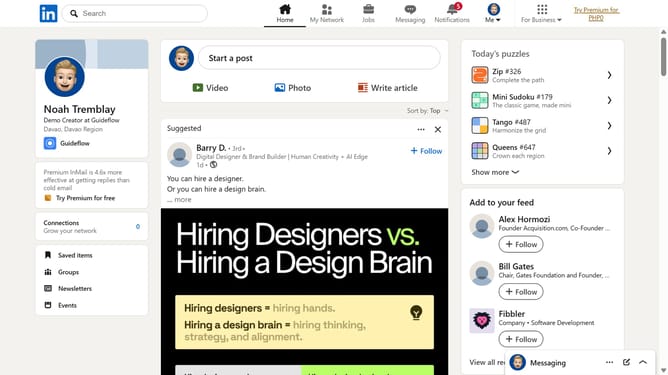
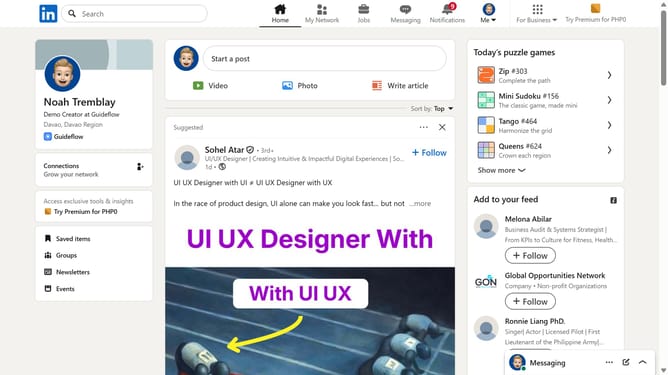
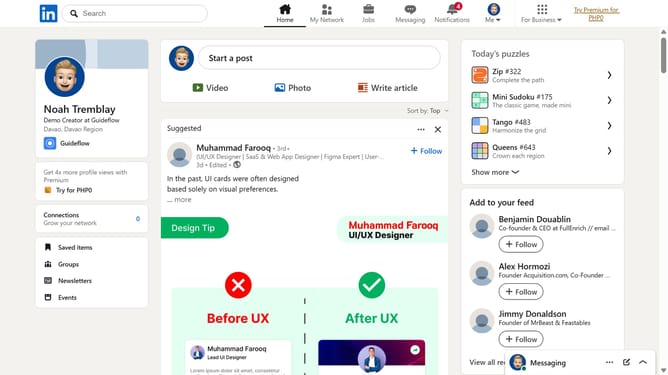
- First click on the "Me" dropdown button in the top navigation bar
- Then click on "Settings & Privacy" in the dropdown menu
- Next click on "Data privacy" in the left sidebar menu
- Then click on "Job application settings" under the Job seeking preferences section
- Click on the "..." menu button next to the resume file
- Finally click on "Download" in the menu to download your resume file
Why should you download your resume from LinkedIn
LinkedIn is a professional networking platform designed to connect you with job opportunities and industry professionals.
Downloading your resume from LinkedIn allows you to access a polished, up-to-date, and professional document that reflects your career achievements and skills.
This feature offers the convenience of having a ready-to-use resume for job applications, saving you the time and effort of manually updating your information elsewhere.
By leveraging this tool, you ensure that your resume consistently showcases the most relevant details, helping you stay competitive in the job market.
Last update