Linkedin
LinkedIn is a professional networking platform that helps individuals and businesses connect, share opportunities, and grow careers. It offers tools for recruiting, marketing, sales, and learning, with over 1 billion members worldwide, including executives from every Fortune 500 company.
Website
Industry
Leadgen
Share this article:

How to turn on using followed companies data for ads on LinkedIn

Here is how to turn on using followed companies data for ads on linkedin

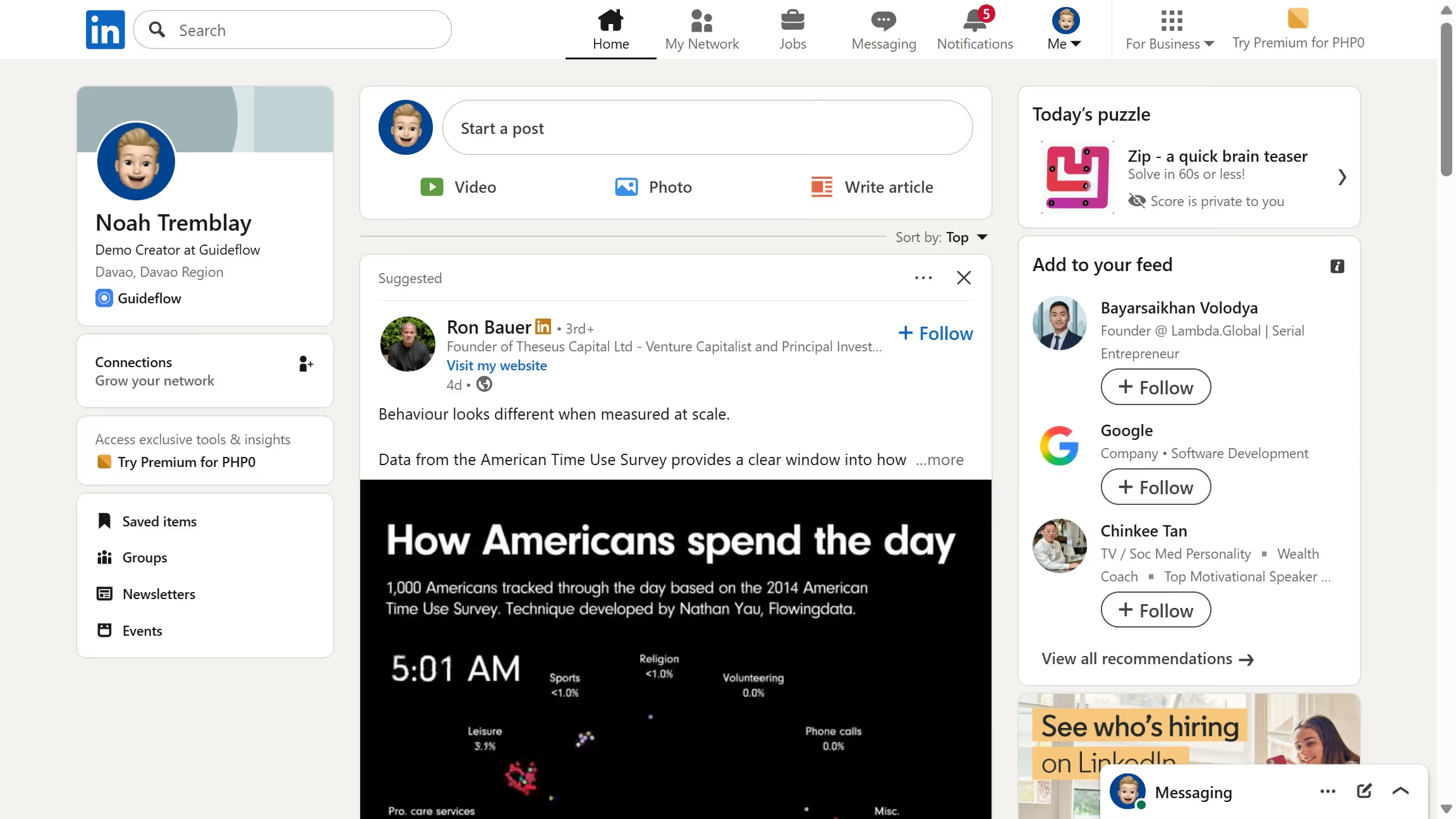
  1. First click on the "Me" dropdown menu in the top navigation bar
  2. Then click on "Settings & Privacy" option in the dropdown menu
  3. Next click on "Advertising data" section in the left sidebar
  4. Then click on "Companies you follow" option in the Profile data section
  5. Finally toggle the "Use followed companies data" switch to the "On" position

Create your own interactive guide with Guideflow

Why should you turn on using followed companies data for ads on LinkedIn

LinkedIn is the go-to platform for professionals to connect, grow, and share opportunities worldwide.

By turning on the feature to use followed companies data for ads on LinkedIn, businesses can tap into deeper insights about user preferences.

This allows advertisers to create more relevant and targeted ad campaigns that resonate with users’ interests and professional aspirations.

Leveraging this feature ensures that marketing efforts are both meaningful and efficient, ultimately improving engagement and conversion rates.


Last update
March 13, 2026
Cursor MariaA cursor points to a button labeled "James."

Create your first demo in less than 30 seconds.