How to enable functional cookies in Notion
Here is how to enable functional cookies in notion
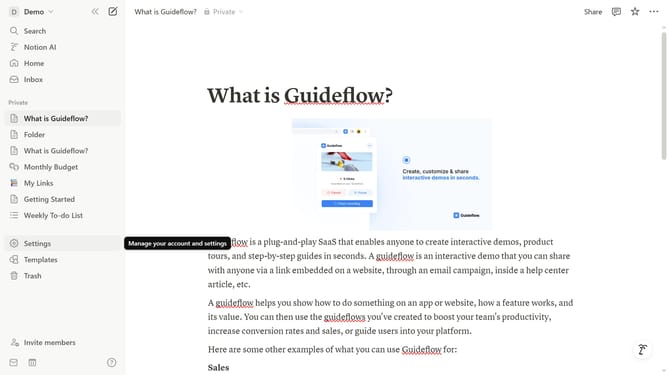
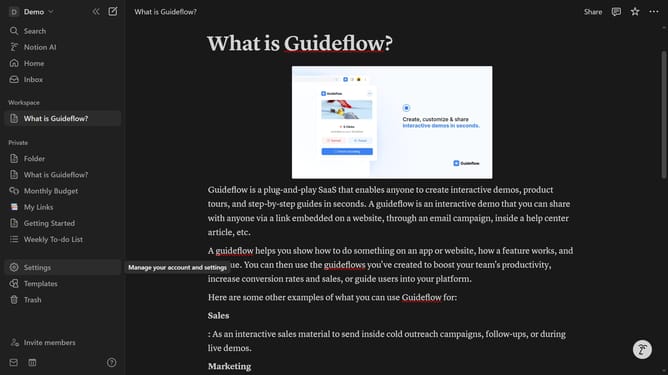
- First click on the workspace menu icon in the top left corner
- Then click on the "Settings" button in the workspace dropdown menu
- Then click on the "Preferences" option in the settings sidebar
- Then click on the "Customize" button in the Cookie settings section
- Finally turn on the "Functional" toggle in the cookie settings dropdown menu
Why should you enable functional cookies in Notion
Notion is a versatile workspace designed to streamline organization and collaboration.
Enabling functional cookies in Notion ensures a smoother and more personalized user experience.
These cookies play a vital role by remembering user preferences and settings, enhancing productivity and efficiency.
With functional cookies, users can seamlessly navigate their tasks, benefiting from saved customizations that tailor Notion to their needs.
Last update