How to download cost-per-page data from Ahrefs
Here is how to download cost-per-page data from ahrefs
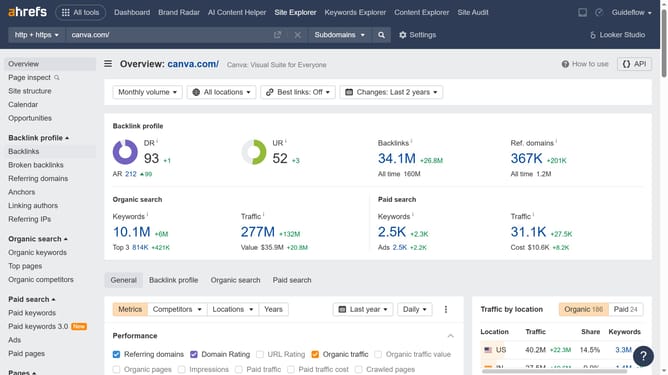
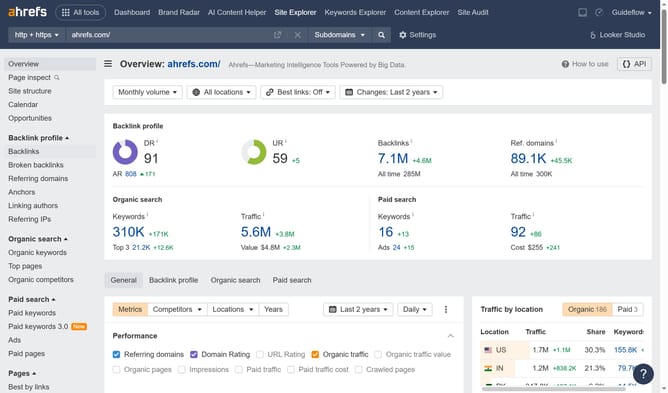
- First click on "Site Explorer" in the top navigation menu
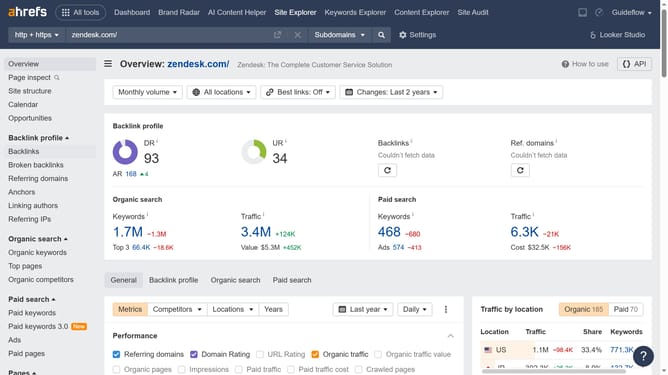
- In the search bar, click the domain input field to enter a URL
- Click the "Search" button to analyze the URL
- Then click on "Paid pages" in the left sidebar menu
- Then click on the "Cost" column to sort the cost-per-page from highest to lowest
- Click the "Export" button in the top right corner of the page
- Finally click the "Export" button in the export dialog popup
Why should you download cost-per-page data from Ahrefs
Ahrefs is a robust tool designed to enhance your SEO strategy by providing detailed insights and data analytics.
Downloading cost-per-page data from Ahrefs is a game-changer for marketers who want detailed insights into the cost of ranking each page. This invaluable feature provides a precise understanding of where to allocate resources efficiently.
Using this data, you can optimize your budget, plan more strategically, and maximize ROI by directing efforts toward the most cost-effective pages. This feature simplifies decision-making, empowering users to refine their SEO strategies with accuracy.
Last update