How to display editors in Zoom Docs
Here is how to display editors in zoom docs
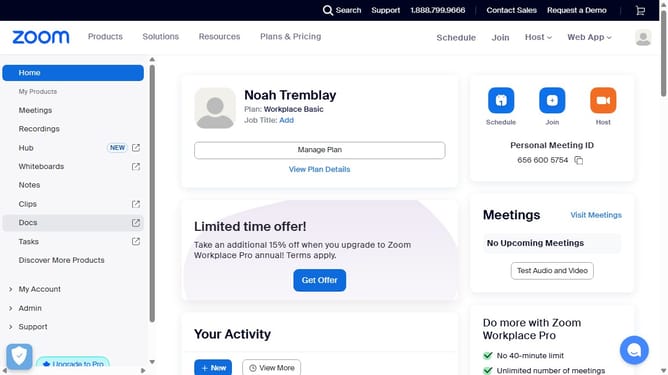
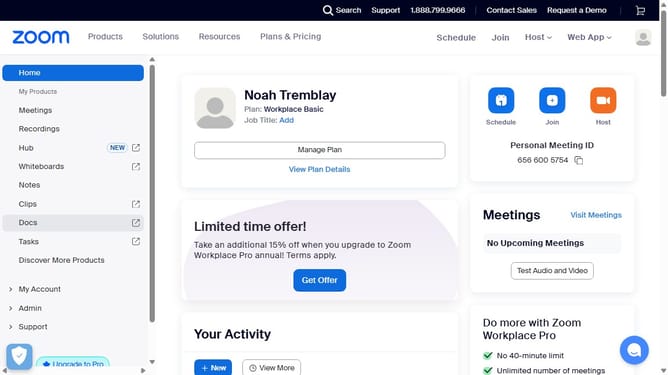
- First click on the "Docs" option in the left sidebar menu
- Then open the document where you want to display the editors
- Next click on the "More" menu button in the top toolbar
- Then select "Page options" from the dropdown menu
- Finally turn on the "Editors" toggle to show the editor avatars in the document header
Why should you display editors in Zoom Docs
Zoom is an innovative platform that brings people together through seamless virtual meetings.
Displaying editors in Zoom Docs is a fantastic feature that enhances collaboration by allowing users to see who's actively contributing to a document.
Knowing who is making edits helps teams coordinate better, ensuring that everyone is on the same page and contributing effectively.
This feature streamlines teamwork, reducing confusion and encouraging a more dynamic and interactive document creation process.
Last update