How to disable the 90-day plan blueprint in Confluence
Here is how to disable the 90-day plan blueprint in confluence
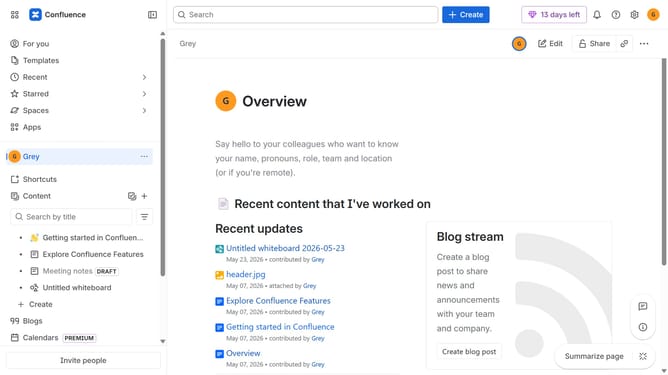
- First click on the gear icon in the top right header
- Click on "Configuration" in the left sidebar under Settings
- Next, select "Global templates and blueprints"
- After that, locate the "Global blueprints" section
- Then locate the "90-day plan" blueprint in the Global blueprints list
- Finally, turn off the toggle next to the blueprint to disable it
Why should you disable the 90-day plan blueprint in Confluence
Confluence is a powerful collaborative workspace that brings teams and information together efficiently.
One of its standout features is the 90-day plan blueprint, which helps teams outline and visualize their strategic goals.
While this is a useful tool, disabling the 90-day plan blueprint in Confluence can streamline your workspace if it's not needed, allowing you to focus solely on your current tasks.
Eliminating unused blueprints helps maintain a clutter-free environment and enhances overall productivity by ensuring users interact only with the resources they need.
Last update