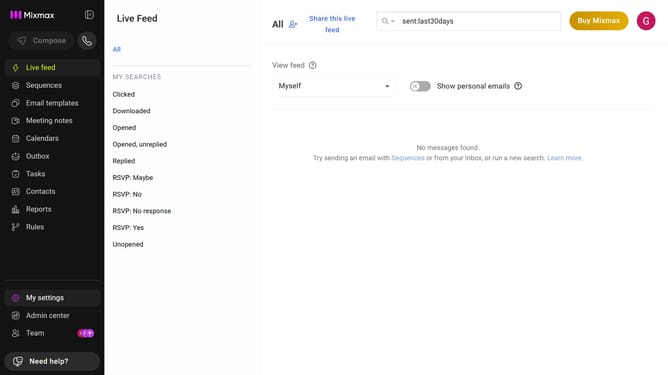
How to disable Slack notifications for downloads in a sequence in Mixmax
Here is how to disable slack notifications for downloads in a sequence in mixmax
- First click on the "Sequences" in the left sidebar
- Next, click on the sequence you want to configure
- Navigate to the "Settings" tab
- In the left menu, click on "Notifications"
- After that, make sure the "Send Slack notifications" option is enabled
- Then uncheck the box for "Downloads" under "Send notification on"
- Finally click on the "Save" button to apply the changes
Why should you disable Slack notifications for downloads in a sequence in Mixmax
Mixmax is a powerful platform designed to supercharge your email communications and workflow automation.
One of its invaluable features allows you to disable Slack notifications for downloads in a sequence, ensuring that your team's focus remains uninterrupted during crucial tasks. This capability is perfect for environments where managing notifications effectively can streamline productivity.
By customizing notification settings, users can maintain control over their workflow without being overwhelmed by constant alerts, enhancing both concentration and efficiency.
Last update