How to disable remaining number count in Mini Sudoku in LinkedIn
Here is how to disable remaining number count in mini sudoku in linkedin
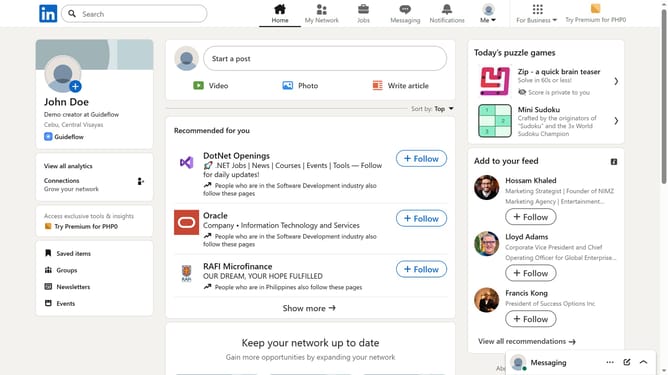
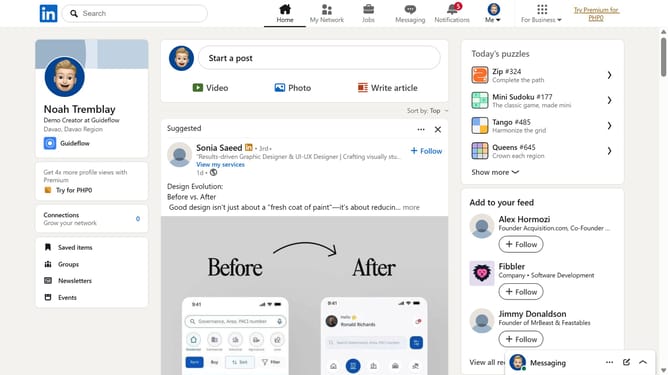
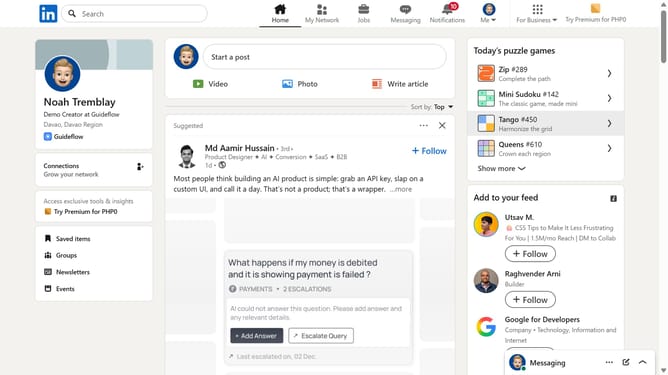
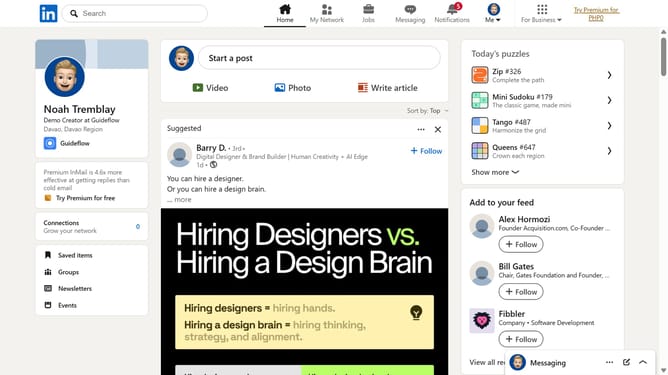
- First click on the "Mini Sudoku" game card in the right sidebar under the "Today's puzzle games" section
- Then click on the "Settings" dropdown button in the top right corner of the game interface
- Finally turn off the "Remaining number count" toggle option in the settings menu
Why should you disable remaining number count in Mini Sudoku in LinkedIn
LinkedIn connects professionals worldwide, fostering career growth and networking.
Within this platform, the Mini Sudoku game offers a delightful mental challenge, complete with the option to disable the remaining number count feature.
Turning off this count enhances the puzzle experience, promoting deeper focus and improving problem-solving skills.
By opting to hide this feature, users can escalate their engagement and satisfaction, cultivating sharper logical reasoning supported by an uninterrupted, serene gaming environment.
Last update