How to set Tango activity to be visible to connections with score on LinkedIn
Here is how to set tango activity to be visible to connections with score on linkedin
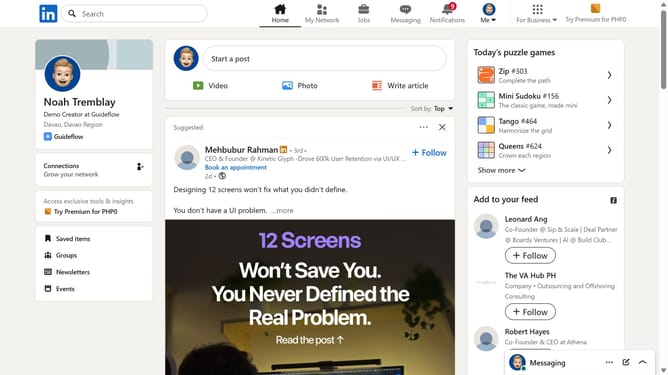
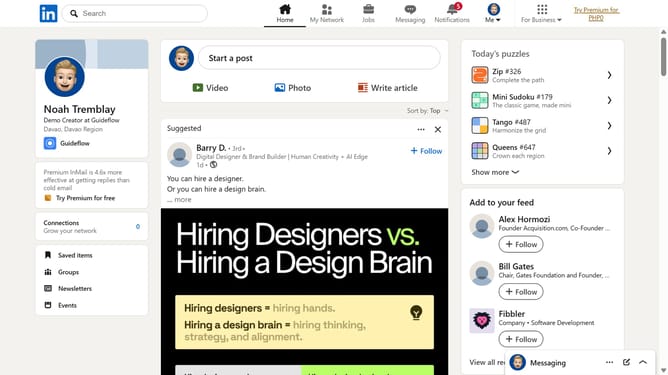
- First click on the "Tango" game card in the puzzle games section on the right sidebar
- Then click on the "Settings" dropdown button in the top right corner of the game interface
- Next click on the "Who can see your game activity?" option in the settings menu
- Finally select the "Connections can see I played and my score" radio button option in the privacy settings dialog
Why should you set Tango activity to be visible to connections with score on LinkedIn
LinkedIn is the premier platform for professionals looking to network, learn, and grow in their careers.
The Tango activity visibility feature on LinkedIn allows you to share your achievements and skills with those who truly value it—your connections. By making your Tango activities visible to connections with a score, you enhance the credibility and impact of your professional persona.
This visibility ensures that your professional accomplishments are noticed by influential members of your network, fostering connections that are rooted in mutual respect and admiration.
By actively engaging with your connections through Tango activities, you can strengthen partnerships and open doors to new opportunities, all while enriching your LinkedIn profile with authentic and meaningful interactions.