How to play Mini Sudoku on LinkedIn
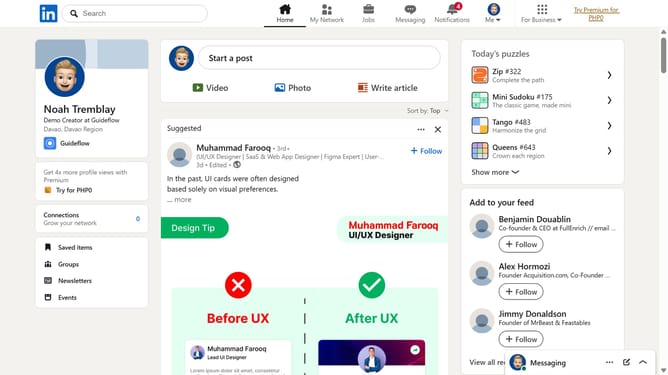
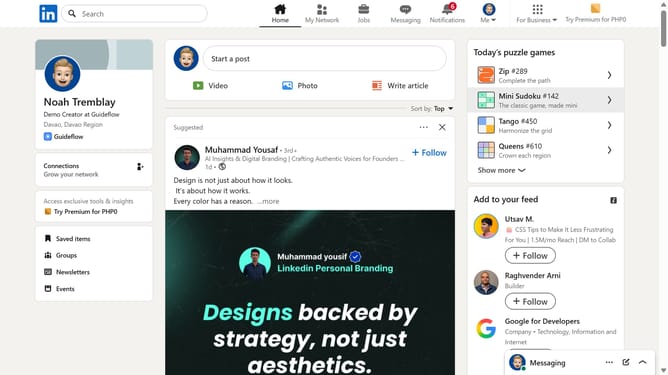
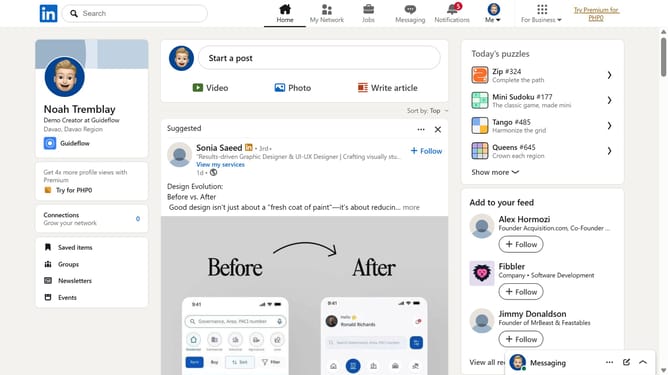
Here is how to play mini sudoku on linkedin
- First click on the search bar at the top of LinkedIn
- Then type "games" in the search bar
- Next click on "See all results" under the search suggestions
- Then click on the "LinkedIn daily puzzle games" result
- Finally select the "Mini Sudoku" game from the list of available games to start playing
Why should you play Mini Sudoku on LinkedIn
LinkedIn is a powerful platform dedicated to building professional connections and career growth.
One of LinkedIn's more unique features is the Mini Sudoku game, designed to offer a quick mental break.
Playing Mini Sudoku on LinkedIn can stimulate your mind, providing a short escape that refreshes your brain during a busy day.
Engage with this feature to enhance focus and return to work tasks with renewed energy and clarity, making it a beneficial addition to your LinkedIn experience.
Last update