How to disable auto-check in Mini Sudoku in LinkedIn
Here is how to disable auto-check in mini sudoku in linkedin
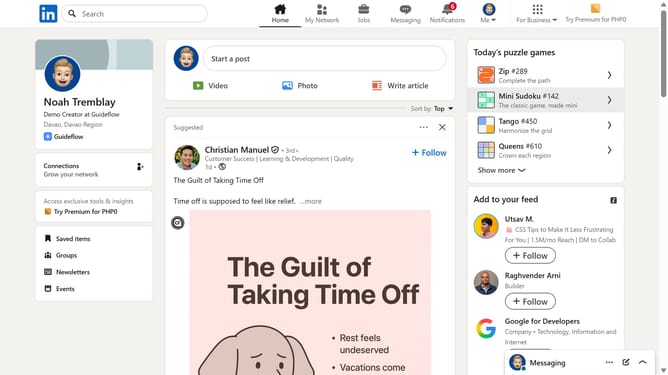
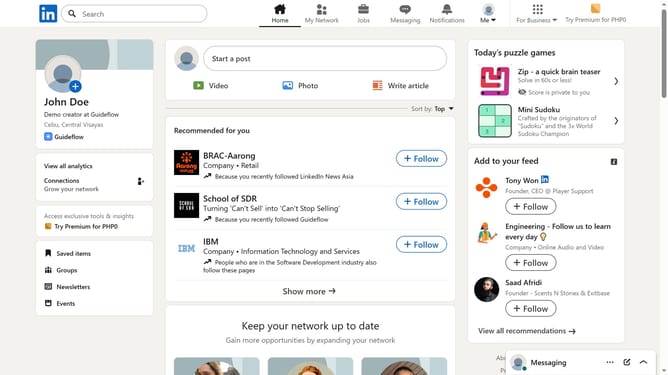
- First click on the "Mini Sudoku" game card in the right sidebar under Today's puzzle games section
- Then click on the "Settings" dropdown button in the top right corner of the game interface
- Finally turn off the "Auto-check" toggle option in the settings menu
Why should you disable auto-check in Mini Sudoku in LinkedIn
LinkedIn is a professional networking platform designed to connect individuals and businesses around the globe.
In the world of LinkedIn's Mini Sudoku, the auto-check feature can be particularly useful for those seeking to hone their problem-solving skills without continuous assistance. Disabling this feature gives users the freedom to challenge themselves, promoting critical thinking and personal growth.
By disabling auto-check, individuals can enjoy a more engaging and rewarding Mini Sudoku experience, elevating their focus and determination while enhancing their professional networking journey on LinkedIn.
Last update