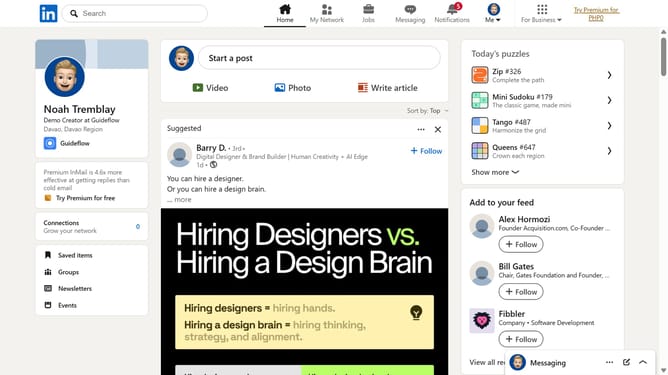
How to enable auto-check in Mini Sudoku in LinkedIn
Here is how to enable auto-check in mini sudoku in linkedin
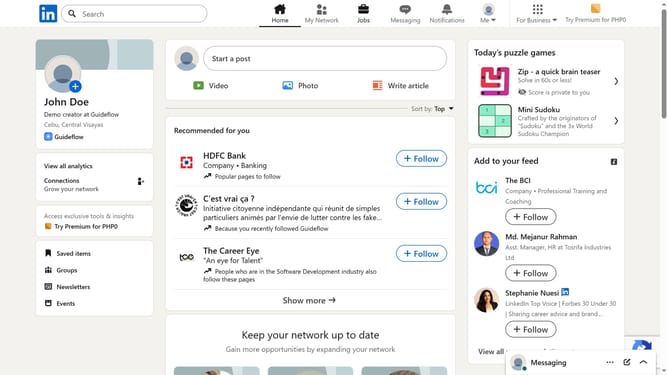
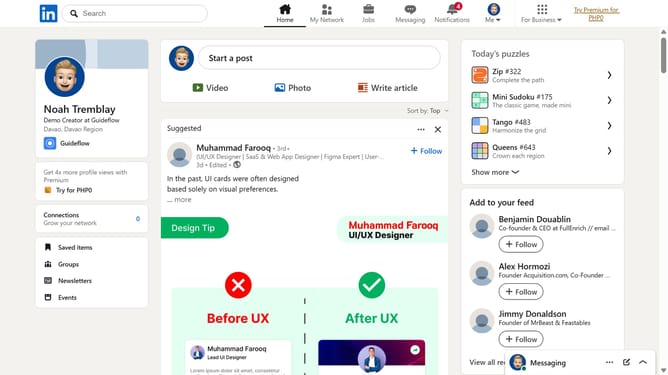
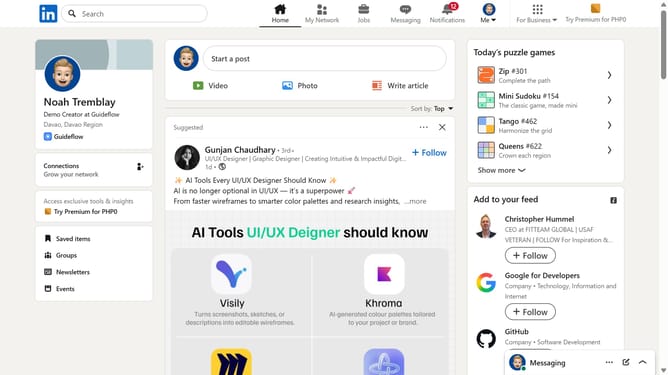
- First click on the "Mini Sudoku" game card in the right sidebar under Today's puzzle games section
- Then click on the "Settings" dropdown button in the top right corner of the game interface
- Finally turn on the "Auto-check" toggle option in the settings menu
Why should you enable auto-check in Mini Sudoku in LinkedIn
LinkedIn is the ultimate professional networking platform designed to connect the world's workforce.
Enhancing your experience on LinkedIn, the Mini Sudoku feature now comes with an auto-check option.
Enabling auto-check in Mini Sudoku streamlines your puzzle-solving process by providing instant feedback on your moves.
This feature allows for a smoother, more engaging experience by allowing you to focus on strategy rather than constantly reviewing your progress.
Enjoy a more efficient and satisfying Sudoku session, making your breaks on LinkedIn both fun and productive.
Last update