How to find games on LinkedIn
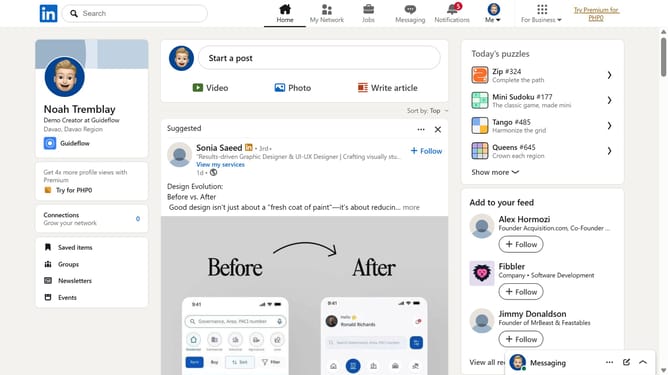
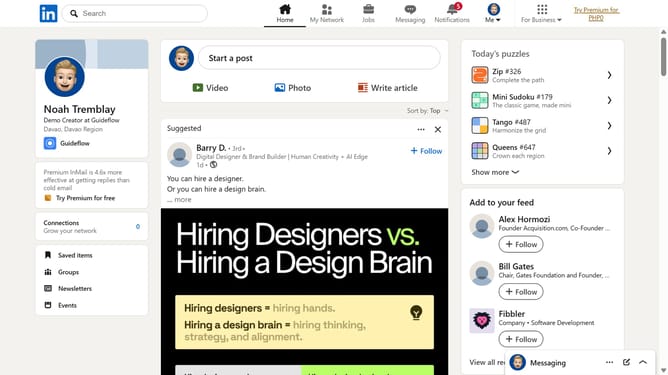
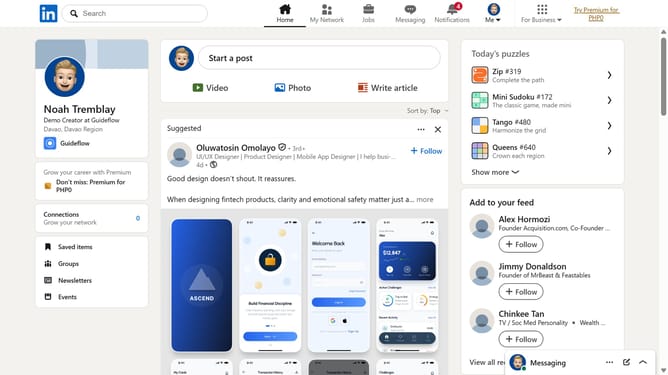
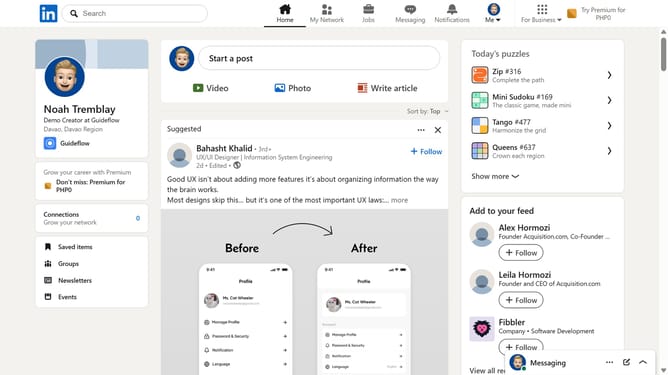
Here is how to find games on linkedin
- First click on the "Search" bar at the top of the LinkedIn homepage
- Then type "games" into the search field
- Next click on the "See all results" option on the results page
- Then click on the "LinkedIn daily puzzle games" result
- Finally view all available LinkedIn games and click the game you want to play
Why should you find games on LinkedIn
LinkedIn is a professional networking platform designed to connect people and advance their careers.
Using LinkedIn to find games can add a layer of engagement and relaxation to your professional experience. This feature allows users to explore interactive content that can boost creativity and relieve stress.
Engaging with games on LinkedIn fosters community, enhances problem-solving skills, and provides a unique avenue for networking with like-minded professionals who share similar interests.
Last update