How to apply for a job in LinkedIn
Here is how to apply for a job in linkedin
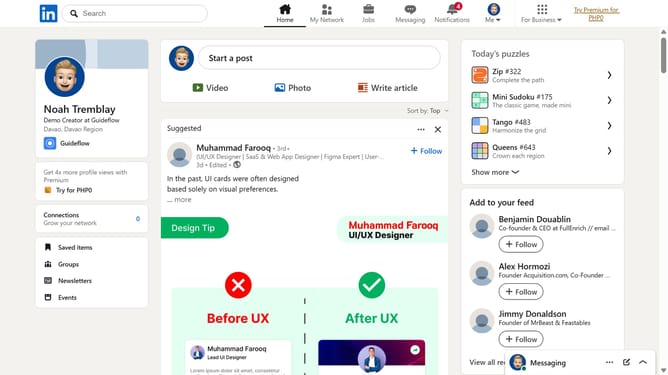
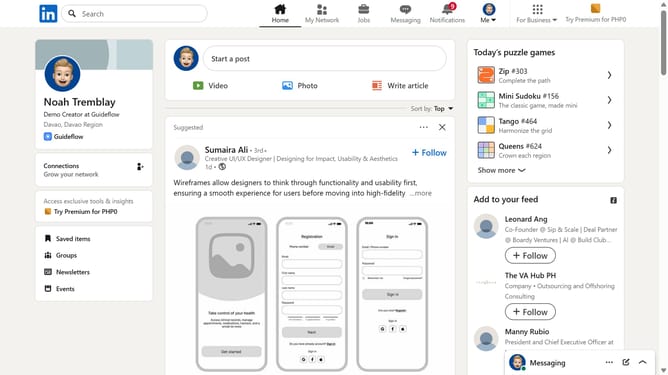
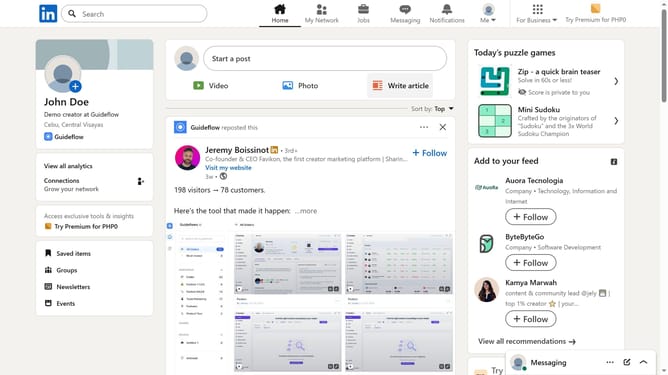
- First click on the "Jobs" icon in the top navigation bar
- Then search for a job you want to apply for using the search bar
- Next click on the job title to open the job details page
- Finally click the "Apply" or "Easy Apply" button at the top of the posting
Why should you apply for a job in LinkedIn
LinkedIn is the leading professional networking platform designed to connect job seekers with opportunities worldwide.
Applying for jobs on LinkedIn is seamless and efficient, offering users access to a vast array of job listings from various industries.
This feature streamlines the application process, enhancing the candidate's visibility and simplifying employer engagement.
By using LinkedIn for job applications, candidates can expand their network, make industry connections, and effortlessly showcase their skills to potential employers.
Last update