How to disable in-app breaking news notifications on LinkedIn
Here is how to disable in-app breaking news notifications on linkedin
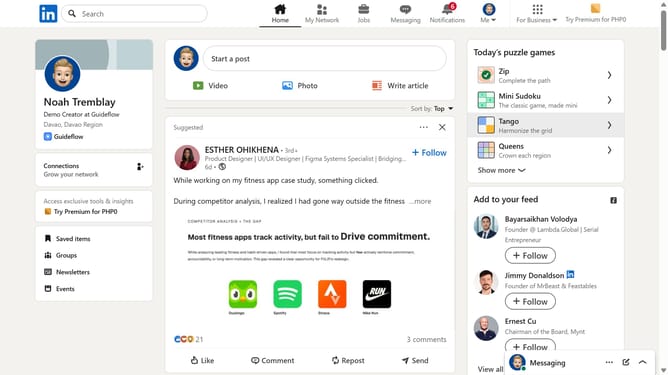
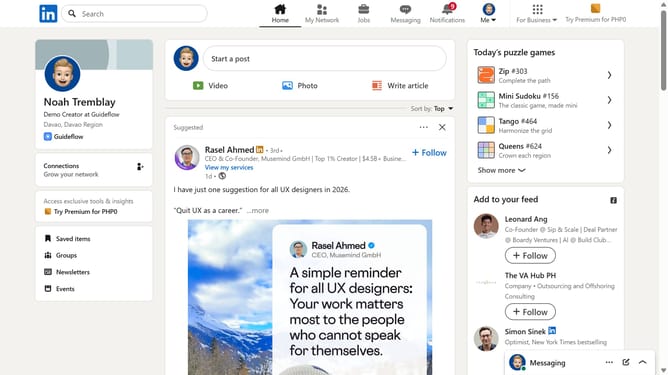
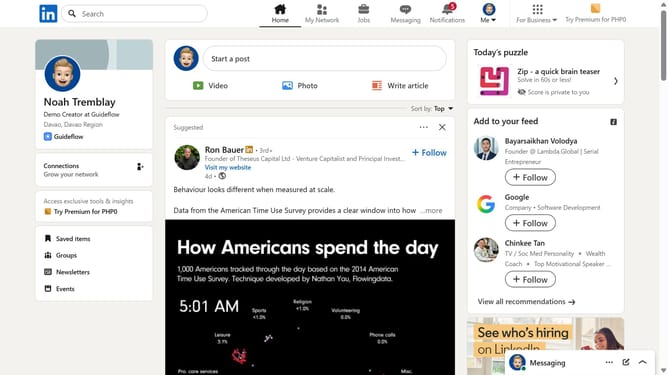
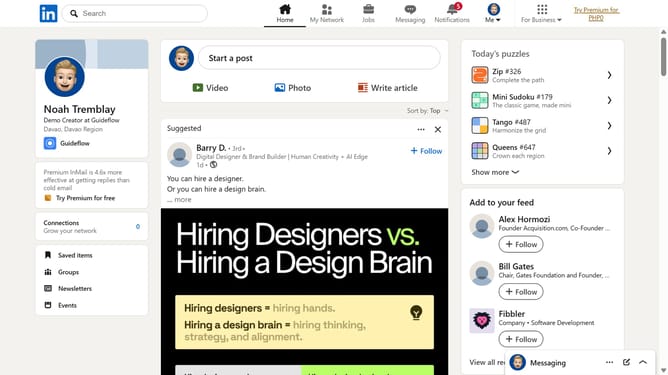
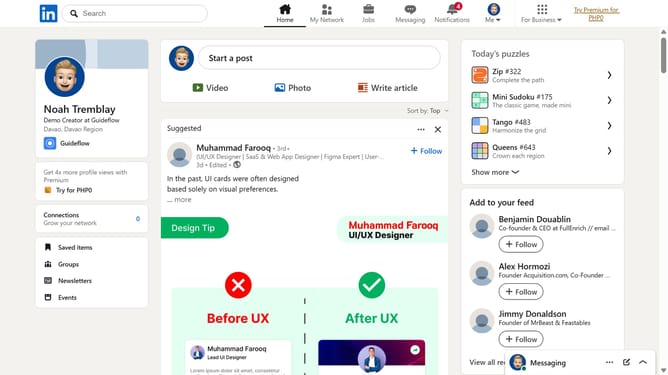
- First click on "Me" dropdown menu in the top navigation bar
- Then click on "Settings & Privacy" option in the dropdown menu
- Then click on "Notifications" item in the left sidebar
- Then click on "News and reports" option in the main content area
- Then click on "Breaking news" item to expand notification settings
- Finally toggle the "In-app notifications" switch to turn off the notification preferences
Why should you disable in-app breaking news notifications on LinkedIn
LinkedIn is a powerful platform designed to foster professional networking and career growth.
To tailor your LinkedIn experience with ease, one valuable feature is the ability to disable in-app breaking news notifications.
This feature allows you to minimize interruptions, helping you maintain focus on essential work tasks without the distraction of constant updates.
Moreover, managing your notification settings contributes to a more personalized and streamlined LinkedIn interaction, enhancing both productivity and user satisfaction.
Last update