How to clear the board in Mini Sudoku on LinkedIn
Here is how to clear the board in mini sudoku on linkedin
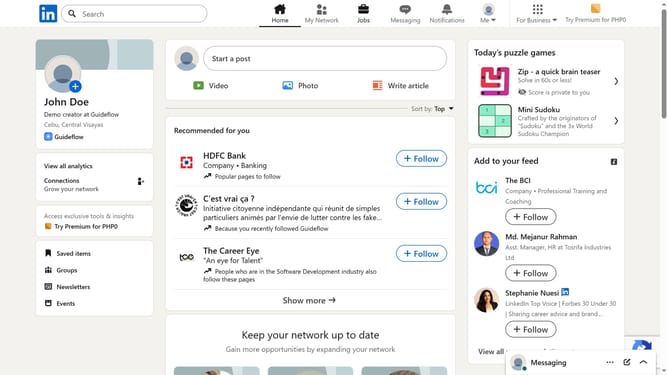
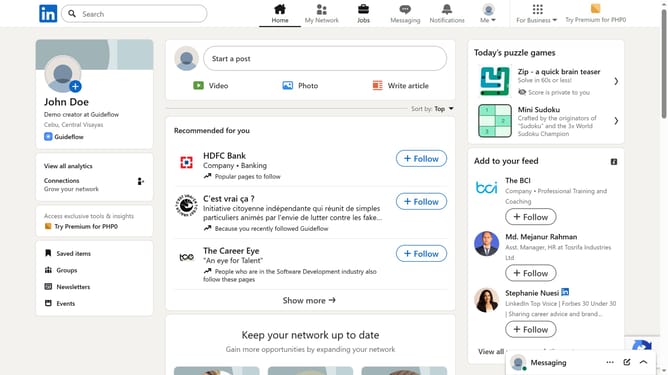
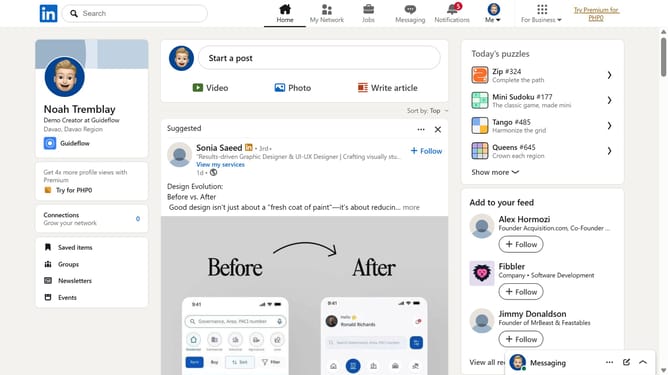
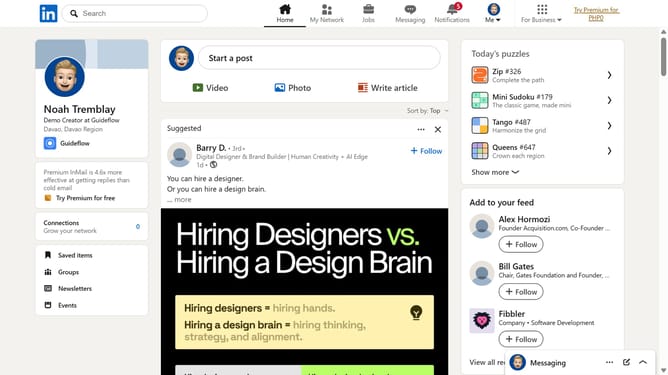
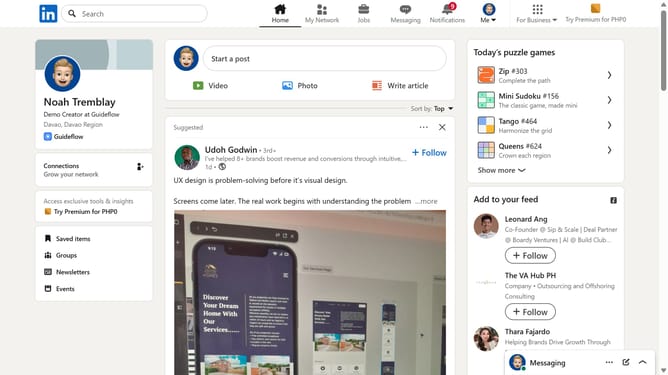
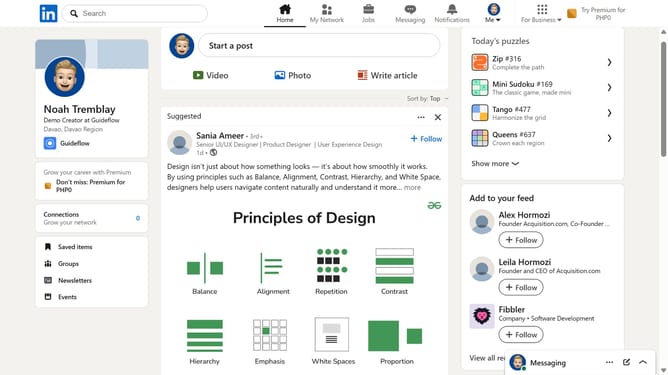
- Then click on the "Mini Sudoku" game card in the right sidebar under Today's puzzle games section
- Then click on the "Clear" button in the top right area of the game interface
- Finally click on the "Clear" button in the confirmation dialog to confirm clearing the game board
Why should you clear the board in Mini Sudoku on LinkedIn
LinkedIn is the professional networking platform that connects people to opportunity and knowledge.
Incorporating brain-teasing games such as Mini Sudoku, LinkedIn fosters moments of mental agility amid professional engagements.
The "clear the board" feature in Mini Sudoku offers a fresh start, enabling players to correct missteps or simply enjoy the excitement of a new puzzle layout.
Utilizing this feature can enhance problem-solving skills and provide a refreshing mental break during a hectic workday.
Last update