How to set job alerts in LinkedIn
Here is how to set job alerts in linkedin
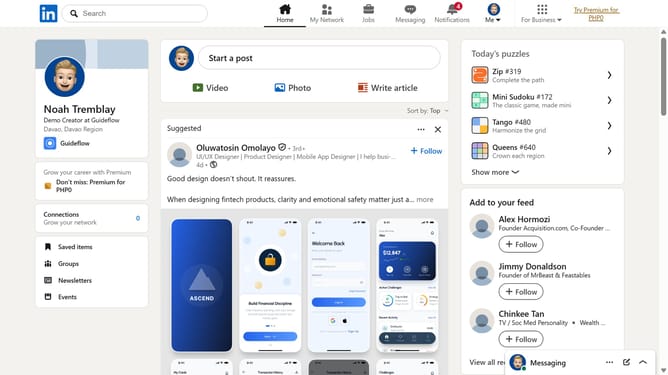
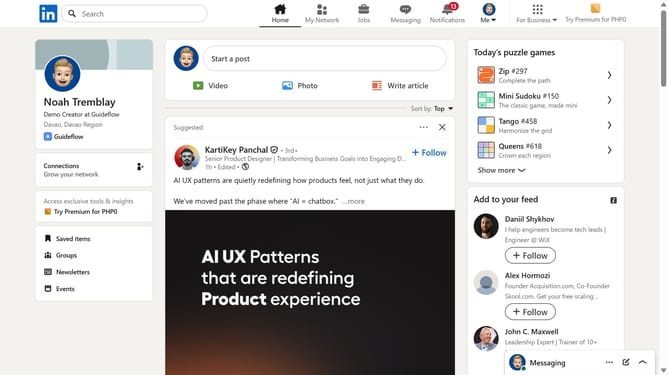
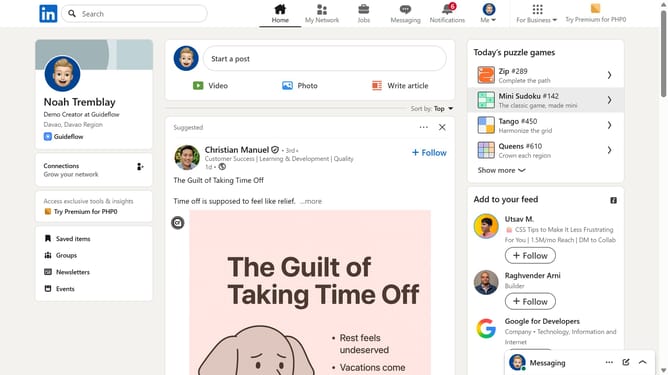
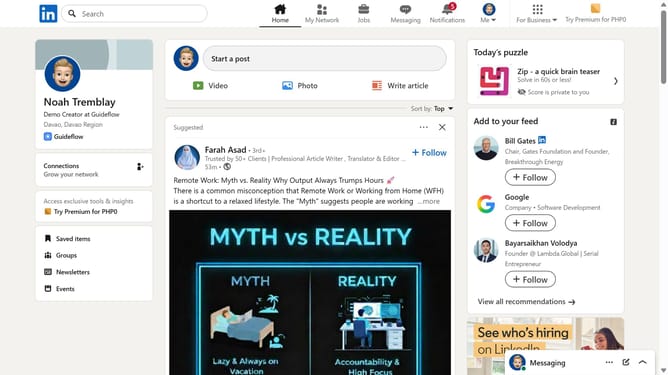
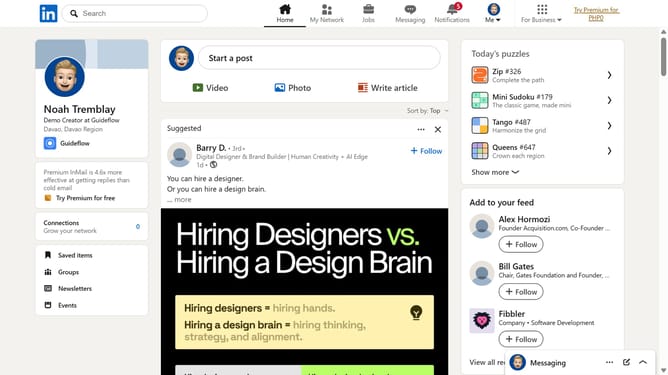
- First click on the "Jobs" icon in the top navigation bar
- Then search for a job title, keyword, or location using the search bar
- Finally click the "Set alert" toggle switch in the job search results page to receive notifications
Why should you set job alerts in LinkedIn
LinkedIn is the professional hub for connecting with industry experts and growing your career.
Setting job alerts on LinkedIn is a powerful feature that ensures you’re always in the loop for new career opportunities in your field.
By utilizing job alerts, you can receive notifications tailored to your career interests and preferences.
This proactive approach to job searching saves you time, helping you focus on roles that truly match your aspirations and skills.
Last update