How to stop signaling your interest to recruiters in LinkedIn
Here is how to stop signaling your interest to recruiters in linkedin
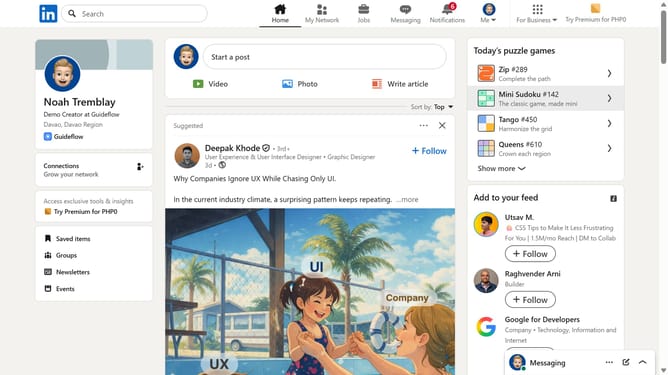
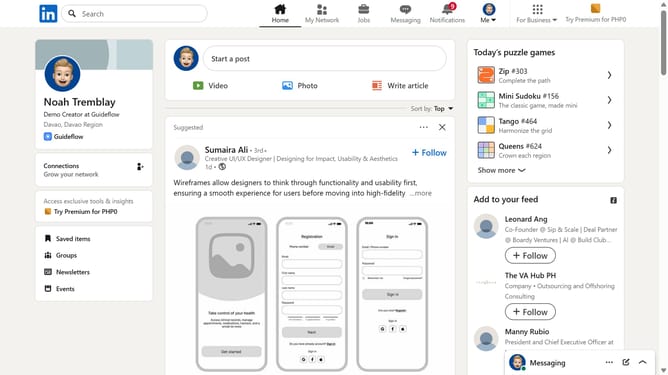
- First click on the "Me" dropdown menu in the top navigation bar
- Then click on the "Settings & Privacy" option from the dropdown menu
- Next select the "Data privacy" option from the left sidebar menu
- Then click on the "Signal your interest to recruiters at companies you've created job alerts for" setting
- Finally click the toggle button to turn "Signal interest to recruiters" option Off
Why should you stop signaling your interest to recruiters in LinkedIn
LinkedIn is a dynamic platform designed to connect professionals, share opportunities, and drive career growth.
One of LinkedIn's valuable features is the ability to communicate your openness to new job opportunities with recruiters. However, there may be times when you wish to control or stop signaling your interest to recruiters.
Halting these signals can maintain your current job security, manage unanticipated communication, and ensure you align your visibility with your personal and professional goals.
By thoughtfully managing your settings, you can achieve a balance in communication that reflects your current career priorities. This adjustment empowers you to remain in control of your professional presence.
Last update