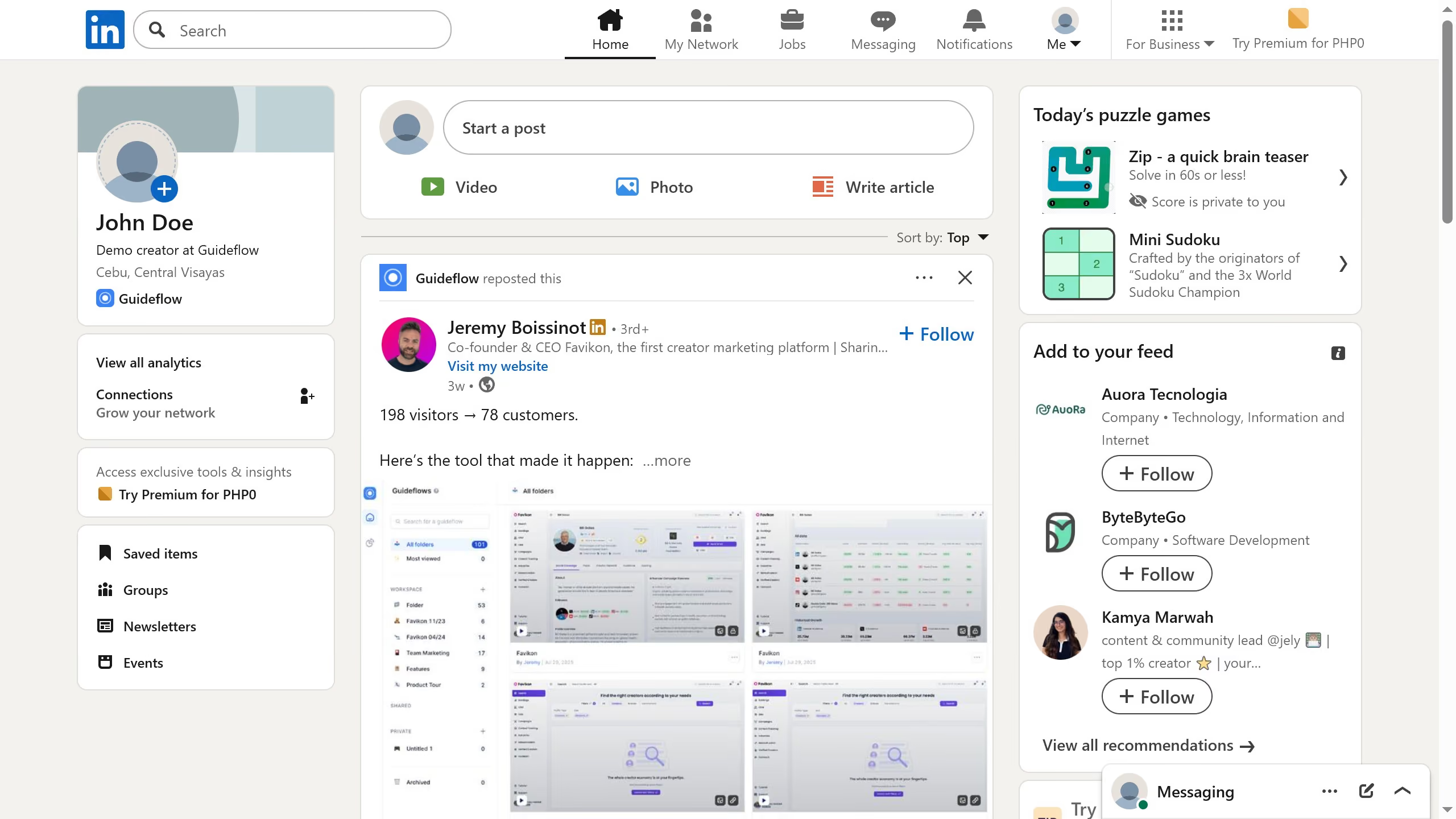
Here is how to hide finished numbers in mini sudoku in linkedin
- First click on the "Mini Sudoku" game card in the right sidebar under the "Today's puzzle games" section
- Then click on the "Settings" dropdown button in the top right corner of the game interface
- Finally turn on the "Hide finished numbers" toggle option in the settings menu