How to enable remaining number count in Mini Sudoku in LinkedIn
Here is how to enable remaining number count in mini sudoku in linkedin
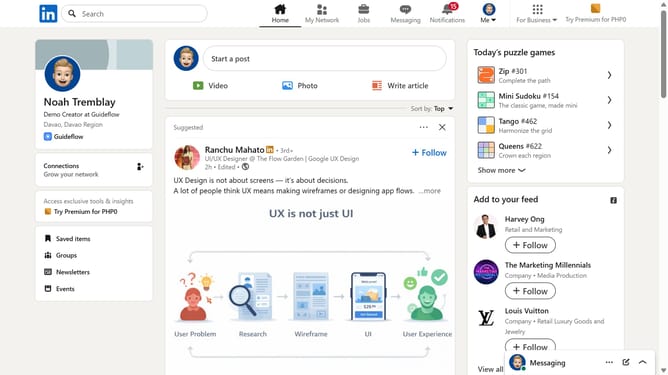
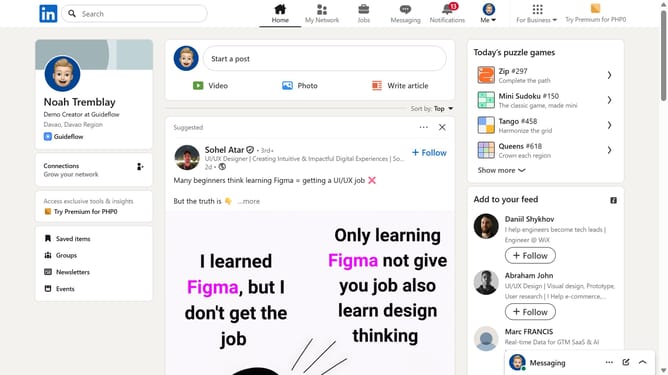
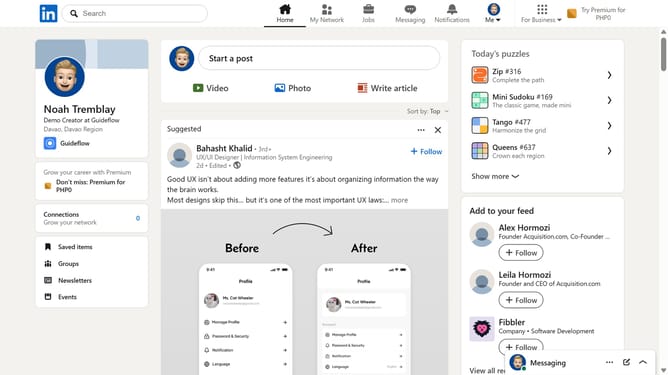
- First click on the "Mini Sudoku" game card in the right sidebar under the "Today's puzzle games" section
- Then click on the "Settings" dropdown button in the top right corner of the game interface
- Finally turn on the "Remaining number count" toggle option in the settings menu
Why should you enable remaining number count in Mini Sudoku in LinkedIn
LinkedIn is the professional networking platform designed to connect the world's workforce.
To elevate your Mini Sudoku experience on LinkedIn, enable the remaining number count feature. This clever function enriches your gameplay by providing a clear overview of numbers left in each puzzle.
By activating this feature, you enhance your problem-solving strategy and boost your cognitive skills, ensuring an engaging and mentally stimulating experience. Enjoy the balance of productivity and leisure amidst your professional network.
Last update