How to disable email when there is a warning scenario run in Make
Here is how to disable email when there is a warning scenario run in make
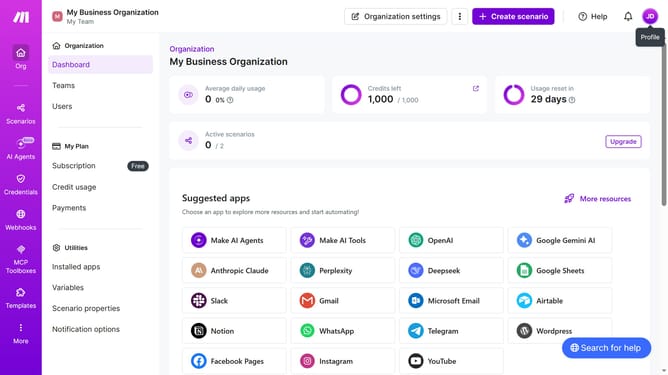
- First click on the user icon in the top right corner of the header
- Then click on "Profile" from the dropdown menu
- Next, click on "Email preferences" in the left sidebar
- Finally, toggle the switch off for "Warning in scenario run"
Why should you disable email when there is a warning scenario run in Make
Make is a seamless platform that automates your workflows, simplifying complex processes effortlessly.
For users who prefer a quieter inbox, disabling email notifications for warning scenario runs in Make offers peace of mind and minimizes digital clutter.
This feature allows you to maintain focus on what's essential without being sidetracked by minor alerts. Enjoy efficient workflow management with fewer interruptions, enhancing productivity and ensuring important communications stand out.
Last update