How to disable email notifications when someone mentions you on Pitch
Here is how to disable email notifications when someone mentions you on pitch
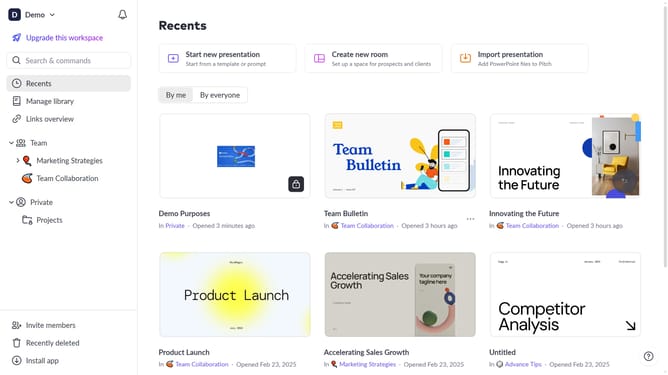
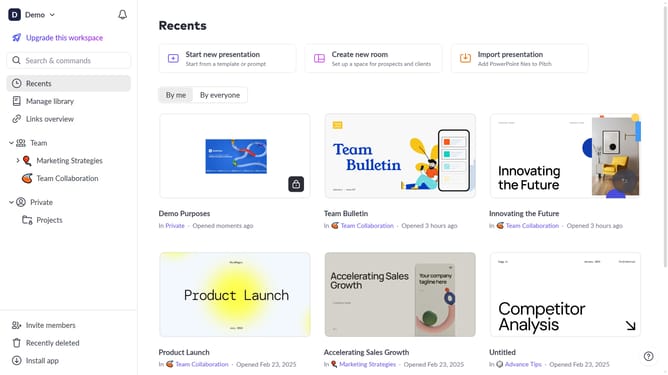
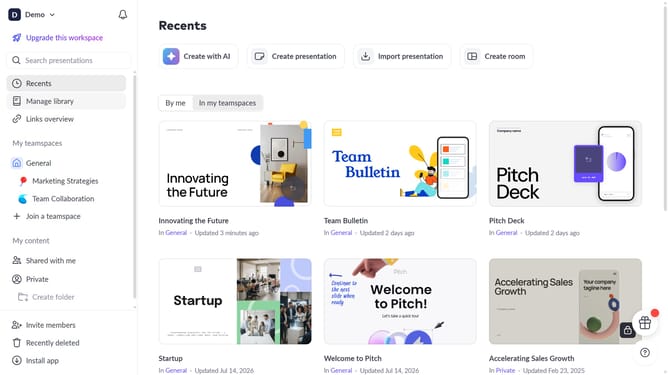
- First click on the dropdown next to your workspace name in the header
- Next, select "Account settings" in the expanded workspace menu
- Then, click on the arrow next to "Email preferences"
- Finally, turn off the toggle for "When someone mentions you"
Why should you disable email notifications when someone mentions you on Pitch
Pitch is a dynamic platform designed for creating seamless, collaborative presentations.
One of the efficient features on Pitch is the ability to manage your email notifications, particularly for mentions.
Disabling email alerts when mentioned helps maintain your inbox focus without missing critical updates.
This feature is beneficial in reducing distractions, allowing you to allocate time efficiently and concentrate on tasks that matter most.
Last update