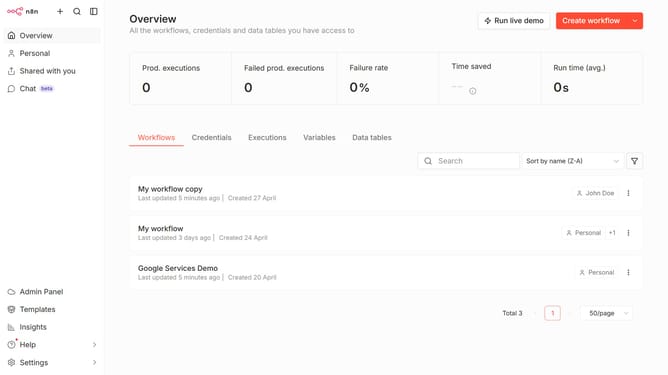
How to create Google OAuth2 API credential in n8n
Here is how to create google oauth2 api credential in n8n
- First click on the dropdown arrow next to "Create workflow" button in the header.
- Then click on "Create credential" in the opened dropdown menu.
- Then click on the "Search for app..." input field and enter "google oauth2".
- Then click on the "Google OAuth2 API" option in the search results.
- Then click on the "Continue" button in the "Add new credential" modal.
- Then fill in the important input fields.
- Then click on the "Sign in with Google" button.
Why should you create Google OAuth2 API credential in n8n
n8n is a versatile workflow automation tool designed to streamline processes and enhance interconnectedness across applications.
Creating Google OAuth2 API credentials within n8n allows users to seamlessly integrate and authenticate with Google's extensive suite of services. This feature is pivotal for establishing secure and efficient data exchanges between Google applications and n8n workflows.
Employing OAuth2 API credentials in n8n ensures that users maintain control over permission scopes while accessing Google services, thereby enhancing security and productivity concurrently.
Last update