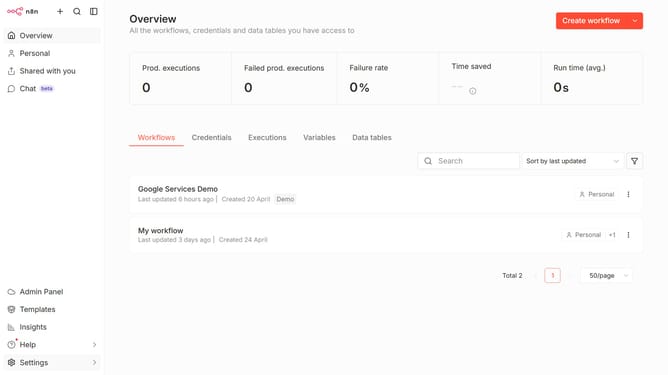
How to create Crypto credential in n8n
Here is how to create crypto credential in n8n
- First click on the "Create workflow" button dropdown.
- Then click on "Create credential" button.
- Click on the "Search for app..." input field.
- Then type "crypto" into the search input and click on the "Crypto" option.
- Next click on the "Continue" button.
- Then enter the information needed for your new credential.
- Finally click on the "Save" button.
Why should you create Crypto credential in n8n
n8n is a versatile automation tool that connects different applications and software to streamline processes seamlessly.
The capability to create Crypto credentials within n8n enhances security and facilitates the encrypted exchange of sensitive data across workflows.
By integrating Crypto credentials, users ensure that their data is protected with advanced encryption, bolstering trust and compliance in digital transactions.
Leveraging these credentials empowers teams to automate tasks efficiently while maintaining high standards of privacy and security.
Last update