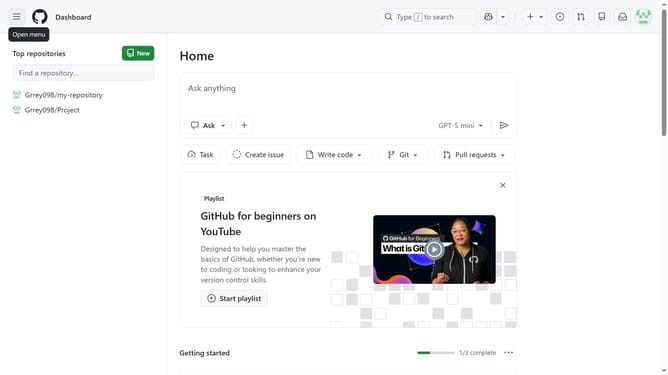
How to create a public repository in GitHub
Here is how to create a public repository in github
- First click on the "+" button in the top navigation bar
- Next click on the "New repository" option from the dropdown menu
- Use the “Owner” dropdown menu to select the account that will own the repository
- Enter the repository name in the “Repository name” field
- Enter a description in the “Description” field if needed
- Click on the visibility dropdown menu in the repository configuration section
- Then, select the "Public" option from the visibility choices
- Toggle on “Add a README file” to include a README if needed
- Optionally add a .gitignore file and select a license
- Finally click on the "Create repository" button at the bottom of the form
Why should you create a public repository in GitHub
GitHub is a powerful platform for sharing code and collaborating on development projects worldwide.
Creating a public repository on GitHub allows you to openly share your work, fostering collaboration and innovation. It enables you to contribute to open-source projects or start your own, inviting developers from around the globe to enhance and refine your code.
Using a public repository boosts transparency and encourages feedback, helping you grow as a developer while building a versatile and impressive portfolio.
Last update