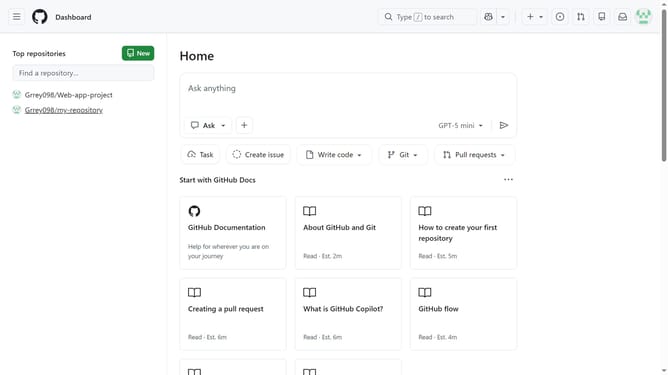
How to create your first repository in GitHub
Here is how to create your first repository in github
- First click on the "Create repository" button in the left sidebar
- Use the "Owner" dropdown menu to select the account you want to own the repository
- Next enter the repository name in the "Repository name" field
- Enter a description in the "Description" field if needed
- Click on the "Choose visibility" dropdown button in the Configuration section
- Then select Public or Private option from the visibility dropdown menu
- Toggle On the "Add README" switch to add a README file if needed
- Optionally add a .gitignore file and select a license
- Finally click on the "Create repository" button at the bottom of the form
Why should you create your first repository in GitHub
GitHub is a dynamic platform designed to host and manage code, fostering collaboration and version control.
Creating your first repository on GitHub is the gateway to organizing your projects and showcasing your work to the world. It allows you to manage versions of your code, track changes, and collaborate efficiently with others.
By establishing a repository, you gain the ability to collaborate seamlessly with peers, streamline your workflow, and create a centralized hub for all your coding endeavors.
Last update