How to create a form in a folder in ClickUp
Here is how to create a form in a folder in clickup
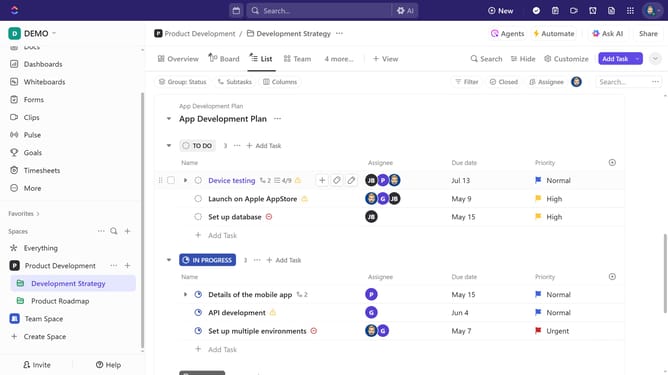
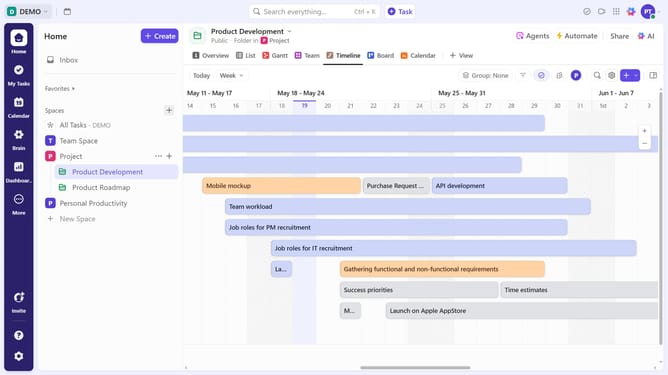
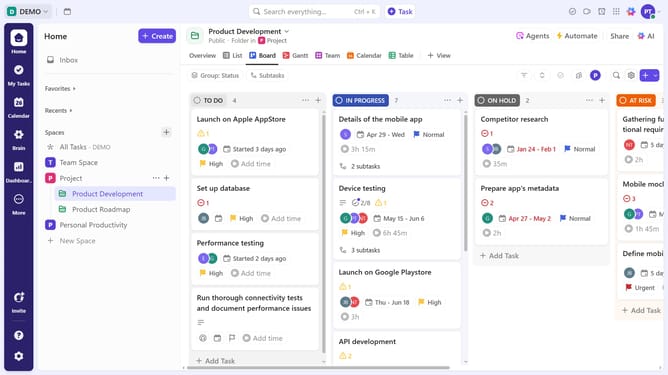
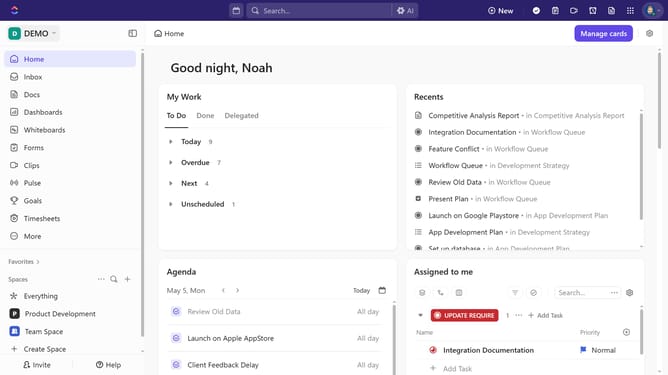
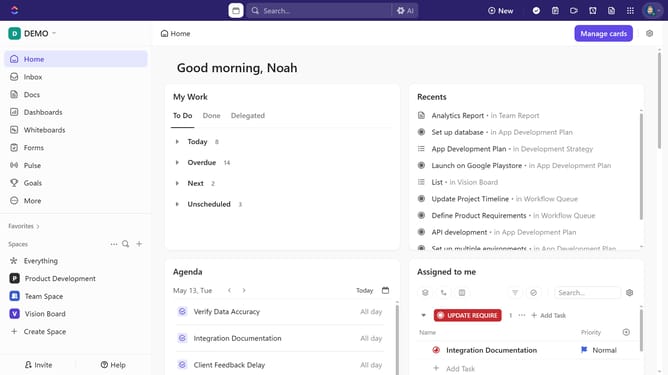
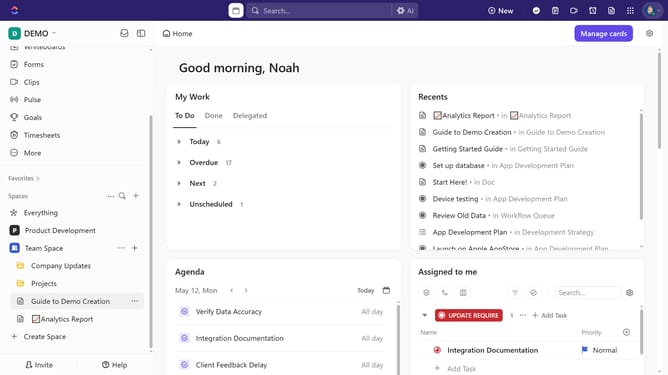
- First in the left sidebar, find the folder where you want to create the form
- Then click on the "+" button next to folder
- Next select "Form" option from the create menu
- Then select a template from the available template card in the form gallery or start from scratch
- You have successfully created a form within the folder
Why should you create a form in a folder in ClickUp
ClickUp is a versatile project management tool designed to streamline productivity and collaboration.
Creating a form within a folder in ClickUp is a seamless feature that organizes data collection effortlessly. This functionality allows teams to gather information systematically, providing a structured approach to project management.
By integrating forms directly into folders, users can enhance workflow efficiency, ensuring that critical information is easily accessible and categorized effectively.
Last update