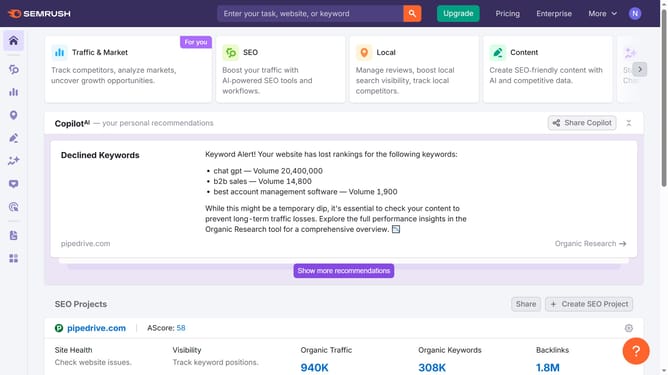
How to check bounce rate in Semrush
Here is how to check bounce rate in semrush
- First click on the "SEO" section in the main navigation menu
- Then click on "Domain Overview" option in the left sidebar menu
- Enter the domain you want to analyze in the search bar at the top.
- Click the "Search" button to generate results
- Here you'll find the bounce rate.
Why should you check bounce rate in Semrush
Semrush stands as a leading all-in-one tool suite designed for enhancing online visibility and uncovering marketing insights.
Checking the bounce rate in Semrush helps you analyze visitor interactions with your website's pages. This metric is crucial for understanding user engagement, as a lower bounce rate typically indicates that visitors find the content relevant and engaging.
Utilizing this feature allows you to identify which pages need improvements to keep visitors on-site, boosting overall site performance and conversion potential.
Such insights assist in optimizing content, enhancing user experience, and ultimately driving better business outcomes.
Last update