Asana
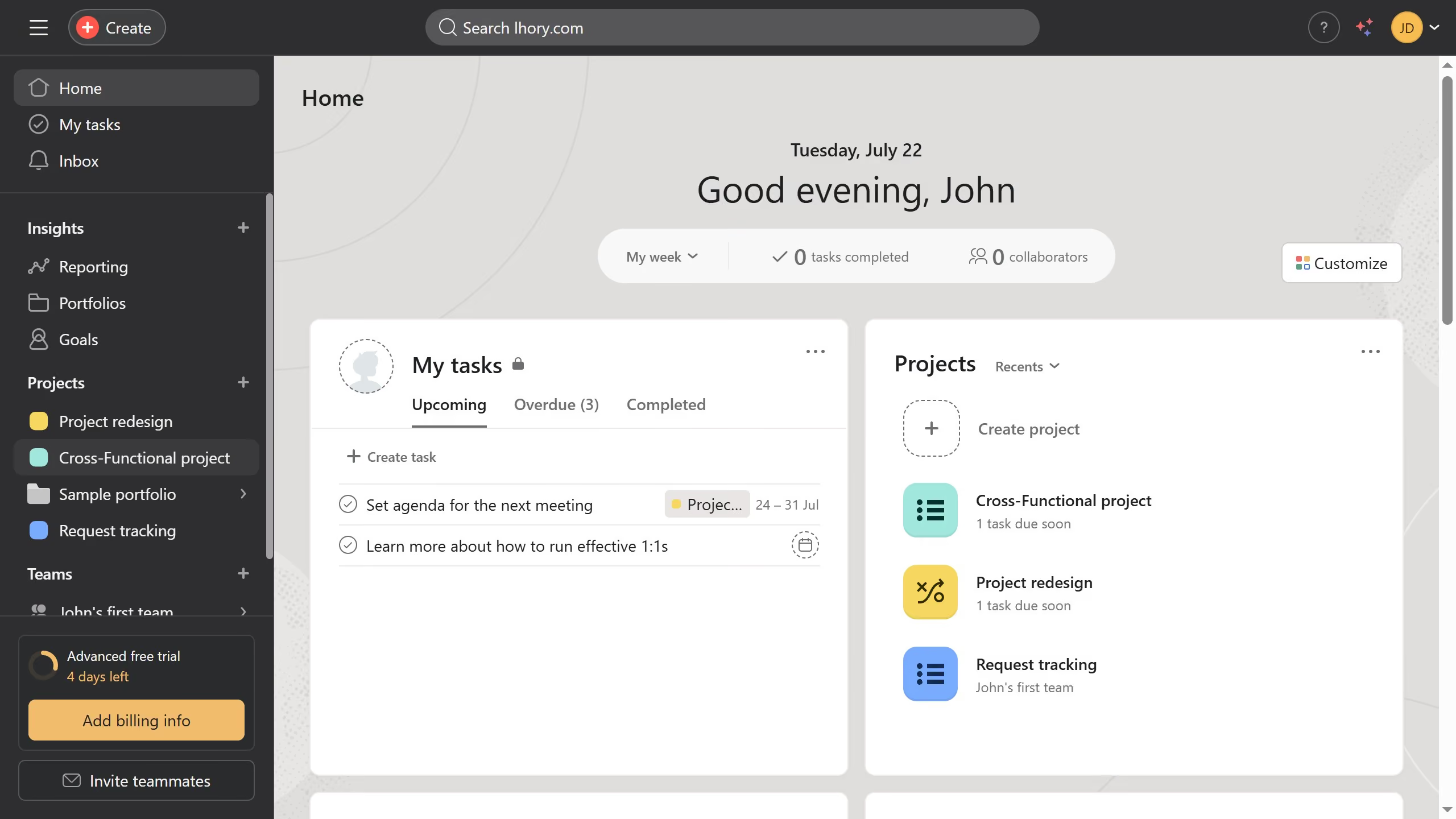
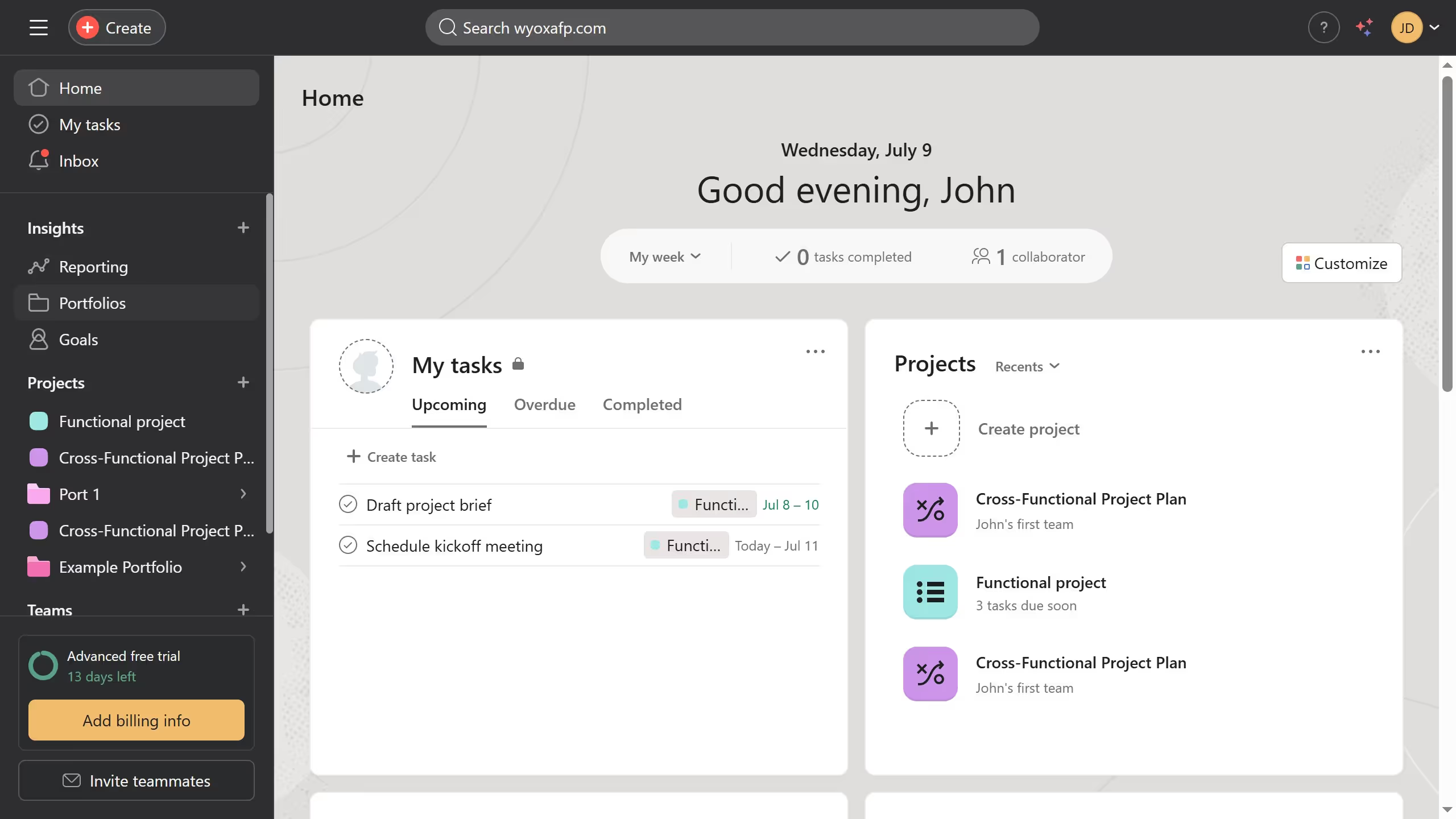
Asana is a work management tool for planning, tracking, and executing projects.
Website
Industry
Project Management
Share this article:

How to change team name in Asana

Here is how to change team name in asana

  1. First click on a team in the left sidebar under Teams section
  2. Then click on the team name dropdown in the top navigation bar
  3. Next select "Edit team settings" from the dropdown menu
  4. Then click the Team name input field in the Team settings modal and erase the current name
  5. Then type the name you want to use for the team
  6. Next scroll down in the Team settings modal
  7. Finally click the "Update Team" button at the bottom of the modal

Create your own interactive guide with Guideflow

Why should you change team name in Asana

Asana is a versatile platform designed to streamline task management and enhance team collaboration.

Changing a team name in Asana is a straightforward feature that helps maintain clarity and relevance in your workspace. Whether you're rebranding, shifting team focus, or just keeping up with internal guidelines, having the ability to adjust names ensures that your team's identity remains aligned with its goals.

This flexibility fosters better communication and collaboration, allowing all members to feel a cohesive connection with their evolving projects.


Last update
June 16, 2026
Cursor MariaA cursor points to a button labeled "James."

Create your first demo in less than 30 seconds.