Asana
Asana is a work management tool for planning, tracking, and executing projects.
Website
Industry
Project Management
Share this article:

How to remove project due date in Asana

Here is how to remove project due date in asana

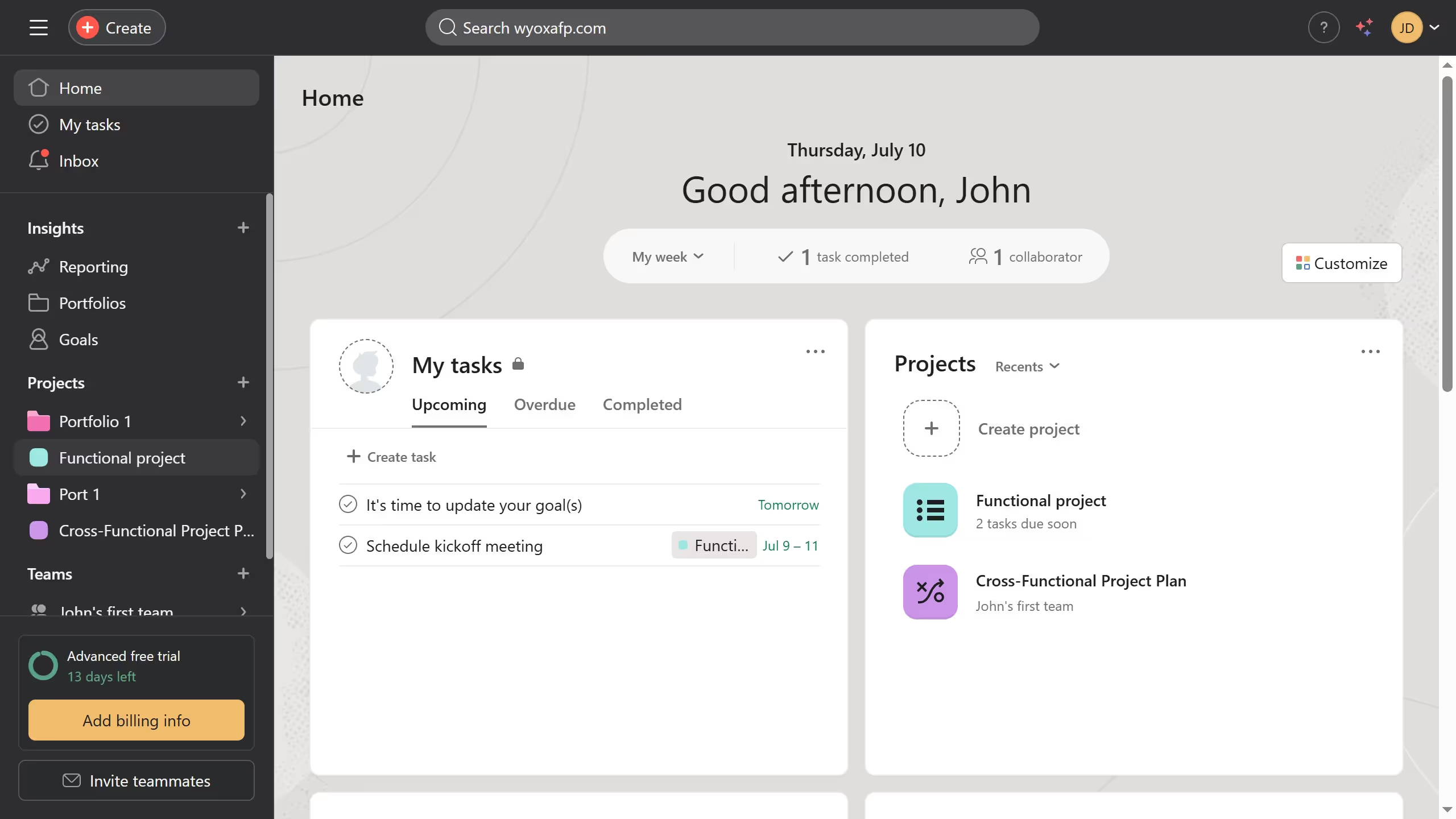
  1. First click on a project in the left sidebar under the Projects section
  2. Then click the arrow button next to the project header
  3. Next click on the project dropdown menu and select "Edit project details"
  4. Finally click the "x" next to the due date to remove the project due date

Create your own interactive guide with Guideflow

Why should you remove project due date in Asana

Asana is a powerful tool designed to streamline project management and enhance team collaboration.

One of its flexible features is the ability to remove a project’s due date, which can be particularly beneficial in fostering an adaptable workflow. By eliminating fixed deadlines, teams can focus on quality and creativity rather than rushing to meet specific dates.

This feature allows project managers to recalibrate priorities and balance workloads smoothly, ensuring that team members work without unnecessary pressure.

Ultimately, removing rigid deadlines can lead to more innovative and thoughtful project outcomes.


Last update
June 23, 2026
Cursor MariaA cursor points to a button labeled "James."

Create your first demo in less than 30 seconds.