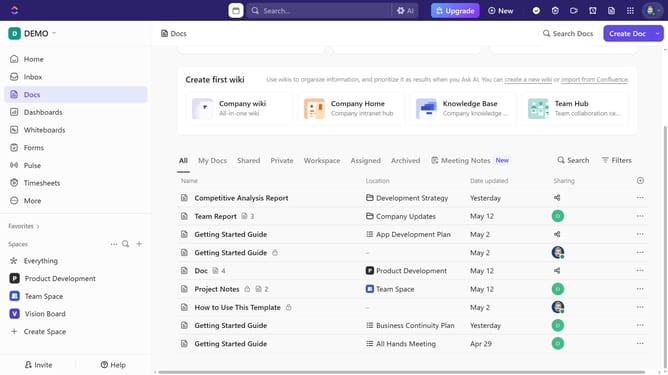
How to apply a Doc template using the /Slash Command in ClickUp
Here is how to apply a doc template using the /slash command in clickup
- First, find and open the Doc where you want to apply the template
- Then type "/" in the Doc editor
- Next click on "Template" from the suggestions menu that appears
- Select "Browse Templates" from the template options dropdown
- In the Template Center, click on your preferred Doc template
- Finally click on "Use Template" button in the template details
Why should you apply a Doc template using the /Slash Command in ClickUp
ClickUp is an all-in-one productivity platform that streamlines task management and project collaboration for teams of all sizes.
One of ClickUp's intuitive features is applying Doc templates effortlessly using the /Slash Command, saving you valuable time in document creation.
By leveraging this feature, you can maintain consistency and enhance your workflow efficiency, ensuring high-quality output every time.
The /Slash Command, a quick access tool, offers swift implementation of templates, streamlining documentation to focus more on what truly matters.
Last update