How to allow all Cohere chat provider models in n8n
Here is how to allow all cohere chat provider models in n8n
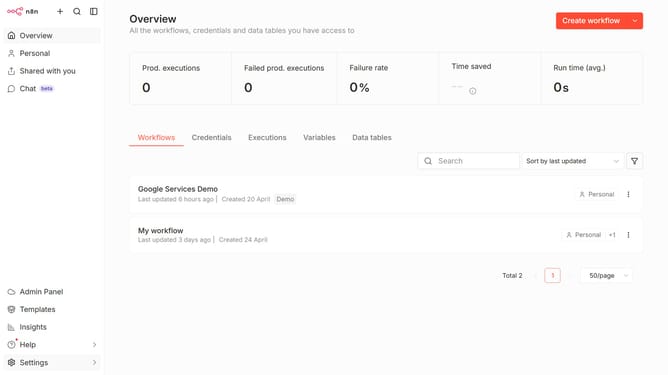
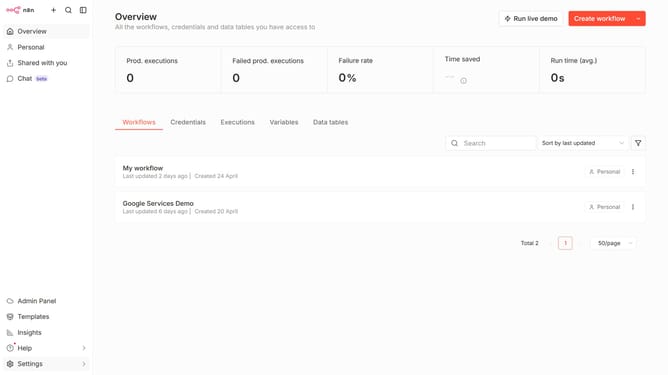
- First click on "Settings" item in the left sidebar menu.
- Then click on "Chat" item in the expanded menu.
- Then click on the three dots icon in the row with Cohere.
- Then click on "Edit provider" button.
- Then click on the toggle button to disable "Limit models".
- Finally click on "Confirm" button.
Why should you allow all Cohere chat provider models in n8n
n8n is a powerful workflow automation tool that connects apps and services to streamline tasks effortlessly.
Allowing all Cohere chat provider models within n8n unlocks a diverse range of conversational capabilities. This feature provides seamless integration, enabling users to leverage various AI-driven chat models for improved communication pipelines.
Using all Cohere models in n8n enhances flexibility and adaptability, allowing teams to tailor chat interactions to specific needs while boosting productivity and innovation.
Last update