How to access saved jobs in LinkedIn
Here is how to access saved jobs in linkedin
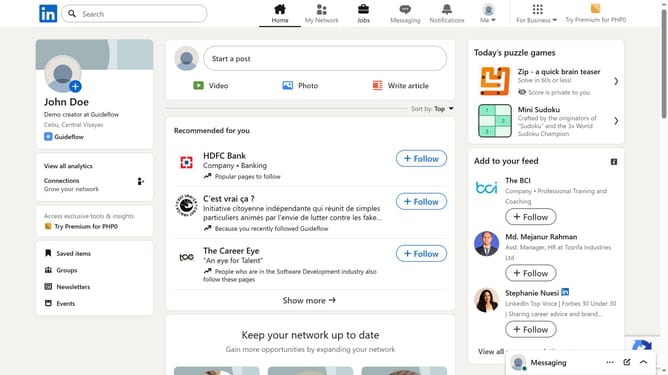
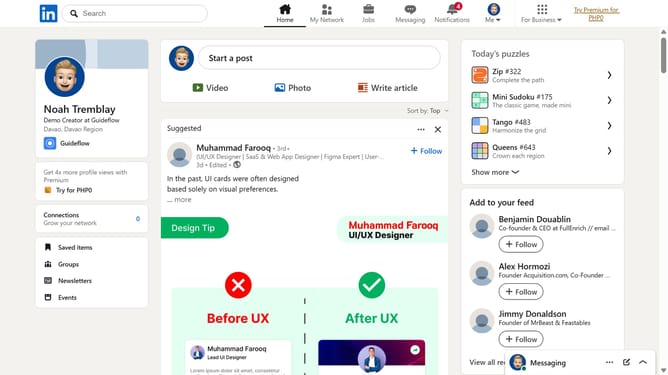
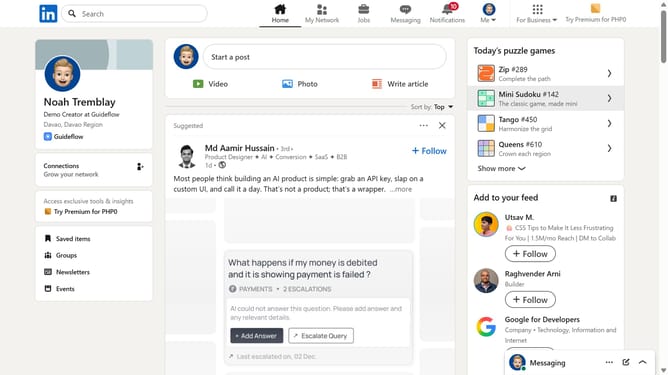
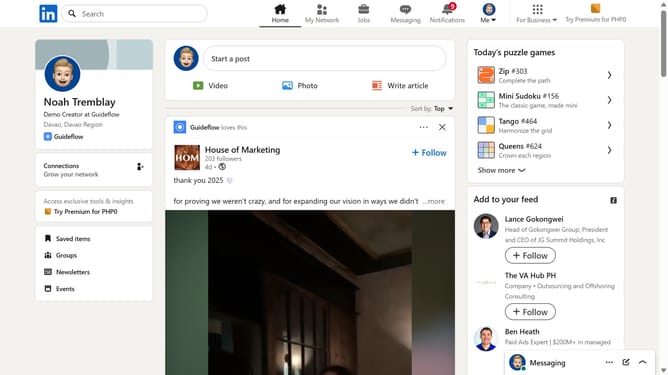
- First click on the "Jobs" icon in the top navigation bar
- Then click on "My jobs" link in the left sidebar menu
- Finally click on the "Saved" tab in the jobs status filter bar
Why should you access saved jobs in LinkedIn
LinkedIn is a professional networking platform designed to connect individuals and businesses worldwide.
Among its various features, the ability to access saved jobs stands out. It effortlessly brings all your job search prospects into one convenient location. By utilizing this feature, you keep track of opportunities that interest you without cluttering your mind or browser.
Accessing saved jobs on LinkedIn ensures you stay organized, enabling you to prioritize potential career opportunities with ease. It aids in making informed decisions by revisiting listings at your convenience, enhancing your job search experience.
Last update