

Too many tools. Not enough clarity.
You opened 11 tabs before 9 AM - and six of them were different SaaS dashboards. The average professional now juggles close to 10 apps daily, and that number keeps climbing. More tools should mean more output. Instead, it often means more context-switching, more subscription invoices, and more time spent figuring out where things live.
What if you just picked the number 1 tool in each category and stopped second-guessing? That's the premise of this list. We cross-referenced user satisfaction scores, market share data, feature depth, and value-for-money across G2, Capterra, and Trustpilot to identify the single #1 rated tool in 15 distinct professional categories - all verified as of Q1 2026. If you want to explore any of these tools hands-on before committing, interactive demos can help you experience the product without signing up.
What's inside
This is a curated list of the best tools 2026 has to offer, spanning productivity, design, communication, payments, security, and more. Each pick is the category leader based on real user data, not marketing spend.
You'll get a quick-reference comparison table, individual breakdowns with pricing and strengths, and a practical decision framework for building your own stack. Whether you're a freelancer trimming subscriptions or a team lead standardizing on top-rated software, you'll leave with a clear shortlist.
TL;DR
- 15 categories, one tool each - the #1 rated pick based on G2, Capterra, and Trustpilot data from Q1 2026
- 12 of 15 tools offer functional free tiers - you can test most before spending a dollar
- Total cost for all 15 on lowest paid plans - roughly $200–250/month per user, or $50–80/month if you stick to free tiers where available
- Each tool section includes pricing, key strengths, and ideal user profile
- Comparison table included for side-by-side scanning
- Decision framework at the end to help you pick the 4–6 tools that actually match your workflow
What "#1 rated" means in this context
Being the number 1 tool in a category isn't about having the most users or the biggest ad budget. It's about earning the highest satisfaction scores from the people who actually use the product daily.
For this list, "number one" means the tool that holds the top position in its G2 category grid, appears on the Capterra Shortlist, or carries the highest verified rating on Trustpilot - with a minimum of 500 verified reviews. Popularity and satisfaction aren't the same thing. Microsoft Teams has more users than Slack. That doesn't make it the better tool for most teams.
How we ranked these #1 tools (our methodology)
Every tool on this list was evaluated against four criteria:
- User satisfaction score - weighted average across G2, Capterra, and Trustpilot, with a floor of 4.5/5 and 500+ verified reviews
- Market leadership - placement in the category leader quadrant or highest market share among peers
- Feature depth - breadth and quality of core capabilities compared to direct competitors
- Value for money - what you get relative to what you pay, including free tier generosity
All data was pulled between January and March 2026. Tools with fewer than 500 verified reviews, tools no longer actively maintained, and tools with unresolved major security incidents were excluded.
Quick-reference comparison table - all 15 #1 rated tools at a glance
Here's every tool side by side so you can compare at a glance.
| Tool | Category | G2 Rating | Starting Price | Best For | Free Tier? |
|---|---|---|---|---|---|
| Notion | Productivity & Knowledge Management | 4.7/5 | $10/user/mo | Teams wanting one workspace for docs + projects | Yes |
| Slack | Team Communication | 4.5/5 | $8.75/user/mo | Remote and hybrid teams of any size | Yes |
| Figma | Collaborative Design | 4.7/5 | $15/editor/mo | Product design and UI/UX teams | Yes |
| HubSpot CRM | CRM | 4.4/5 | Free / $20/mo Starter | Growing businesses avoiding Salesforce complexity | Yes |
| Canva | Graphic Design (Non-Designers) | 4.7/5 | $15/mo | Marketers, social media managers, solopreneurs | Yes |
| Zoom | Video Conferencing | 4.5/5 | $13.33/user/mo | Teams prioritizing reliable video calls and webinars | Yes |
| Ahrefs | SEO & Backlink Analysis | 4.6/5 | $129/mo | SEO professionals and content marketers | No |
| 1Password | Password Manager | 4.7/5 | $2.99/mo | Individuals and businesses prioritizing security | No |
| Linear | Issue Tracking (Engineering) | 4.8/5 | $8/user/mo | Software engineering teams and startups | Yes |
| Stripe | Payment Processing | 4.5/5 | 2.9% + 30¢/txn | SaaS companies, marketplaces, developers | N/A |
| Loom | Async Video Messaging | 4.7/5 | $15/creator/mo | Remote teams replacing unnecessary meetings | Yes |
| Vercel | Frontend Deployment & Hosting | 4.5/5 | $20/user/mo | Frontend developers and Next.js projects | Yes |
| Grammarly | AI Writing Assistant | 4.7/5 | $12/mo | Anyone who writes professionally | Yes |
| Calendly | Scheduling Automation | 4.7/5 | $12/seat/mo | Sales teams, recruiters, consultants | Yes |
| Superhuman | Email Client | 4.6/5 | $30/mo | Executives and founders who live in email | No |
1. Notion - #1 productivity & knowledge management tool

Notion is the single tool that replaced docs, wikis, spreadsheets, and project boards for thousands of teams - and it keeps getting more capable.
What makes Notion the number one software in this category is its flexibility. You can build a lightweight CRM, a content calendar, an engineering wiki, and a personal task manager inside the same workspace. Notion AI adds writing assistance and autofill directly inside your pages, which means you don't need a separate AI tool for internal documentation. Teams looking to build a centralized knowledge base will find Notion especially compelling.
Best for: Small-to-mid teams wanting one workspace for docs, databases, and project management.
Key strengths
- All-in-one workspace combining docs, wikis, and databases
- AI-powered writing and autofill built into every page
- 100+ templates covering virtually every use case
- Native integrations with Slack, Google Drive, and Figma
- Generous free tier with unlimited pages for individuals
Pricing: Free (unlimited pages, 10 guest collaborators) / Plus at $10/user/month / Business at $18/user/month / Enterprise custom.
The trade-off: Notion can feel overwhelming during initial setup. Teams without a clear structure tend to end up with sprawling, disorganized workspaces. If you need a rigid, opinionated project management tool, Linear or Asana may serve you better. But if you want one tool to consolidate your knowledge base, Notion is the category leader by a wide margin.
2. Slack - #1 team communication platform
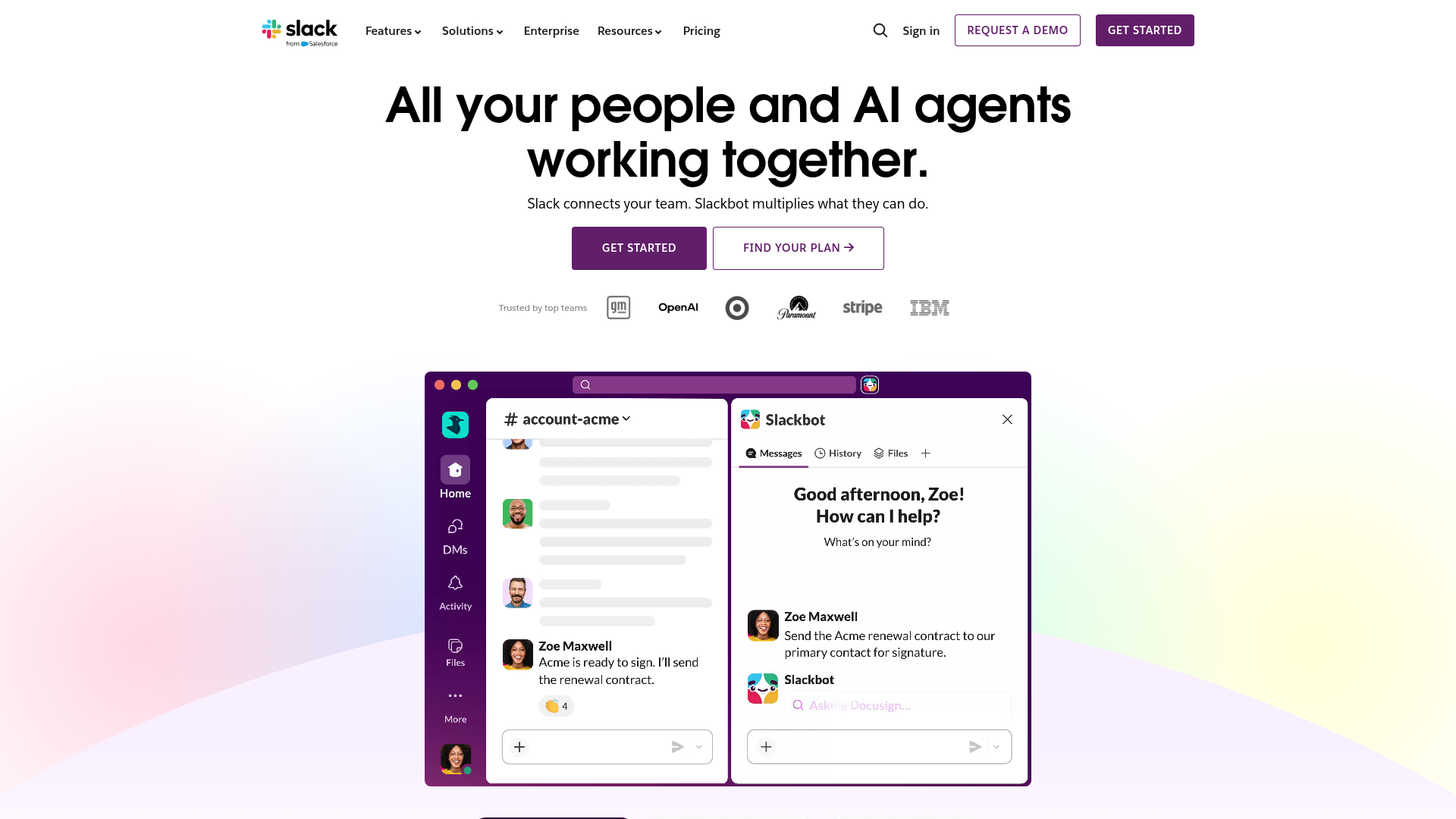
Slack is the purpose-built messaging platform that set the standard for how modern teams communicate - channels, threads, huddles, and now AI-powered search.
Here's the honest context: Microsoft Teams has more total users because it's bundled with Microsoft 365. But when you look at standalone satisfaction scores, Slack consistently rates higher. Teams choose Slack deliberately. Teams often get Teams by default. That distinction matters.
Best for: Remote and hybrid teams of any size that want structured, searchable communication.
Key strengths
- Channels and threads keep conversations organized and searchable
- Slack AI summarizes messages and surfaces relevant answers
- 2,600+ app integrations spanning nearly every SaaS category
- Slack Connect enables secure external collaboration with clients
- Huddles and clips replace quick calls and short video updates
Pricing: Free / Pro at $8.75/user/month / Business+ at $15/user/month / Enterprise Grid custom.
The free tier is functional for small teams but caps message history. If your team relies on searching old conversations, the Pro plan is worth it. Slack's real strength is its integration depth - it tends to become the central nervous system of your entire SaaS stack.
3. Figma - #1 collaborative design tool
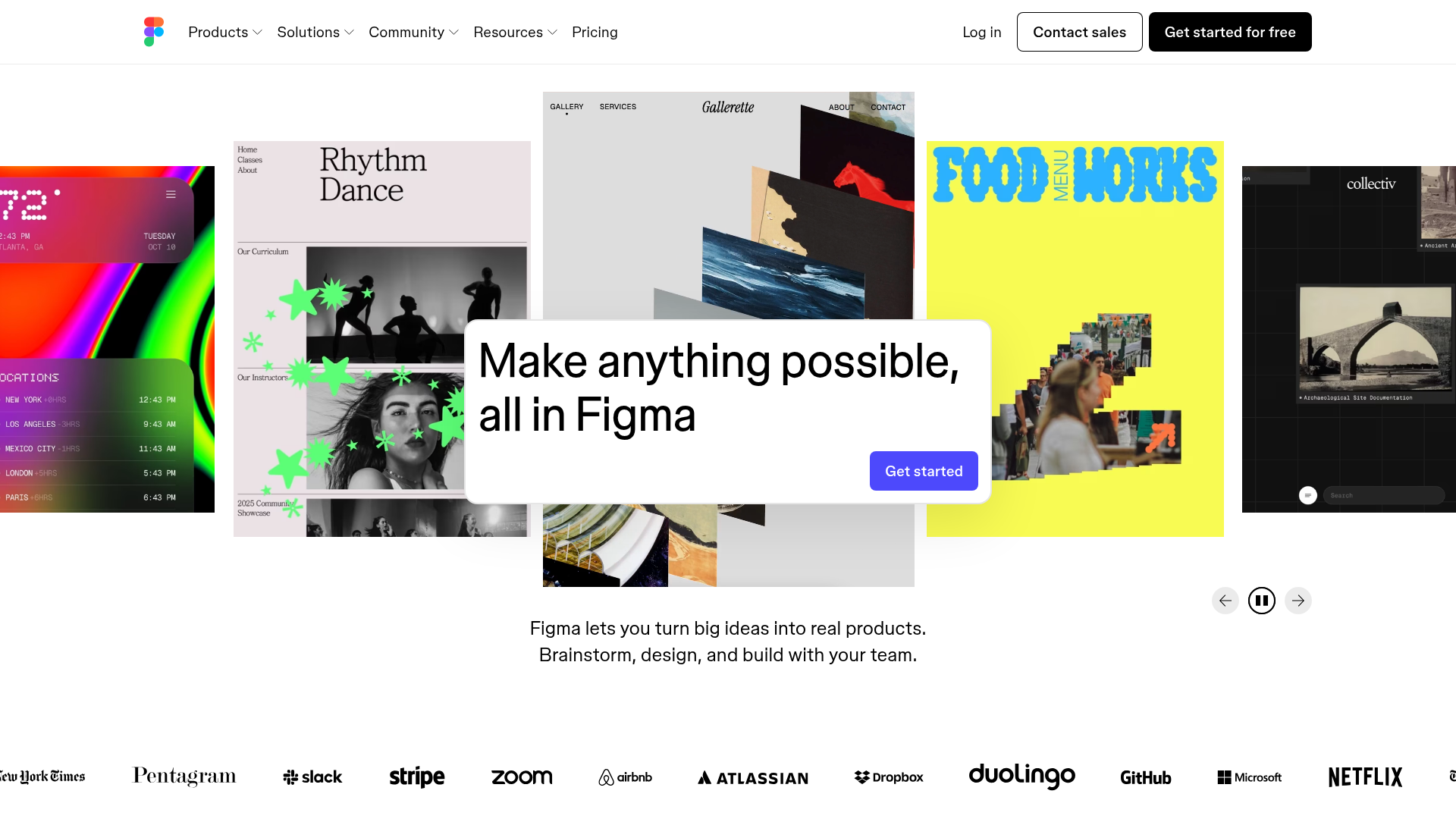
Figma is the browser-based design tool that made real-time multiplayer collaboration the default for product teams - and effectively retired the "send me the latest file" workflow. You can explore how Figma works through its interactive product demo.
Figma dethroned Sketch and Adobe XD by removing friction. There's nothing to install. You share a link, and your whole team - designers, developers, PMs - can view, comment, or edit simultaneously. Dev Mode bridges the gap between design and code handoff, which is the single feature engineering teams tend to value most.
Best for: Product design teams, UI/UX designers, and anyone maintaining a design system.
Key strengths
- Real-time multiplayer editing with zero install required
- Dev Mode for accurate design-to-code handoff specifications
- FigJam whiteboarding for brainstorming and workshops
- Extensive plugin ecosystem with thousands of community add-ons
- Browser-based access means any OS works instantly
Pricing: Free (3 projects) / Professional at $15/editor/month / Organization at $45/editor/month / Enterprise custom.
If you're a solo designer doing print work or photo editing, Adobe's tools are still the better fit. But for product and interface design with a team, Figma is the number one choice and it's not particularly close.
4. HubSpot CRM - #1 customer relationship management platform
HubSpot CRM is the all-in-one CRM platform that gives growing businesses marketing, sales, service, and operations tools without requiring a dedicated admin to configure them. For a deeper comparison of platforms in this space, check out our roundup of the best CRM software.
The standout detail: HubSpot's free CRM supports unlimited users and up to 1,000,000 contacts. That's not a trial. It's a permanent free tier. For small businesses and startups, this single tool can replace a patchwork of spreadsheets and disconnected apps. The paid hubs add AI-powered lead scoring, email automation, and custom reporting - but plenty of teams run on free for months before upgrading.
Best for: Growing businesses that want an all-in-one CRM without Salesforce's complexity or cost.
Key strengths
- Free CRM with unlimited users and one million contacts
- Marketing, Sales, Service, CMS, and Operations Hubs integrated
- AI-powered lead scoring and email writing built in
- Native reporting dashboards without third-party BI tools needed
- Fastest onboarding time compared to Salesforce and Dynamics
Pricing: Free CRM forever / Starter at $20/month / Professional at $890/month / Enterprise at $3,600/month.
The jump from Starter to Professional is steep. That pricing gap is HubSpot's most common criticism. If you're an enterprise with complex sales cycles, Salesforce may still be the better fit. But for the mid-market, HubSpot is the #1 rated CRM on G2 for good reason. Explore HubSpot's interface through its interactive demo.
5. Canva - #1 graphic design tool for non-designers
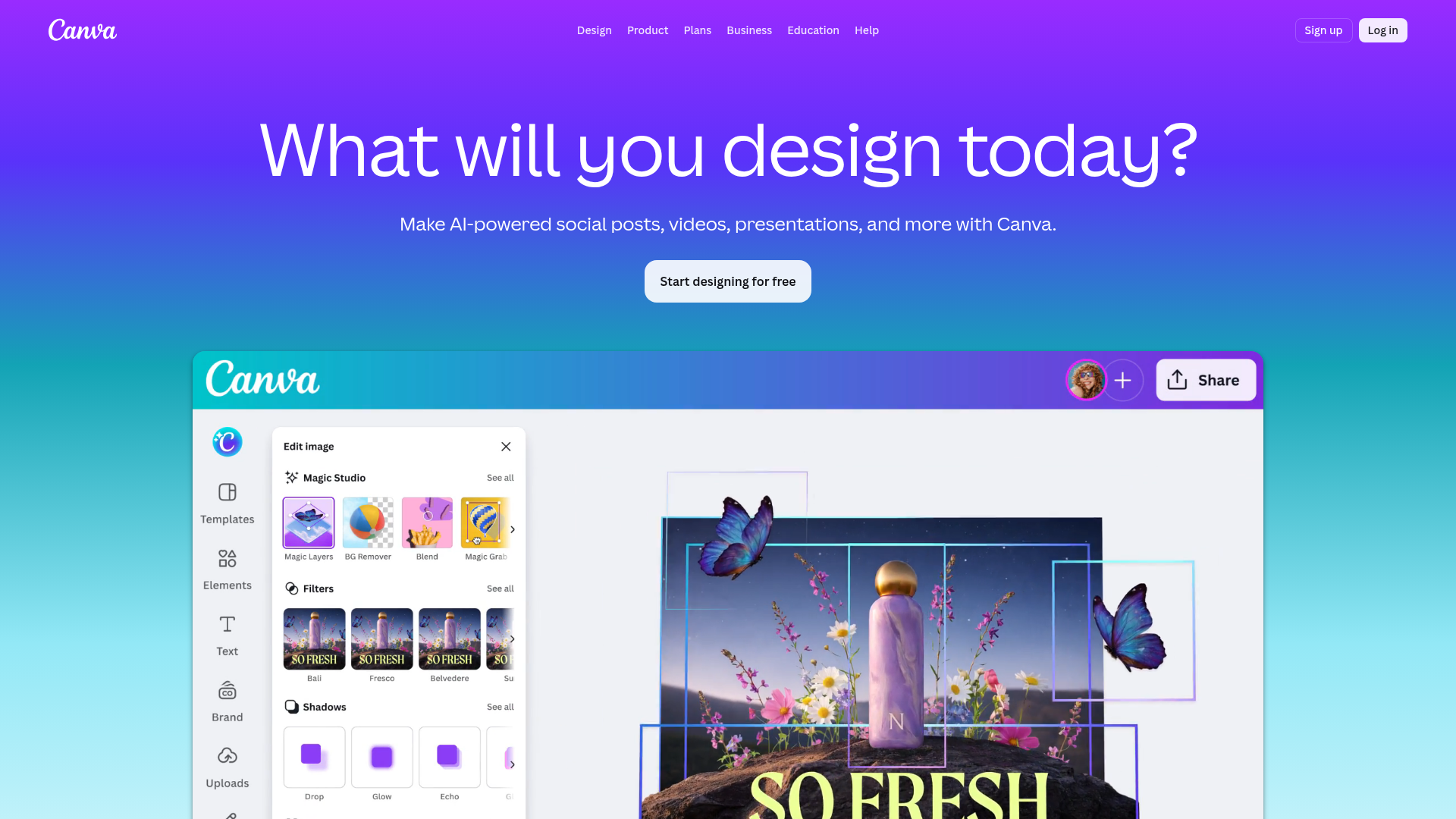
Canva is the drag-and-drop design platform that put professional-quality visuals within reach of anyone - no design degree required. It's also a standout in the broader content creation software category.
With 190M+ monthly active users, Canva is the best app in its category by sheer adoption and satisfaction. Magic Studio AI now handles text-to-image generation, background removal, and copy writing inside the editor. The Brand Kit feature lets teams lock in fonts, colors, and logos so every piece of content stays consistent without pinging someone on Slack for the latest brand guidelines.
Best for: Marketers, social media managers, solopreneurs, and educators who need polished visuals fast.
Key strengths
- Drag-and-drop editor with 250M+ design assets available
- Magic Studio AI for text-to-image and background removal
- Brand Kit ensures consistent branding across all content
- Real-time collaboration and built-in presentation mode
- Highest ease-of-use rating on Capterra in its category
Pricing: Free / Canva Pro at $15/month / Canva Teams at $10/user/month / Enterprise custom.
Canva isn't trying to replace Adobe Illustrator or Photoshop for complex illustration or photo manipulation. If you need vector precision or advanced compositing, Adobe is still the number one software for that. Canva wins because it makes 80% of design tasks accessible to 100% of your team.
6. Zoom - #1 video conferencing platform
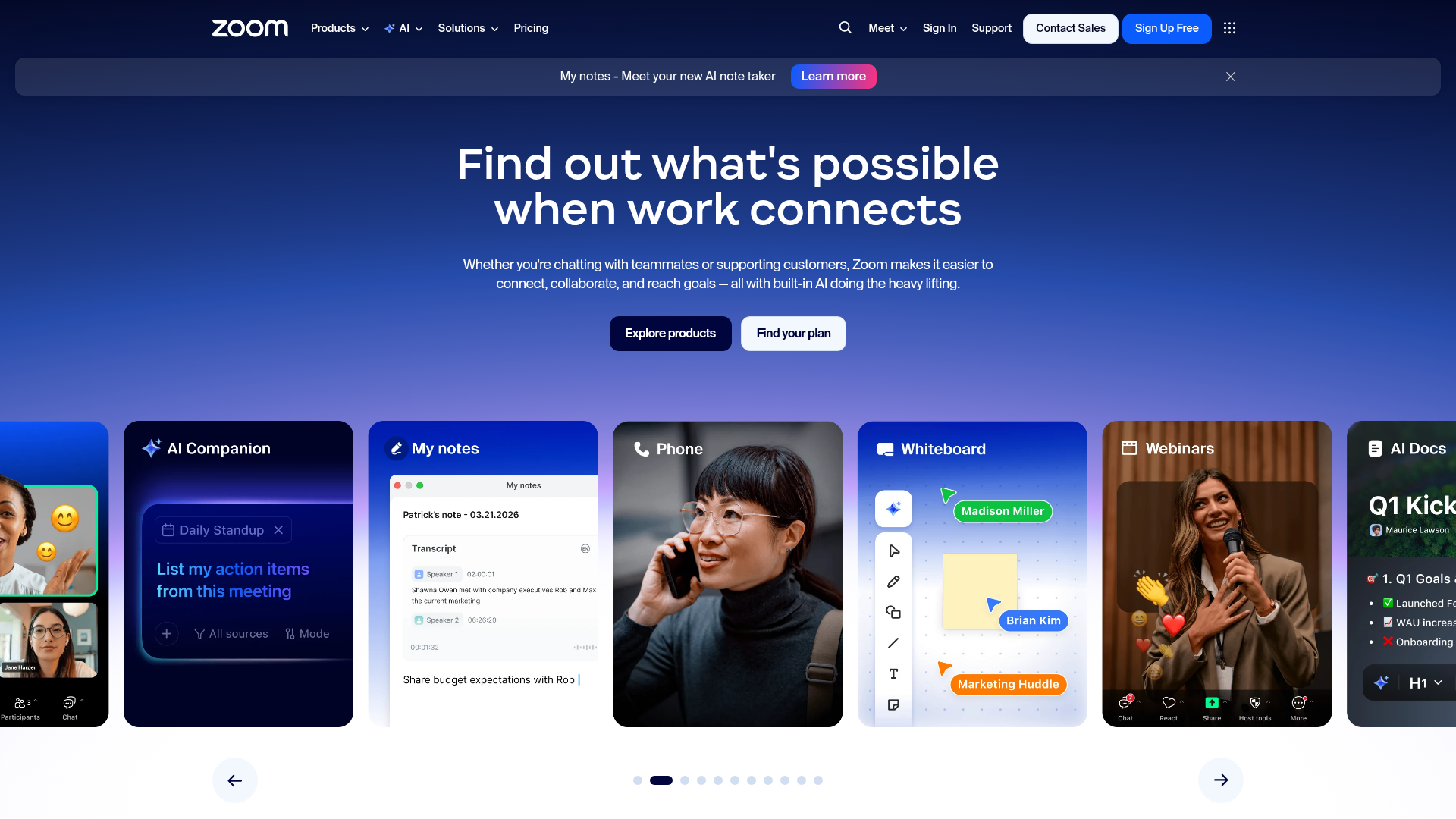
Zoom is the dedicated video conferencing platform that became a verb - and still holds the top spot for standalone meeting quality and reliability. See how Zoom's interface works with its interactive demo.
The post-pandemic landscape shifted. Google Meet and Microsoft Teams absorbed a lot of casual video calling. But for webinars, large events, and teams that prioritize call quality above all else, Zoom remains the category leader. AI Companion now generates meeting summaries, action items, and smart recordings automatically - without a third-party note-taking app. Teams hosting large-scale events may also want to explore the best webinar platforms for more specialized options.
Best for: Any team that prioritizes reliable, high-quality video calls and webinars.
Key strengths
- HD video and audio with AI Companion for summaries
- Zoom Workplace bundles chat, phone, whiteboard, and scheduler
- Supports up to 1,000 video participants in a single session
- Breakout rooms and live translation for global teams
- Strongest webinar and large-event capabilities in the category
Pricing: Basic free (40-minute limit) / Pro at $13.33/user/month / Business at $18.33/user/month / Enterprise custom.
If your organization already pays for Microsoft 365 and only needs basic video calls, Teams is included at no extra cost. That's a real consideration. Zoom's edge is in dedicated conferencing features - not bundled value.
7. Ahrefs - #1 SEO & backlink analysis tool
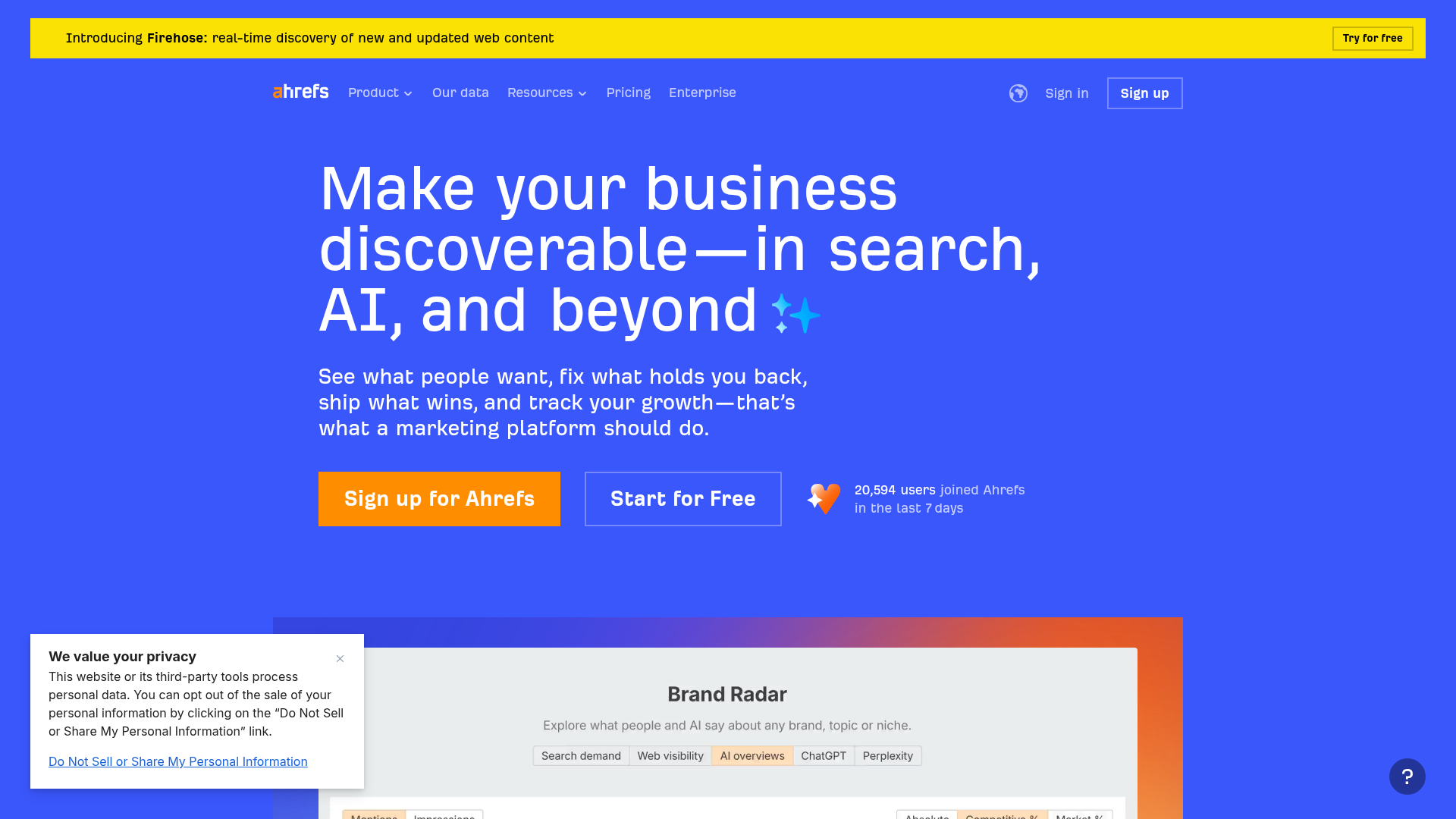
Ahrefs is the SEO toolkit built around the largest backlink index on the web - 35 trillion+ known links and counting. For a broader view of the landscape, see our guide to the best SEO tools.
For pure SEO work - backlink analysis, keyword research, technical audits, rank tracking - Ahrefs is the one tool that consistently tops G2's SEO category. Site Explorer alone gives you a deeper view of any domain's link profile than any competitor. The AI-powered content grader now scores your pages against top-ranking results and suggests specific improvements.
Best for: SEO professionals, content marketers, and agencies focused on organic growth.
Key strengths
- Largest backlink index with 35T+ known links tracked
- Five core tools: Site Explorer, Keywords Explorer, Site Audit, Rank Tracker, Content Explorer
- AI-powered content grader for on-page optimization scoring
- Competitive analysis dashboards for domain-level benchmarking
- Most accurate link data according to independent third-party tests
Pricing: Lite at $129/month / Standard at $249/month / Advanced at $449/month / Enterprise at $1,499/month.
In fairness, Semrush is the stronger pick if your focus is PPC and advertising research. It also offers a more generous free tier for beginners. But for backlink analysis and technical SEO - the core of organic strategy - Ahrefs is the number 1 tool. Given that 75% of searchers never scroll past the first page of results (WifiTalents, 2026), the stakes of getting SEO right keep rising. Content marketers pairing Ahrefs with the right content marketing tools can build a complete organic growth engine.
8. 1Password - #1 password manager
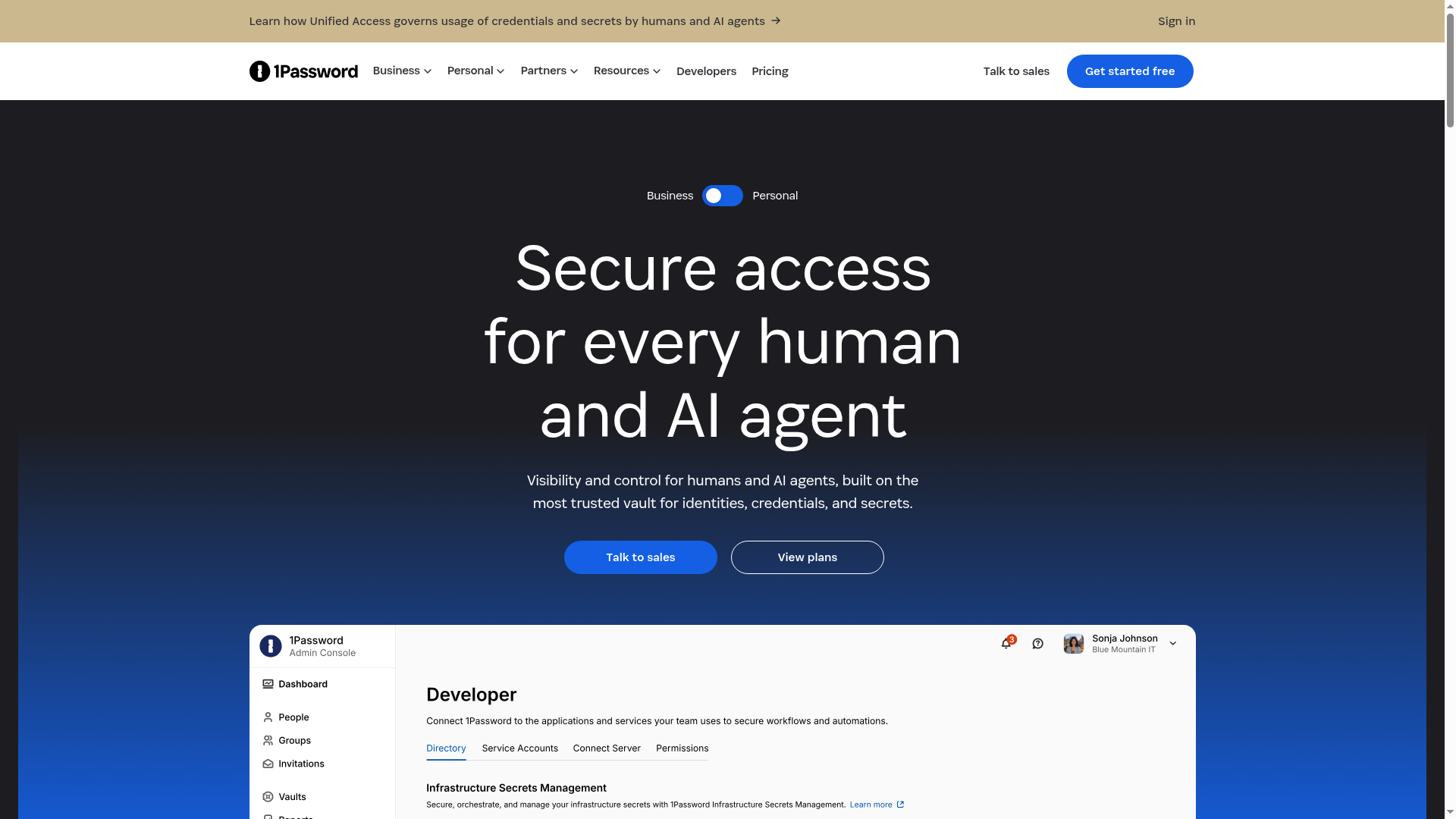
1Password is the password manager that's been Wirecutter's top pick for seven consecutive years - and it's earned that streak by combining security with usability.
After the LastPass security incidents, trust became the defining factor in this category. 1Password has never been breached. Watchtower monitors your saved credentials against known data breaches in real time. Travel Mode lets you hide sensitive vaults when crossing international borders - a feature no other manager offers. Passkey support is now built in, preparing your team for the post-password future.
Best for: Individuals, families, and businesses that prioritize security without sacrificing convenience.
Key strengths
- Watchtower monitors credentials against known breach databases continuously
- Passkey support and biometric unlock across all platforms
- Travel Mode hides sensitive vaults during border crossings
- Family, Teams, and Enterprise plans with granular admin controls
- Zero-knowledge architecture means 1Password can't access your data
Pricing: Individual at $2.99/month / Families at $4.99/month / Teams at $19.95/month for 10 users / Business at $7.99/user/month / Enterprise custom.
Bitwarden is the best open-source alternative and costs less. If budget is your primary constraint, it's a solid choice. But for the combination of UX polish, security track record, and enterprise features, 1Password is the #1 rated password manager.
9. Linear - #1 issue tracking & project management for engineering teams
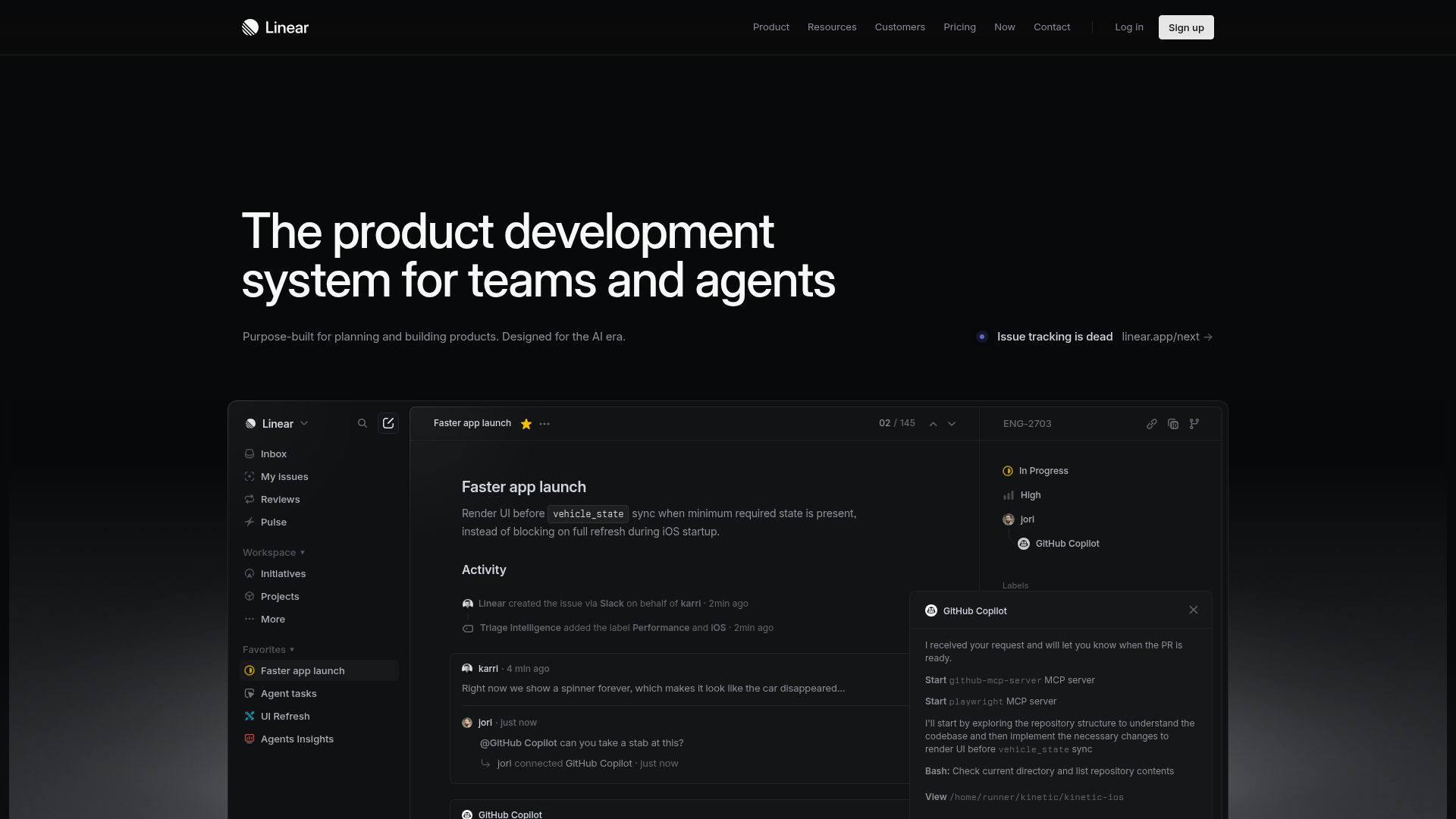
Linear is the issue tracker built for speed - sub-50ms UI performance that makes Jira feel like it's running through mud. You can try the Linear interactive demo to experience that speed firsthand.
That speed isn't a gimmick. It's the reason engineering teams switch. Linear's interface responds faster than you can think of the next action, which means less time managing tickets and more time writing code. Cycles, roadmaps, and project views give PMs the structure they need. Git integration with GitHub and GitLab keeps everything synced. AI-powered triage auto-labels and prioritizes new issues.
Best for: Software engineering teams and startups that value speed and opinionated workflows.
Key strengths
- Sub-50ms UI performance across every interaction and view
- Cycles, roadmaps, and project views for structured planning
- Deep Git integration with GitHub and GitLab repositories
- AI-powered triage auto-labels and prioritizes incoming issues
- Fastest-growing project tool on G2 with highest dev satisfaction
Pricing: Free (up to 250 issues) / Standard at $8/user/month / Plus at $14/user/month / Enterprise custom.
Linear is opinionated by design. If your team wants heavy customization - custom fields, complex workflows, dozens of integrations - Jira still offers more flexibility. But Linear's satisfaction scores among dev teams are notably higher.
10. Stripe - #1 payment processing platform
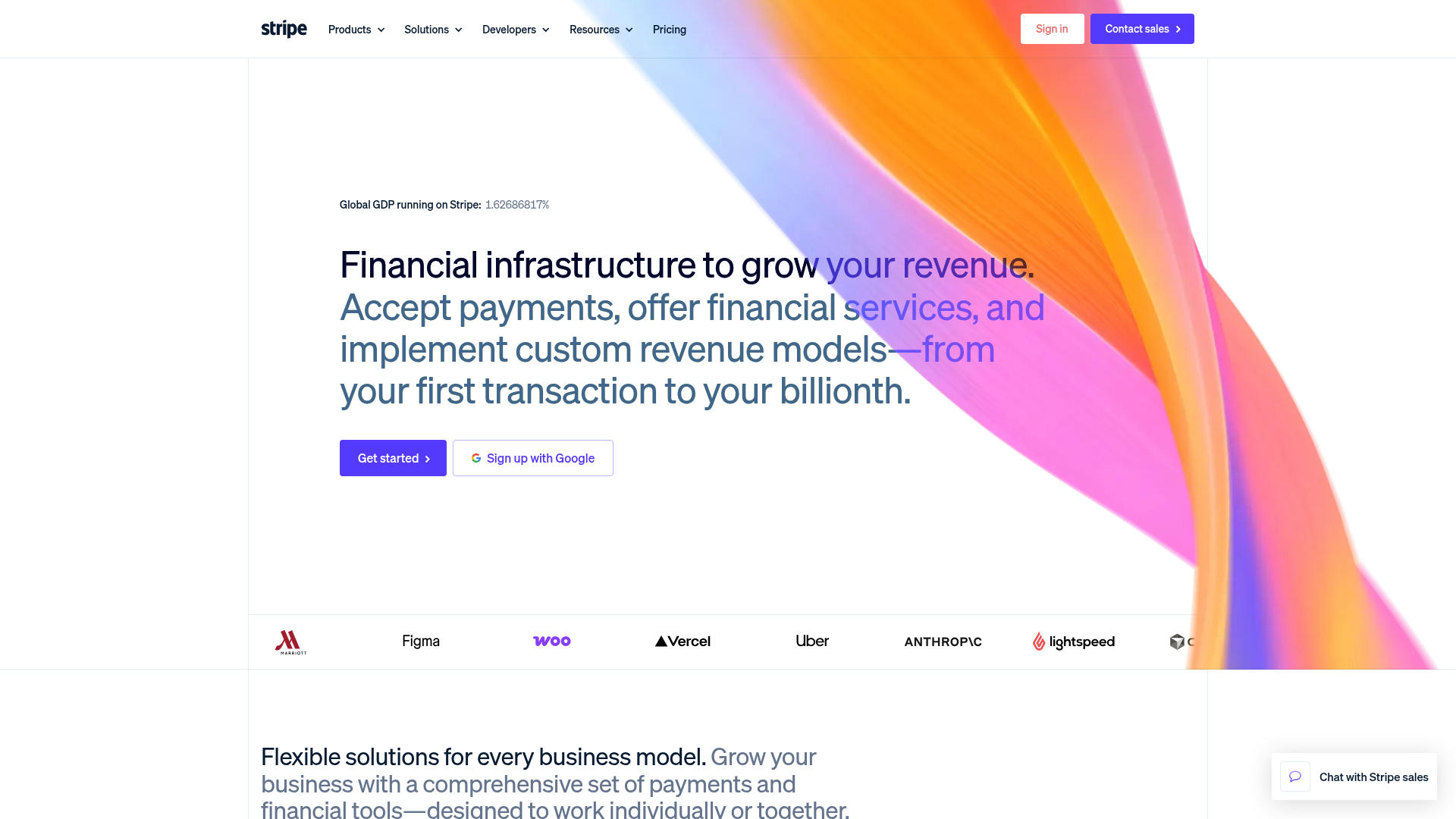
Stripe is the payment infrastructure that powers 3.1M+ businesses - and it got there by building the best API documentation in the industry.
Developers don't just tolerate Stripe. They prefer it. The API is clean, well-documented, and predictable. Stripe Billing handles subscriptions. Stripe Connect powers marketplaces. Radar uses AI for fraud detection. Revenue Recognition and Tax automation handle the compliance headaches that used to require separate vendors. It's the one tool that scales from a weekend project to a public company.
Best for: SaaS companies, marketplaces, e-commerce businesses, and developers building payment flows.
Key strengths
- Accepts payments in 135+ currencies with localized methods
- Stripe Billing, Connect, Radar, Tax, and Revenue Recognition
- Developer-first API with the best documentation in fintech
- AI-powered fraud detection catches threats before they process
- Powers payments for 3.1M+ businesses worldwide at scale
Pricing: 2.9% + 30¢ per successful card charge (US) / custom enterprise pricing available.
PayPal is more recognized by consumers. Square is better for in-person retail. But for online payment infrastructure - especially if you're building custom flows - Stripe is the number one software and the standard other processors benchmark against.
11. Loom - #1 async video messaging tool
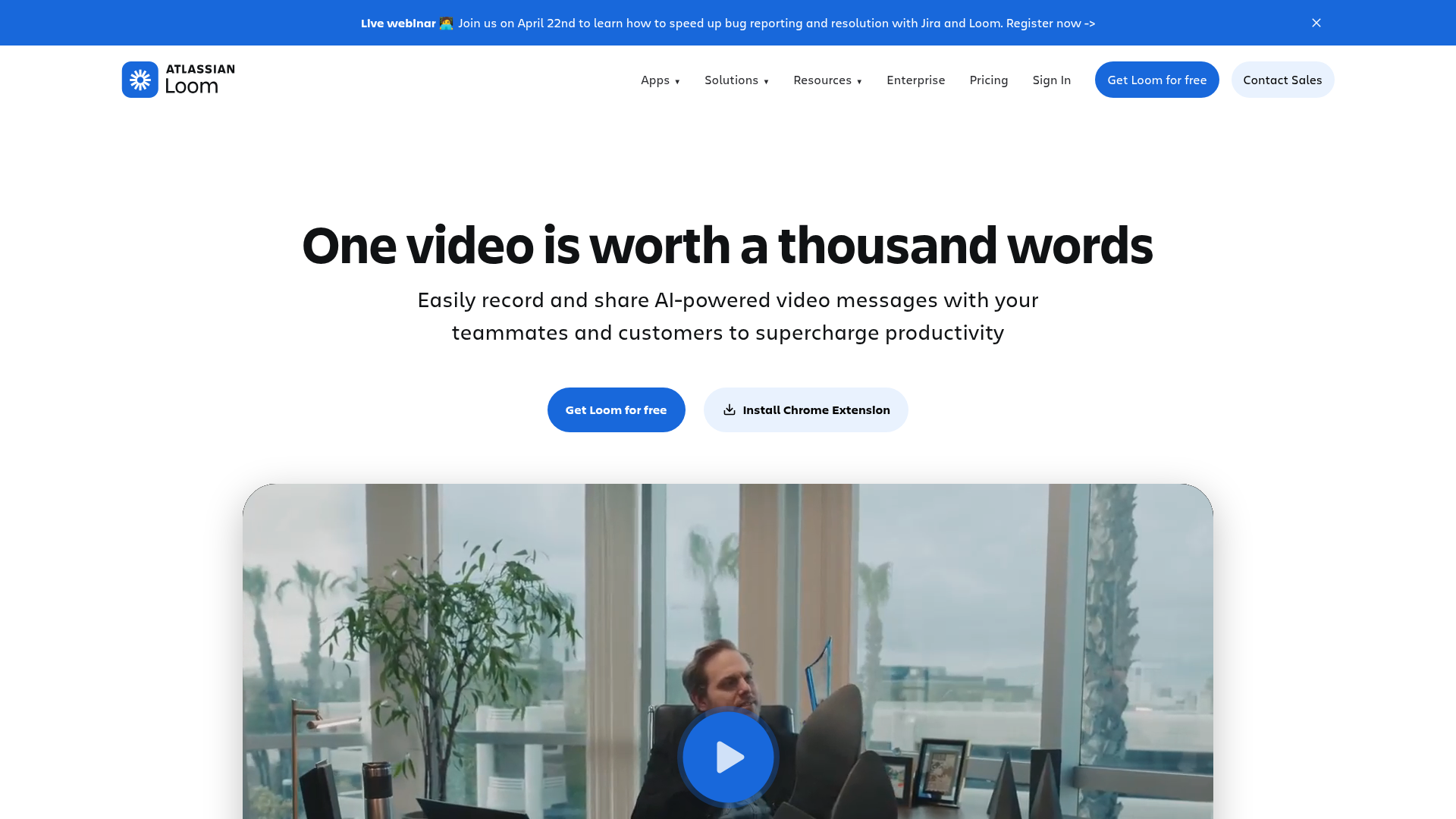
Loom is the async video tool that created its category - and a 3-minute Loom still replaces a 30-minute status meeting.
With 25M+ users, Loom proved that not every conversation needs to happen in real time. Record your screen and camera in one click. AI generates summaries, chapters, and titles automatically. Viewer analytics show who watched, how far they got, and where they dropped off. You can embed Looms in Slack, Notion, email - anywhere your team already works.
Best for: Remote teams, sales reps, customer support, and product managers replacing unnecessary meetings.
Key strengths
- Screen plus camera recording in a single click
- AI-generated summaries, chapters, and titles for every video
- Viewer engagement analytics showing watch-through rates and drop-off
- Embeds natively in Slack, Notion, email, and docs
- 25M+ users making it the category creator and clear leader
Pricing: Free (25 videos, 5 minutes each) / Business at $15/creator/month / Enterprise custom.
Vidyard is the stronger pick for sales-specific video prospecting with CRM integration. But for general async communication across teams, Loom is the best app in the category.
12. Vercel - #1 frontend deployment & hosting platform
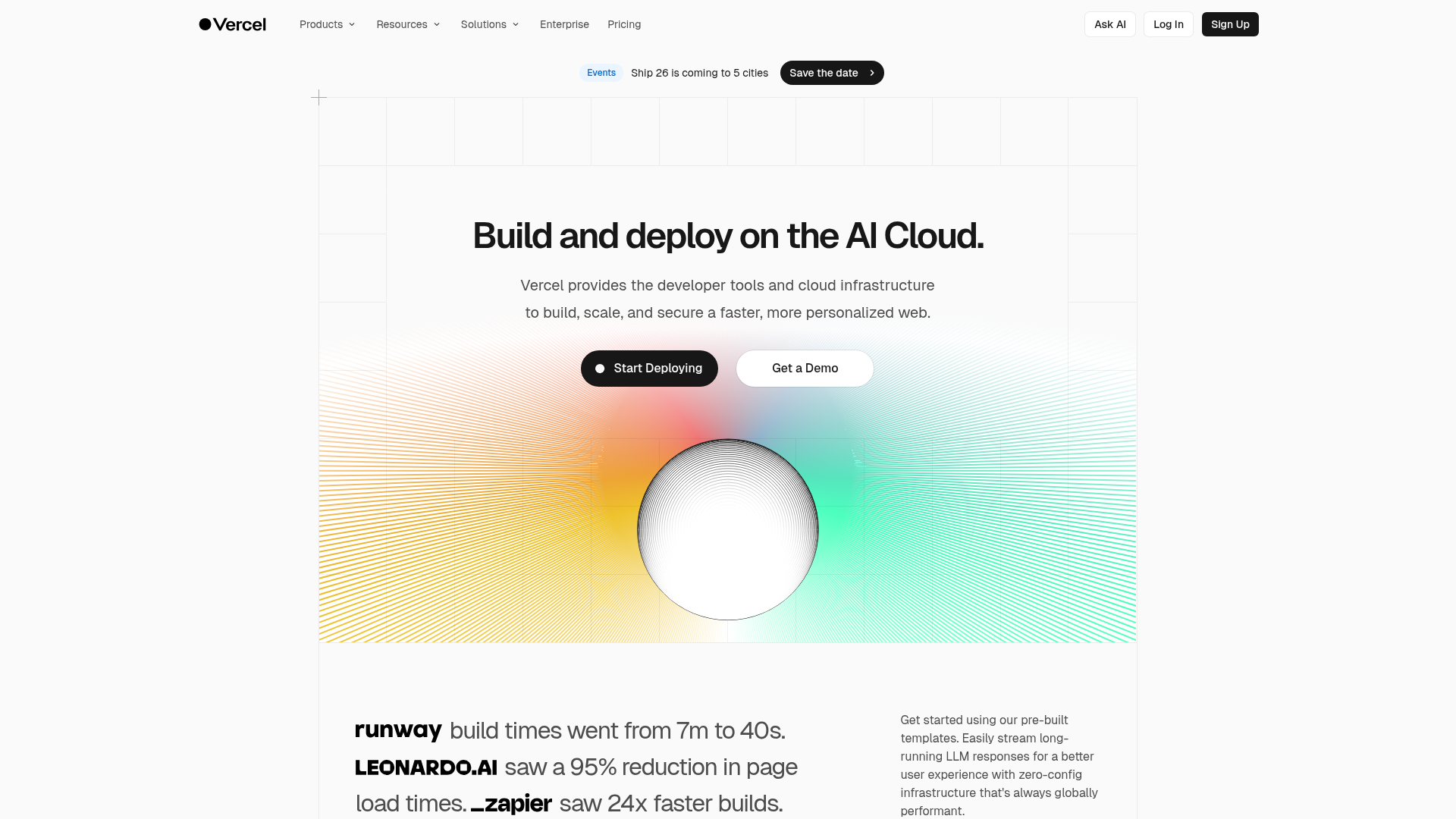
Vercel is the frontend cloud platform that turns a git push into a production deployment - with zero configuration required.
Vercel created Next.js, which gives it a native advantage that Netlify and AWS Amplify can't replicate. Edge Functions and serverless compute run your code closer to users. Built-in analytics and speed insights surface performance data without bolting on third-party monitoring. The AI SDK lets teams build AI-powered features directly into their frontend applications.
Best for: Frontend developers, full-stack teams, and anyone building with Next.js.
Key strengths
- Zero-config deployments triggered directly from Git pushes
- Edge Functions and serverless compute for global performance
- Built-in analytics and speed insights without third-party tools
- Native Next.js support from the framework's creator
- AI SDK for building AI-powered features into frontend apps
Pricing: Hobby free / Pro at $20/user/month / Enterprise custom.
Netlify is a capable alternative with a slightly more generous free tier and framework-agnostic positioning. If you're not using Next.js, Netlify deserves a serious look. But for Next.js projects specifically, Vercel is the #1 rated deployment platform.
13. Grammarly - #1 AI writing assistant
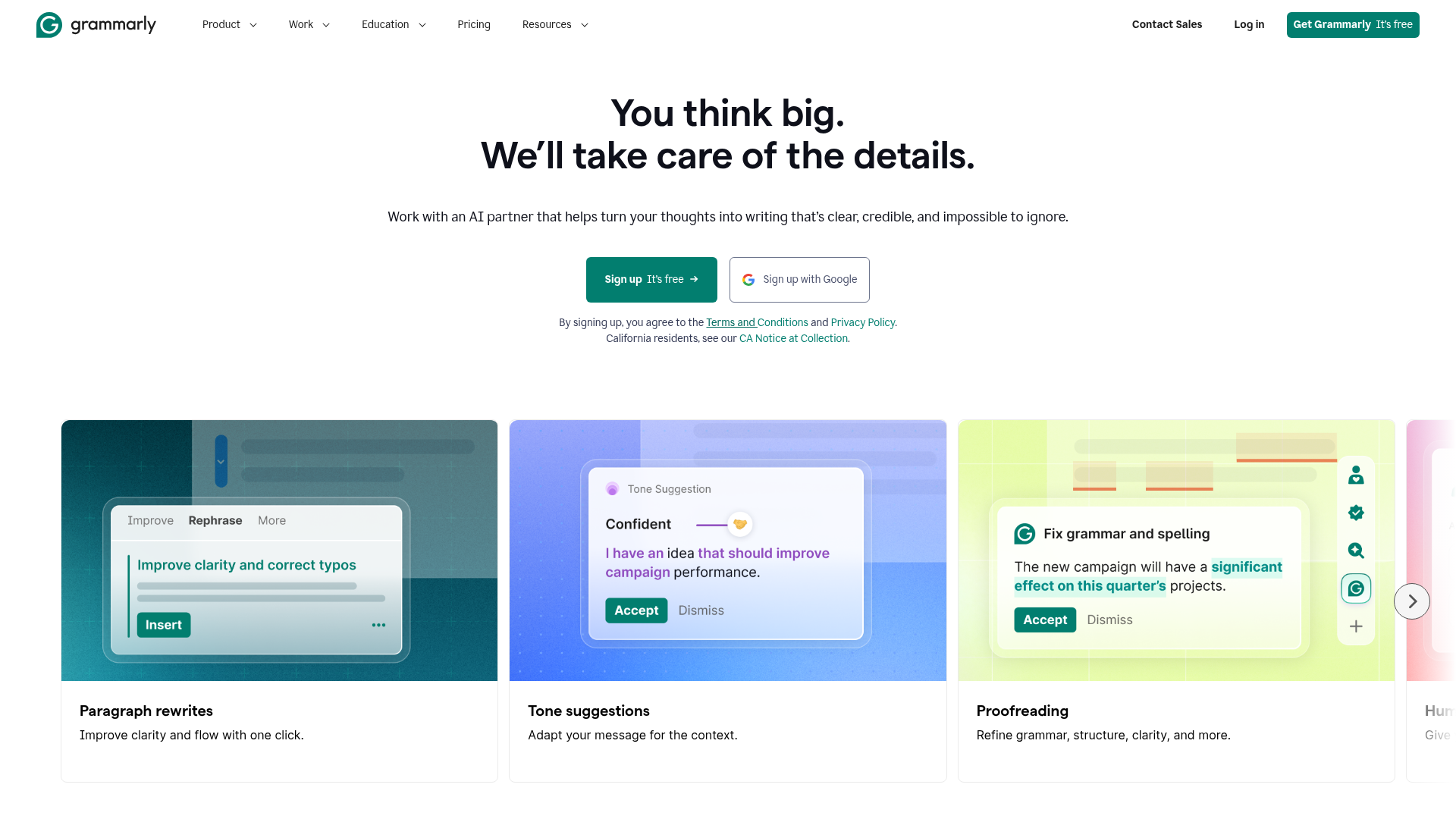
Grammarly is the writing assistant that works invisibly across 500,000+ apps and websites - catching errors in Google Docs, Gmail, Slack, and everywhere else you type.
With 30M+ daily active users, Grammarly is the top-rated writing tool on G2 by a significant margin. It goes beyond grammar checks. Tone detection tells you if your message sounds confident, friendly, or too formal. GrammarlyGO generates drafts, rewrites, and replies using generative AI. The "invisible integration" is its defining advantage - you don't open Grammarly, it just works wherever you're writing.
Best for: Anyone who writes professionally - marketers, executives, students, and non-native English speakers.
Key strengths
- Real-time grammar, spelling, punctuation, and style corrections everywhere
- Tone detection flags how your writing will land emotionally
- GrammarlyGO generative AI drafts and rewrites on command
- Works across 500,000+ apps and websites without switching tools
- 30M+ daily active users making it the largest writing assistant
Pricing: Free (basic corrections) / Premium at $12/month / Business at $15/member/month / Enterprise custom.
ProWritingAid offers deeper stylistic analysis for long-form writers and novelists. Hemingway Editor is great for readability scoring. But for everyday professional writing across multiple platforms, Grammarly is the single tool that covers the most ground.
14. Calendly - #1 scheduling automation tool
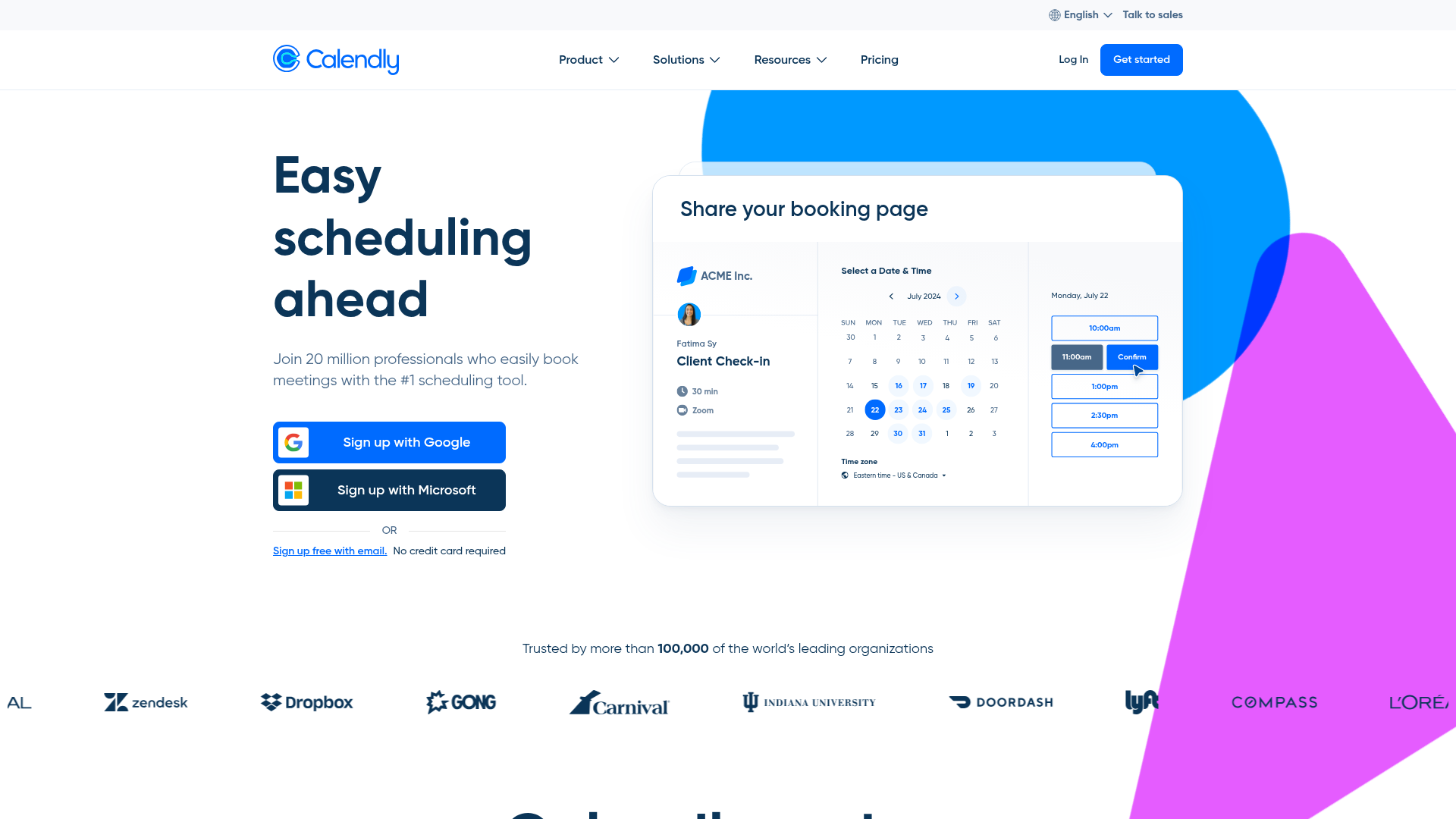
Calendly is the scheduling tool that eliminated the "when are you free?" email chain - and 20M+ users later, it's still the G2 leader. See how the booking experience works with the Calendly interactive demo.
Here's a concrete workflow: a sales rep shares a Calendly link in a cold email. The prospect picks a 15-minute demo slot. A Zoom link auto-generates. A HubSpot deal auto-creates. No manual steps. Routing forms now qualify leads before they even book, so your team's calendar fills with the right meetings, not just any meetings. Sales teams looking to optimize their entire outreach workflow should also explore the best sales engagement tools.
Best for: Sales teams, recruiters, consultants, and freelancers who schedule external meetings frequently.
Key strengths
- One-click scheduling links that eliminate back-and-forth emails
- Round-robin and collective scheduling for team-based booking
- Routing forms qualify and direct leads before meetings happen
- Native integrations with Zoom, Google Calendar, Salesforce, and HubSpot
- 20M+ users and G2 leader in scheduling software category
Pricing: Free (1 event type) / Standard at $12/seat/month / Teams at $20/seat/month / Enterprise custom.
SavvyCal offers a more personalized scheduling experience with overlay calendars. Cal.com is the open-source alternative. Both are worth evaluating if Calendly's pricing feels steep for your needs. But for the broadest integration ecosystem and the most polished UX, Calendly remains number 1.
15. Superhuman - #1 email client for professionals
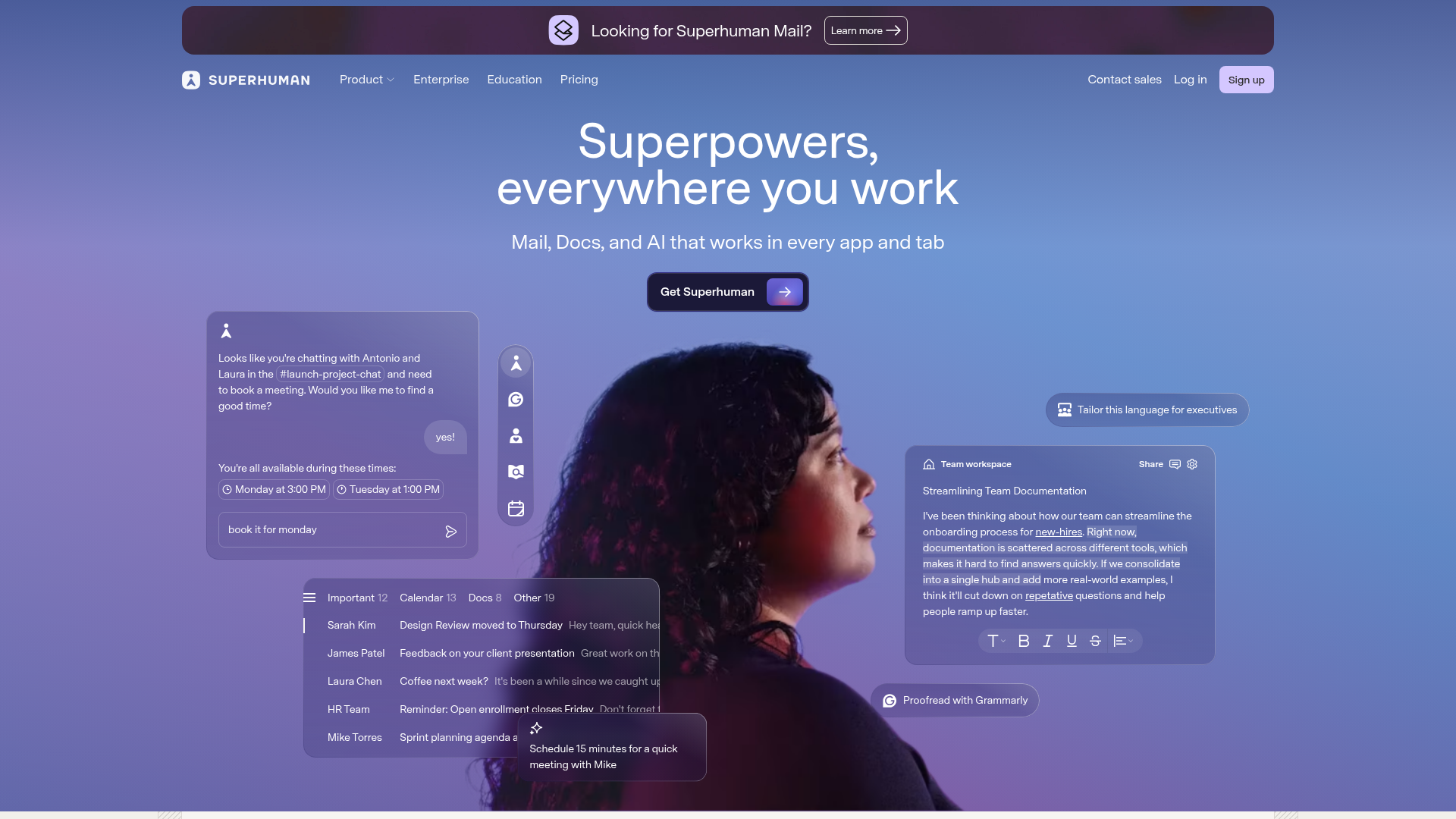
Superhuman is the email client with the highest NPS of any email app - built for people who spend 3+ hours a day in their inbox and want that time back.
At $30/month, Superhuman is the most expensive tool on this list relative to free alternatives. That price buys you AI triage that auto-labels and prioritizes incoming mail, a keyboard-first design with 100+ shortcuts, Split Inbox for organized workflows, and read statuses that tell you when someone opened your message. Early users report saving 4+ hours per week. For executives and founders processing hundreds of emails daily, that math works out. If email tracking is a priority, you may also want to compare the best email tracking software options.
Best for: Executives, founders, VCs, and anyone whose output depends on email throughput.
Key strengths
- AI triage auto-labels, prioritizes, and drafts replies intelligently
- Split Inbox organizes email into customizable workflow streams
- Keyboard-first design with 100+ shortcuts for speed
- Read statuses and follow-up reminders prevent dropped threads
- Highest NPS of any email client with a cult following
Pricing: Starter at $30/month / Business at $45/month / Enterprise custom.
Gmail is free and perfectly adequate for most people. Outlook integrates deeply with Microsoft 365. If you don't feel pain in your inbox, you don't need Superhuman. But if email is where your highest-stakes communication happens, this is the best app in the category - and the time savings tend to justify the premium.
How to choose the right #1 tool for your needs
Start with your biggest pain point
Don't try to adopt all 15 tools at once. Identify the single workflow causing the most friction in your day. Is it scattered documentation? Start with Notion. Drowning in email? Evaluate Superhuman. Wasting time on scheduling? Calendly solves that in an afternoon.
Evaluate free tiers first
Twelve of the 15 tools on this list offer genuinely functional free plans. Test before you commit. Notion, HubSpot CRM, and Canva have particularly generous free tiers that many teams use for months - or permanently - without upgrading. Another way to evaluate software before committing is through a demo center where you can explore product walkthroughs at your own pace.
Consider integration with your existing stack
A #1 rated tool that doesn't connect to your other tools creates new friction instead of removing it. Check for native integrations first. Zapier-dependent connections work but add cost and latency. Slack's 2,600+ integrations and HubSpot's native ecosystem tend to play well with almost everything.
Factor in team size and growth
Some tools are built for specific profiles. Linear and Superhuman serve focused use cases. Notion and HubSpot scale from 1 user to 10,000. Match the tool's design philosophy to where your team is now and where it's heading in the next 12–18 months.
Your 2026 stack doesn't need 15 tools. It needs the right 4–6. Pick the category that causes the most pain, start with the number 1 tool in that category, and build from there.
Bookmark this page - we update ratings and pricing quarterly to keep this list current.
FAQs
It means the tool that holds the top position in its category based on cross-referenced user satisfaction scores from G2, Capterra, and Trustpilot as of Q1 2026. Every tool on this list has a minimum of 500 verified reviews and places in the category leader quadrant or carries the highest verified rating among direct competitors.
Category leaders tend to hold their position for 12–18 months, but challengers can disrupt quickly - Linear's rise past Jira happened in under two years. We update this article quarterly with fresh data and pricing, so the rankings reflect current reality rather than stale snapshots.
Yes - 12 of 15 tools offer genuinely functional free plans. Notion gives you unlimited pages, HubSpot CRM supports unlimited users with up to 1,000,000 contacts, and Canva provides access to thousands of templates and design assets. Limitations typically involve storage caps, reduced collaboration features, or branding on exports, but most free tiers handle real daily work.
You wouldn't need all 15 - most professionals need 4–6 depending on their role. A marketer stack might look like HubSpot + Canva + Grammarly + Calendly + Slack. A developer stack could be Linear + Vercel + Figma + Slack + 1Password. Pick the categories that match your actual workflow and skip the rest.
Our methodology favors user satisfaction over market size. Salesforce has massive market share but rates lower on ease-of-use compared to HubSpot. Jira dominates issue tracking by install base but scores lower on satisfaction than Linear. Adobe Creative Suite is the professional standard for designers but isn't built for the non-designer audience Canva serves. Popularity and quality of experience aren't the same thing.
Popular means the most users or the largest market share. #1 rated means the highest satisfaction among verified users. Microsoft Teams has more users than Slack because it's bundled with Microsoft 365 - but Slack consistently scores higher on user satisfaction in independent reviews. This list prioritizes how good a tool is to use, not how many people were defaulted into it.
On the lowest paid tier for each tool, a single user would spend roughly $200–250 per month. But since 12 of 15 tools offer functional free tiers, you could realistically run a core stack for $50–80 per month by staying on free plans where they meet your needs and only paying for the 3–4 tools where premium features matter most.
Yes. We run quarterly updates with fresh G2, Capterra, and Trustpilot data, plus a full annual refresh each January. Bookmark this page or subscribe to get notified when rankings shift.


.avif)