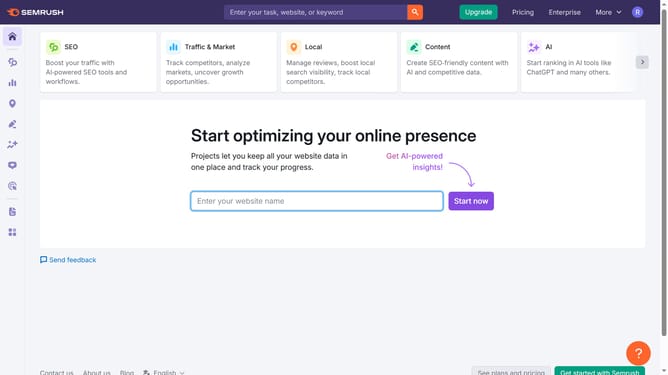
How to view top organic keywords in Semrush
Here is how to view top organic keywords in semrush
- First click on the "SEO" section in the left sidebar menu
- Then click on "Organic Research" option in the left sidebar submenu
- Enter your domain in the domain input field
- Click the "Search" button to analyze the domain
- Click on the "Positions" tab to see your top organic keywords
- Click on the percentage in the "Keywords" section to view top keywords
Why should you view top organic keywords in Semrush
Semrush is a powerful tool designed for optimizing online visibility and uncovering marketing insights.
Viewing top organic keywords in Semrush offers a snapshot of the words driving the most traffic to your site. This feature allows you to analyze and understand the phrases your audience uses most frequently, providing valuable insights into their interests and needs.
By leveraging this data, you can refine your content strategy to better align with search intent, enhance visibility, and improve SEO performance. This empowers businesses to maintain a competitive edge in the digital landscape.
Last update