How to view Time Estimates per Assignee in ClickUp
Here is how to view time estimates per assignee in clickup
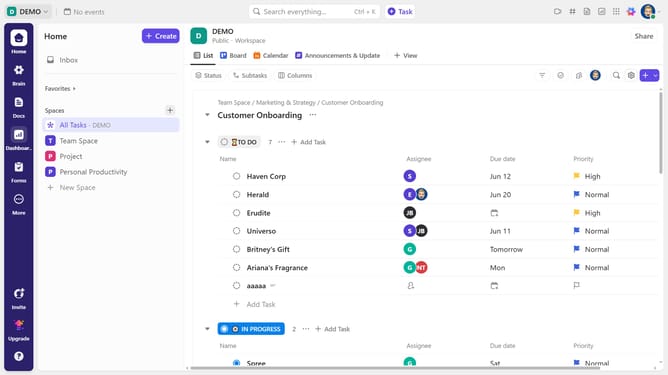
- First click on the task you want to view the Time Estimate per Assignee for
- Then click on the "Time estimate" field in the task details panel
- Finally in the Assignee breakdown popup, you can see the breakdown of Time Estimates per assignee
Why should you view Time Estimates per Assignee in ClickUp
ClickUp is a dynamic productivity tool designed to streamline your workflow and enhance collaboration.
The ability to view Time Estimates per Assignee in ClickUp is a valuable feature that helps you efficiently distribute workload among team members. By assessing time estimates for individual tasks, you gain deeper insights into project timelines.
This feature is particularly beneficial in ensuring balanced task allocation, preventing burnout, and maximizing productivity. Being informed about time estimates enables proactive planning and the timely delivery of projects.
Last update