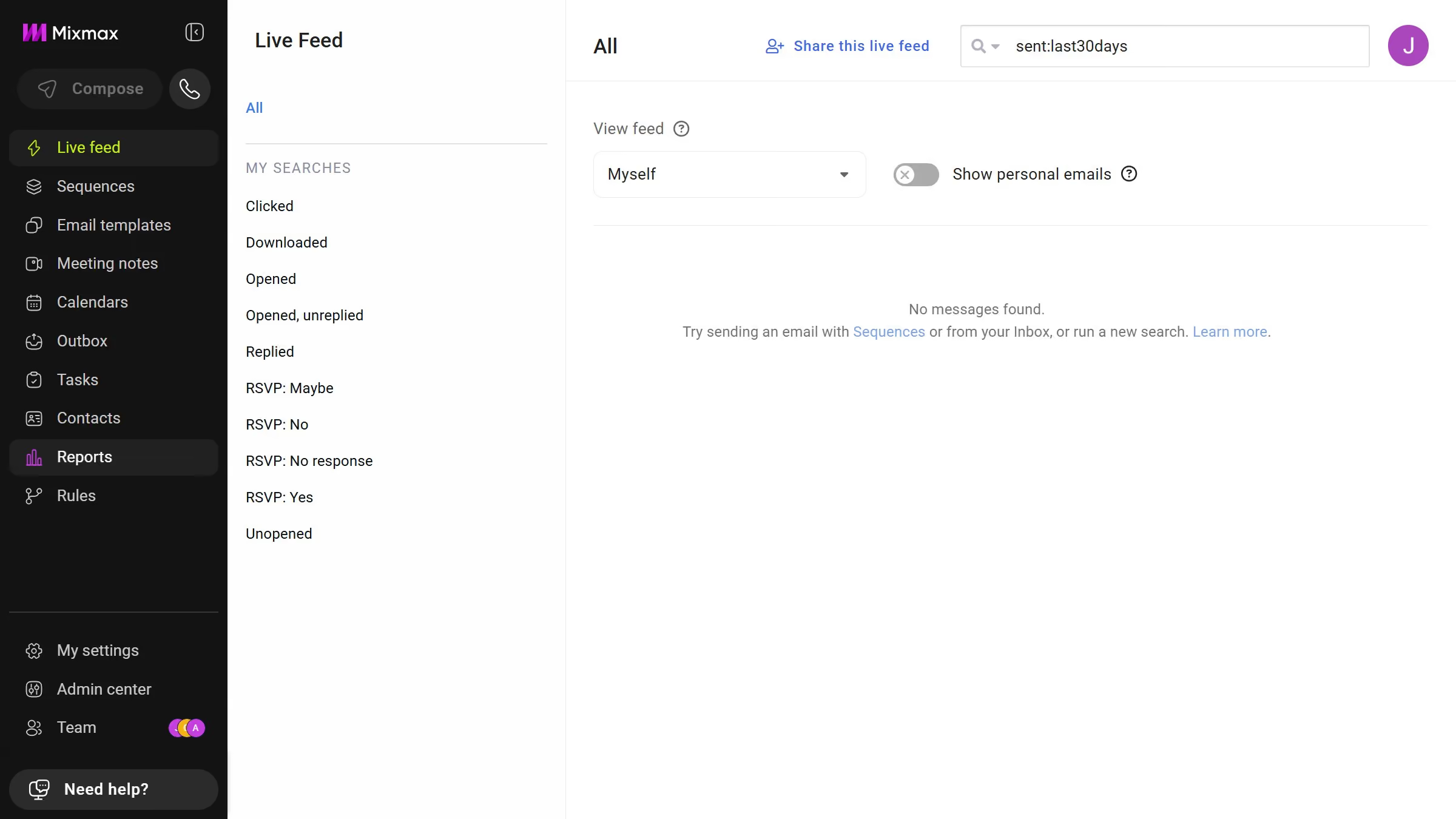
Here is how to view email templates from today in mixmax
- First click on "Email templates" in the left sidebar
- Next click on the "DATE RANGE" dropdown above the templates list
- Then select "Today" from the dropdown menu


Create your own interactive guide with Guideflow
Mixmax is a dynamic tool designed to enhance your email productivity and engagement.
One standout feature is the ability to view email templates from today. This offers quick access to the most relevant communications, ensuring you're always ready for timely outreach.
Utilizing this feature means you can quickly adapt previously crafted messages, enhancing efficiency and consistency across your emails.
Overall, the ease of accessing today’s templates saves time, keeps your messaging fresh, and bolsters productivity.
Why leading companies build with Guideflow