How to update your resume in LinkedIn
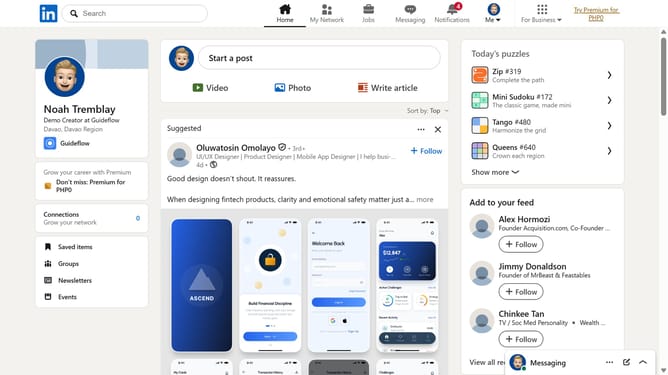
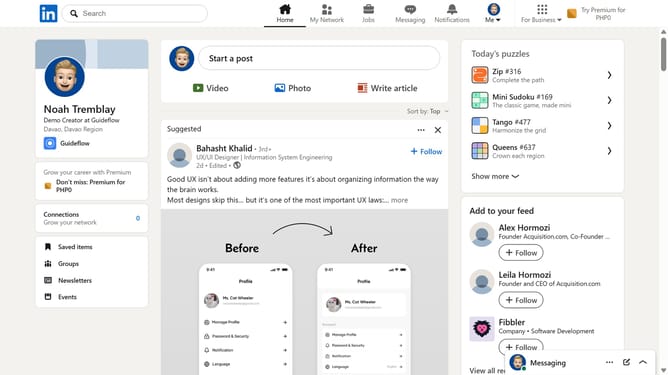
Here is how to update your resume in linkedin
- First click on the "Me" dropdown menu in the top navigation bar
- Then click on "Settings & Privacy" in the dropdown menu
- Next click on "Data privacy" in the left sidebar menu
- Then click on "Job application settings" under the Job seeking preferences section
- Click on the menu icon (three dots) next to the resume file
- Select "Delete" from the dropdown menu
- Finally click on "Upload resume" button to add your updated resume
Why should you update your resume in LinkedIn
LinkedIn is the world’s most popular professional networking platform, connecting professionals across the globe.
Updating your resume on LinkedIn enhances your professional presence and keeps your connections informed of your latest achievements.
By keeping your resume up-to-date, you ensure potential employers can see your most recent experiences and skills at a glance. This not only increases visibility but also positions you as an active and engaged professional in your field.
Regular updates can significantly enhance your employability and networking opportunities.
Last update