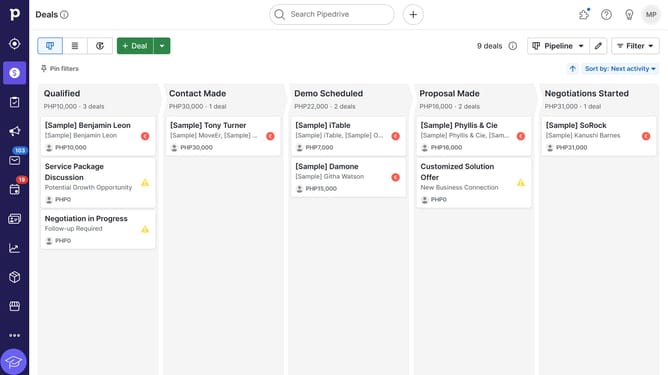
How to update a product's price in Pipedrive
Here is how to update a product's price in pipedrive
- First click on the "Products" button in the left sidebar
- In the product list, click on your product's name to open its details
- Next click on the "Edit price" button in the prices table
- Then click on the "Unit Price" field and update your price
- Finally click on the "Save" button to confirm the price change
Why should you update a product's price in Pipedrive
Pipedrive is a dynamic CRM tool designed to streamline sales processes for businesses of all sizes.
Updating a product's price in Pipedrive is a straightforward feature that ensures your inventory prices reflect current market trends. This feature allows for quick adjustments, ensuring your sales team always has access to the most accurate pricing data.
With up-to-date product prices, your business maintains consistency in sales pitches and quotations, ultimately enhancing customer satisfaction and boosting your company's reliability in a competitive market.
Last update