How to turn on signaling interest to recruiters on LinkedIn
Here is how to turn on signaling interest to recruiters on linkedin
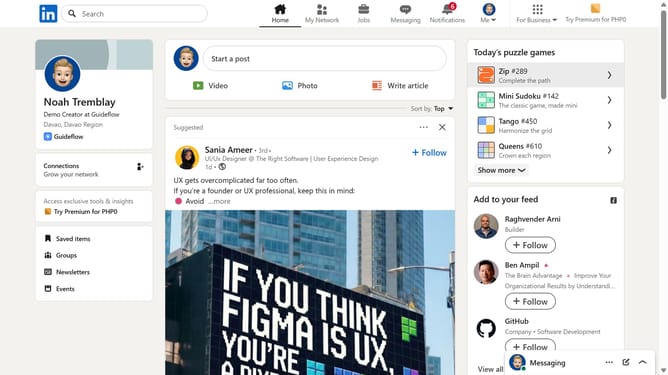
- First click on the "Me" dropdown menu in the top navigation bar
- Then click on "Settings & Privacy" option in the dropdown menu
- Next click on "Data privacy" section in the left sidebar
- Then click on "Signal your interest to recruiters at companies you've created job alerts for" option in the main content area
- Finally click on the toggle to turn on signaling interest to recruiters
Why should you turn on signaling interest to recruiters on LinkedIn
LinkedIn is the world's largest professional networking platform, connecting professionals across industries.
Turning on the signaling interest feature to recruiters on LinkedIn is a strategic advantage for job seekers. It discreetly shares your professional openness with recruiters, increasing your visibility for potential opportunities.
This feature allows you to remain proactive in your job search without broadcasting it to your current network. As a result, you position yourself for exciting career prospects, aligning your professional journey with your aspirations.
Last update