How to set Zip activity to be visible only to me on LinkedIn
Here is how to set zip activity to be visible only to me on linkedin
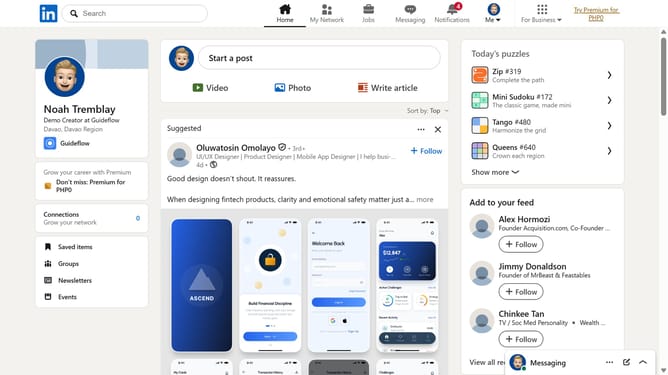
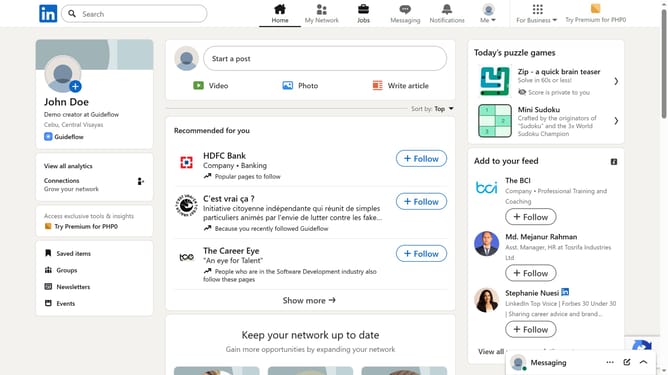
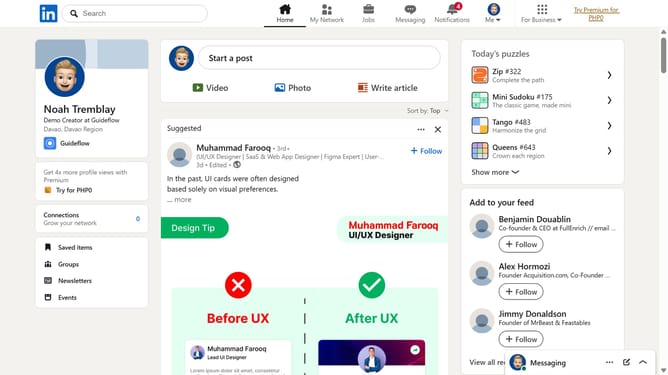
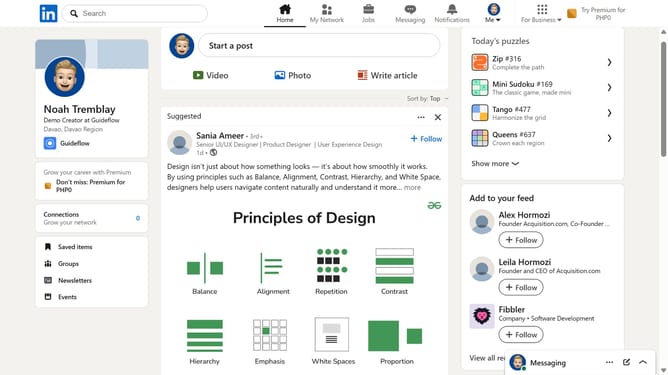
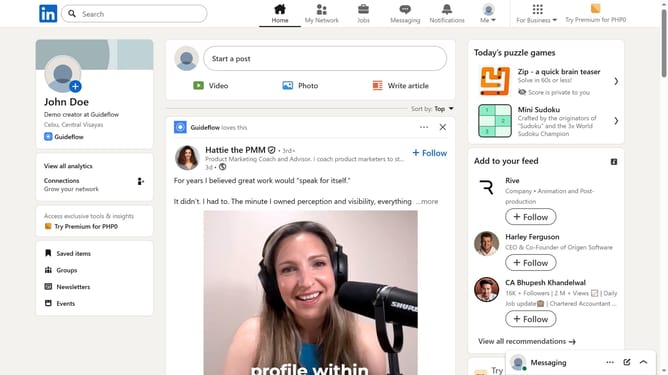
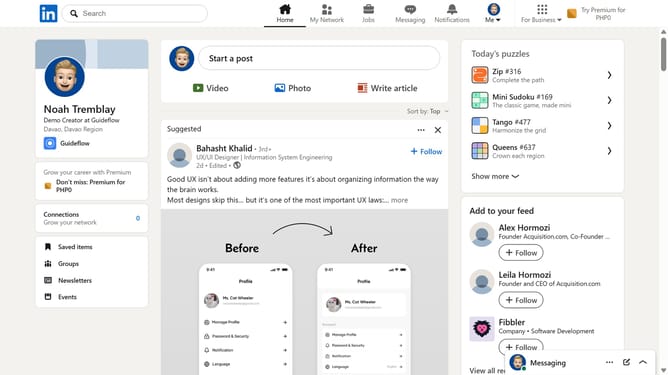
- First click on the "Zip" game card in the puzzle games section on the right sidebar
- Then click on the "Settings" dropdown button in the top right corner of the game interface
- Next click on the "Who can see your game activity?" option in the settings dropdown menu
- Finally select the "Only me" radio button option in the game activity visibility dialog
Why should you set Zip activity to be visible only to me on LinkedIn
LinkedIn is the go-to professional networking platform, connecting individuals and businesses globally.
One of its features, controlling the visibility of your Zip activity, offers privacy and discretion. By setting this feature to "visible only to me," you retain the ability to explore opportunities or update your interests without alerting your network.
This feature is particularly beneficial for professionals who wish to research or make changes behind the scenes, maintaining a quiet profile while strategically planning their career advancements.
Last update