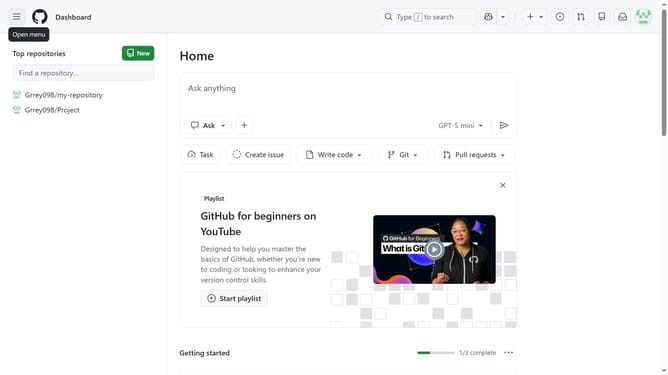
How to turn on in-product messages in GitHub
Here is how to turn on in-product messages in github
- First click on your profile picture in the top-right corner of the header
- Next click on "Settings" option in the dropdown menu
- In the left sidebar navigation, click on "Notifications"
- Then scroll down to the "In-product messages" option in the System section
- Finally click on the toggle switch to turn it on
Why should you turn on in-product messages in GitHub
GitHub is a powerful platform that streamlines collaboration and management of code repositories for developers worldwide.
Activating in-product messages in GitHub can enhance your communication by providing timely updates and context-sensitive tips directly within your workflow. This feature ensures you stay informed without disrupting your focus or workflow, ultimately boosting productivity.
By enabling in-product messages, developers can receive critical notifications and insights, making project management smoother and more efficient. Taking advantage of this feature can lead to more seamless teamwork and faster project completion.
Last update