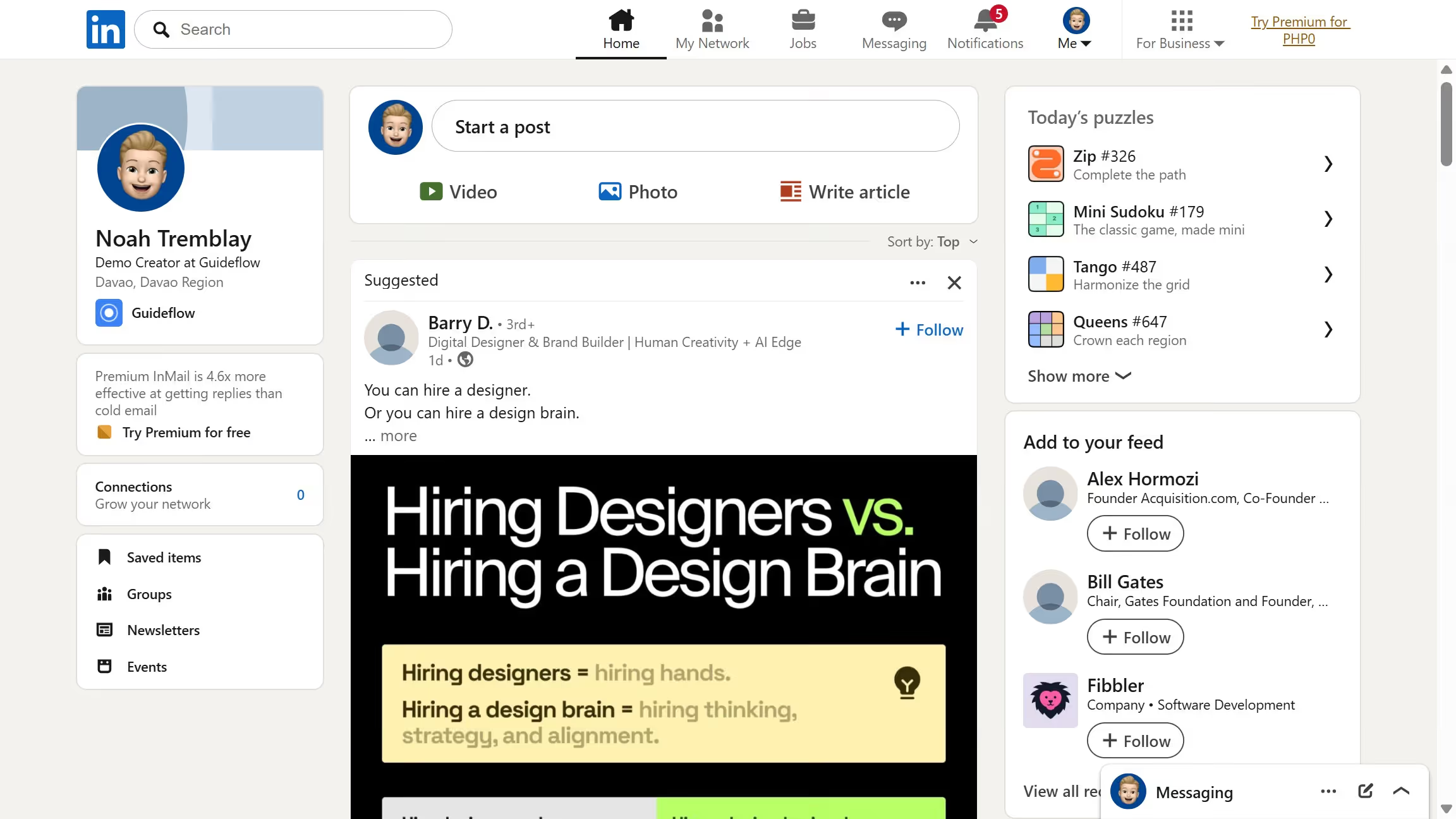
Here is how to turn off in-app ai trainer project alerts on linkedin
- First click on the "Me" dropdown menu in the top navigation bar
- Then click on "Settings & Privacy" option in the dropdown menu
- Next click on "Notifications" section in the left sidebar
- Then click on "Searching for a job" option in the notifications settings
- Next click on "AI trainer project alerts" option in the job search notifications
- Finally toggle off the "In-app notifications" switch for AI trainer project alerts